
A mix sounds muddy in the low end when too many elements are sharing the same low-mid space, usually somewhere between 200 and 500 Hz with a 120-250 Hz core. Every track sounds clean in solo, but summed together the energy in that band stacks up past what any single source produced, and your ear reads that dense cluster as mud.
So the useful question is not which frequency is bad. It is how many things you put in the same place. Producers on r/AdvancedProduction define mud that way — low and low-mid energy taking up space without adding punch, weight or clarity — and that framing beats hunting for a magic number to cut.
Here is the order I work in: find what is actually sitting in the band, decide who owns the sub, then subtract before you compress. Every number here works in any DAW with whatever EQ you already own.
Updated for October 2026
Table of Contents
- What Does Muddy Low End Mean?
- The Main Reasons Does My Mix Sound Muddy in the Low End
- Check the Sub-Bass and Bass Guitar First
- How to Tell Whether the Problem Is Masking or Excess Energy
- Why Compression Can Make the Low End Muddy
- Arrangement, Saturation, and Room Problems
- A Practical Low-End Cleanup Workflow
- How to Judge the Fix in Different Playback Environments
- Frequently Asked Questions
- Should I high-pass everything except the bass?
- Is muddy low end caused by too much bass volume?
- Why does my mix sound clear with headphones but muddy on speakers?
- Should I use a low-pass filter to fix muddy bass?
- How do I stop the kick and bass from masking each other?
- Does a limiter make a muddy low end worse?
- Conclusion: Start With the Lowest Part of the Arrangement
What Does Muddy Low End Mean?
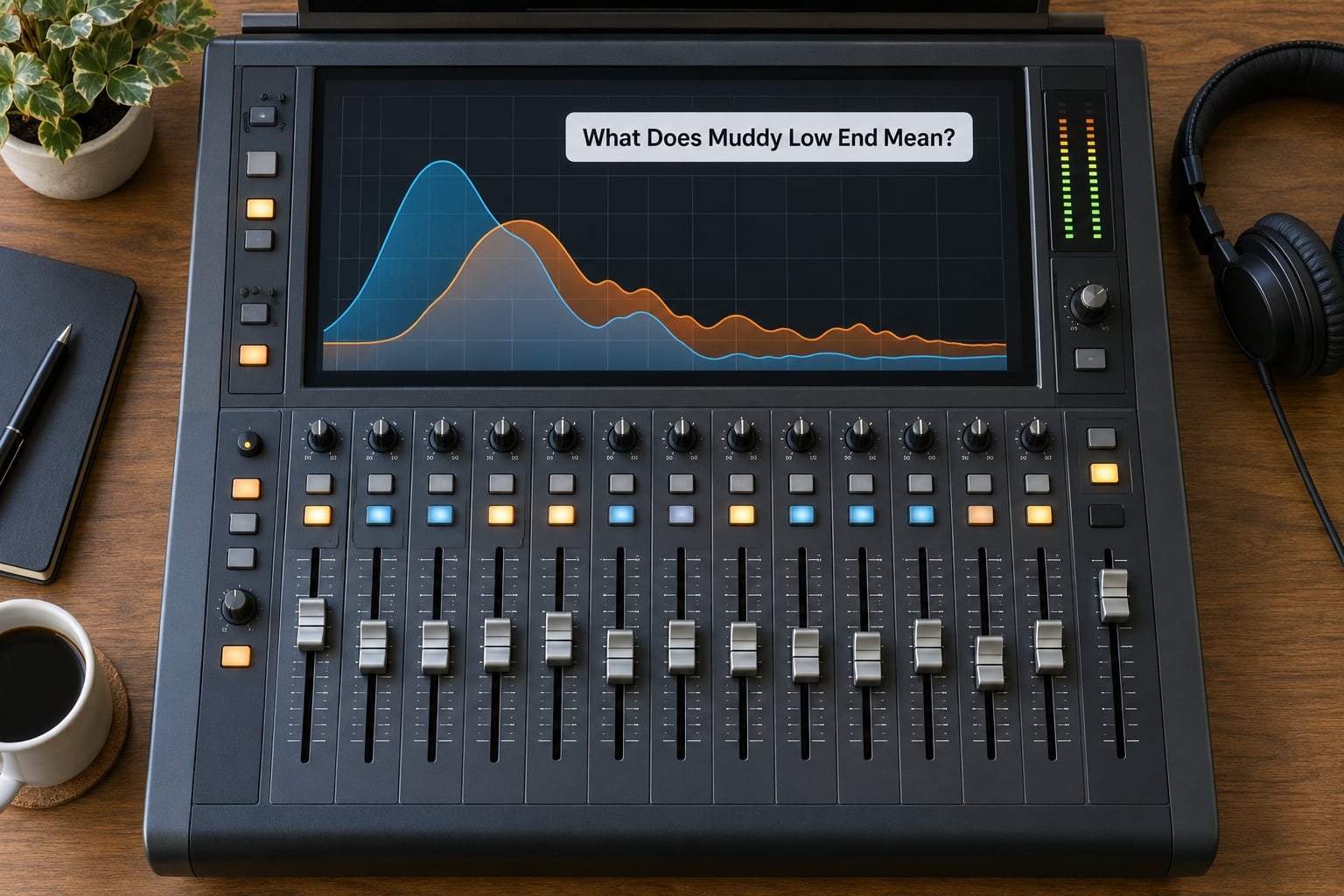
It means the low-mids are crowded, not that they are loud. Four sources carrying a few dB of energy around 250 Hz each produce something much heavier than any one of them, and the result blurs note edges, buries vocal consonants and swallows the kick’s punch.
The catch is that muddy, boomy, flabby, thin and boxy all get called muddy by ear, and each one gets a different fix. Sort out which you actually have before you touch anything:
| Zone | Range | What it should do | Word for a fault there | First move |
|---|---|---|---|---|
| Sub | 20-60 Hz | Weight you feel more than hear | Rumbling, flapping in mono | High-pass everything except the kick and sub owner |
| Bass | 60-120 Hz | Body and warmth | Boomy | Tame the resonance, don’t cut volume |
| Low-mids | 120-250 Hz | Core weight of most instruments | Muddy, flabby | Reduce the number of sources sharing it |
| Upper low-mids | 200-500 Hz | Fullness and blend | Muddy, boxy | Several small cuts rather than one big one |
| Boxy | 250-500 Hz | Space around the kick | Boxy, small-sounding | Carve complementary pockets for kick and bass |
| Honk | 500-800 Hz | Attack and nasal character | Honky | Look at stacked guitars and vocal presence, not the bass |
Boomy and muddy get confused most often. Boomy is a resonance problem — one narrow peak around 80-120 Hz that swells and fades with the note. Muddy is broad and consistent, and the low end never really breathes. If the bottom pumps unevenly you have resonance; if it is uniformly thick, you have too many sources.
Flabby is a timing problem. The bass rings past the note it started on and smears into the next one, which no EQ curve will repair. Thin is the opposite failure, a hole in the 60-120 Hz range that you can hear instantly on a phone speaker.
The Main Reasons Does My Mix Sound Muddy in the Low End
Five causes account for most muddy low ends, and they show up in roughly this order. Work down the list before you start cutting, because the first two account for the majority of cases and take about ten minutes to rule out.
Too many elements are competing in the low-mids
Guitars, pads, keys, room mics and layered synths all carry content between 120 and 300 Hz, and none of them is wrong on its own. A producer on r/edmproduction put it plainly: the fix is to adjust around 200-400 Hz and be mindful of how many elements sit there. The number of occupants in the band matters more than any single source’s tone.
There are no high-pass filters anywhere in the session
This is the default state of most beginner mixes. A hat, a vocal, a guitar and a pad all run down to 20 Hz, adding a layer of near-inaudible energy that still consumes headroom and sums into the bass. Filter first, always, even if you later decide to lower the cutoff.
Kick and bass are fighting for the same pocket
When both live on top of each other around 60-100 Hz, one of them masks the other. This is the old dilemma posted on r/WeAreTheMusicMakers: mix it so the bass sounds right and the kick vanishes, fix the kick and the bass sounds wrong. You cannot EQ your way out of a level problem, so the volume balance comes first.
Reverb and delay returns are filling the low-mids
A four-second plate with a 150 Hz bottom end spreads a smeared copy of the whole low end across the mix. Shorten the decay, high-pass the return around 300-500 Hz, and add 20-40 ms of pre-delay so the wash arrives after the transient instead of on top of it.
Gain staging is wrong or the mix bus is over-compressed
Peaks slamming into 0 dBFS on every channel mean the faders are doing nothing, so you push them up and hit the wall. Aim for track peaks around -18 to -12 dBFS before processing. Heavy bus compression is the other half of this: it lifts the sustained low end and drives the mud further into the mix.
Check the Sub-Bass and Bass Guitar First
Only one element should own the sub range in a given section, and in most electronic mixes that is the kick, with the bass sitting above it.
Start with volume. Pull the bass up until it is clearly the loudest low-frequency thing in the mix, then bring the kick in underneath until the two lock. If you cannot hear both, the level balance is wrong and any EQ you add will only make the situation worse. Once the balance holds, carve complementary pockets: a small dip in the bass around the kick’s fundamental, a matching dip in the kick where the bass lives.
Genre changes who owns the sub. In techno and house the kick leads and the bass follows, with sidechain ducking on the bass for weight. In hip-hop the 808 usually owns 40-60 Hz and the kick is trimmed so it does not double it. In rock and pop the bass DI is the anchor and the kick only supports. In acoustic work the guitar body is often the biggest low-mid offender, and the fix is as much about which guitar part you keep as it is about filtering.
Watch for the phasing trap between a layered bass and its sub. A polarity flip on one of them is a one-second test: if the low end swells and gets fuller, you had cancellation and the two layers are fighting.
How to Tell Whether the Problem Is Masking or Excess Energy
Muting one element at a time separates the two cases. If the mud clears up the moment you solo the bass, you have a masking problem where one source is covering another. If it stays muddy with everything playing and no single source removed, the whole band simply holds too much energy.
A boost-and-sweep finds the frequency faster than guessing. Set a band to a moderate Q of roughly 1.0, boost it 6-8 dB, and sweep from 150 to 500 Hz with the full mix playing. The frequencies where the whole mix gets obviously worse are your buildup. Flip the boost to a 2-4 dB cut and listen again. Several small cuts across different tracks beat one large cut, and one large cut is how mixes go thin.
EQ in context, never in solo. A resonant peak at 180 Hz is fine on its own track and catastrophic in the sum, and solo is exactly where you will not hear the problem.
For mud that only appears on certain notes or phrases, use dynamic EQ. Set a band in the 200-400 Hz region with a threshold set so it only engages when the track gets thick, and you fix the offending moments without thinning the rest of the performance.
If the centre channel is the problem, mid/side EQ lets you act on it directly. A low-mid cut on the mid channel removes body from whatever is panned dead centre, and high-passing the extreme bottom of the side channel cleans the low end without collapsing the stereo image.
Why Compression Can Make the Low End Muddy
Compression rarely creates mud from nothing, but it turns a mild buildup into a constant one by lifting the quiet parts between notes.
A compressor with a slow attack lets the initial transient through and then pulls the sustained low-mids up, so the bass stops breathing and sits on top of the kick the whole bar. Heavy reduction makes it worse: 10 dB of gain reduction on a bass means far more sustained low-mid energy than the same signal uncompressed.
When you need control without weight loss, parallel compression is the better tool. Compress a duplicate, blend it in quietly, and the peaks get tamed while the original transient stays intact. Filtering the parallel send keeps the low-end energy out of it entirely.
On the mix bus, multiband compression is a scalpel where a broadband compressor is a hammer. Duck only the band that is congested, release fairly slowly, and watch that the band does not pump audibly. A limiter does the opposite of what people hope: it raises the loudest peaks, which pushes the already-congested low end higher, so mud gets worse and the kick gets more compressed at the same time.
Arrangement, Saturation, and Room Problems
Sometimes the mix is honest and the track is the problem. Too many layers in a busy section means the low end is carrying notes from six sources at once, and no EQ curve fixes that. On r/TechnoProduction the advice was to find one solid kick instead of layering several, since extra layers add information, not punch. The same logic applies to doubling: instruments that double each other or play in octaves congest far less than four independent low lines.
Saturation adds low-end harmonics rather than removing them. Overdriven guitars and dense synth patches generate energy down in the 100-300 Hz region, which is why a distorted part that sounds fine alone turns to sludge in a full mix.
Early reflections are the sneaky one. A room mic or an untreated bedroom adds a smear of low-mid energy a few milliseconds after the direct sound, and it adds it to every source at once. Record a moment of silence in the room, play it back, and any low-end thump you hear is your room telling you what it does to everything you record there.
Test your monitoring before you trust it. Level-match a reference track to your mix within half a decibel, switch between them without touching the volume, and check whether your mix still sounds muddy. If the reference only works when you turn it up, the problem is your room, not your mix. Honest monitoring is one of the most common missing pieces in a home setup and the cheapest thing to rule out.
A Practical Low-End Cleanup Workflow
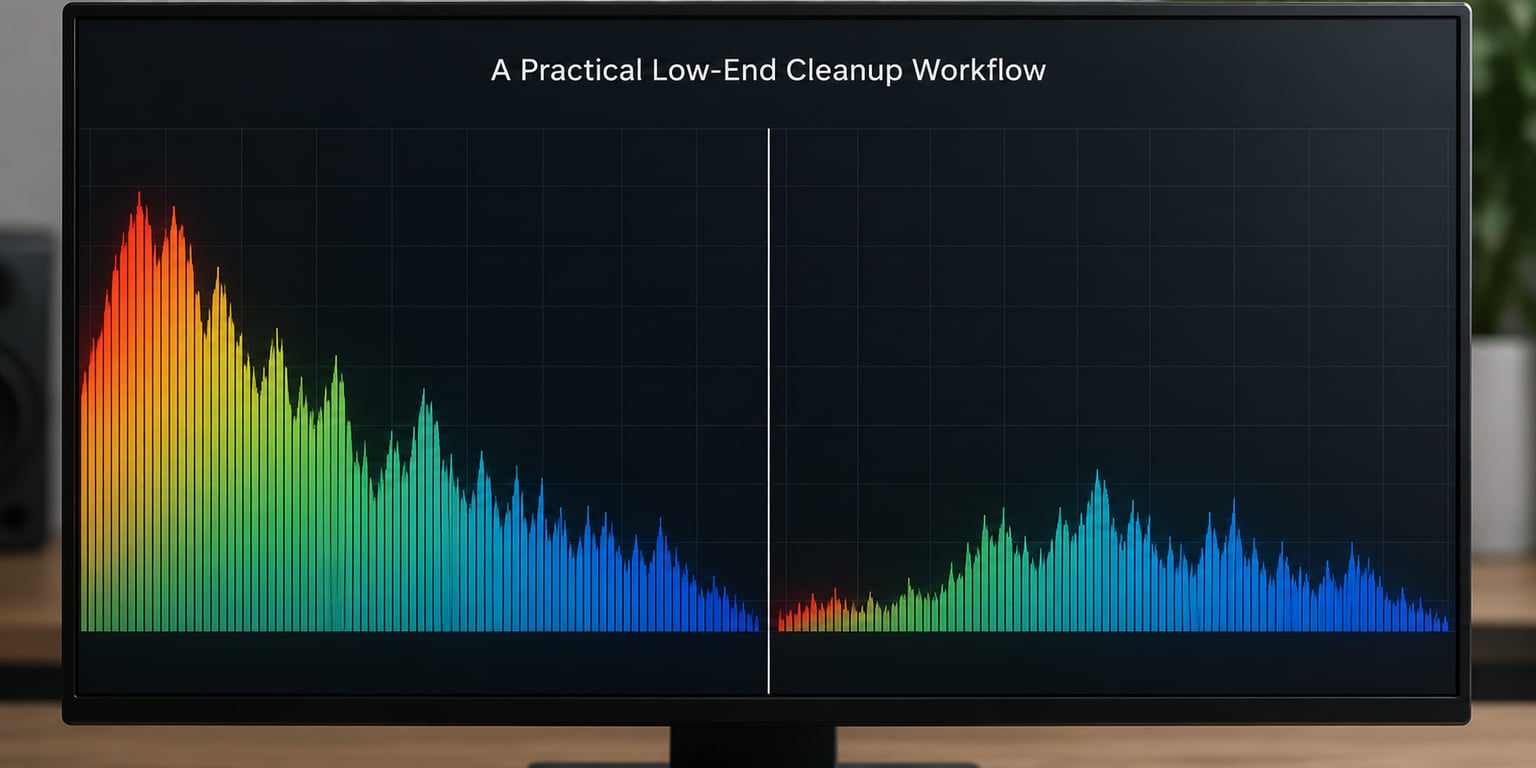
This is the order to work in, and it is reversible at every step. Do not move on until each stage sounds right.
- Check the room first. Play a reference at a matched level and confirm the mud is really in your mix.
- Set gain staging. Pull track peaks to roughly -18 to -12 dBFS so your faders and compressor behave predictably.
- High-pass everything that is not the kick or sub. Use the table below, then sweep the cutoff up until you hear a change, then back off a little.
- Assign sub ownership. Decide which single element carries 20-60 Hz in each section and filter the rest out of that range.
- Balance volume before EQ. Set the kick-to-bass relationship by level, then carve complementary pockets around 60-100 Hz.
- Clean up returns. High-pass reverb and delay returns at 300-500 Hz, shorten long tails, add 20-40 ms of pre-delay.
- Find the buildup with a boost-and-sweep from 150-500 Hz at Q 1.0 and 6-8 dB, then make several small 2-4 dB cuts instead of one large one.
- Use dynamic EQ for intermittent mud, sidechain ducking for kick and bass, and mid/side EQ when the centre channel is the offender.
High-pass starting points, not laws. Sweep each one upward and back off the moment the instrument loses body.
| Source | High-pass starting point | Note |
|---|---|---|
| Kick and 808 sub | No high-pass | The sub owner; leave it alone |
| Bass guitar | No high-pass | Filter the DI only if you layer with an amp |
| Snare and percussion | 80-120 Hz | High-pass the room mic lower if the room is boomy |
| Acoustic guitar | 80-100 Hz | Body sits here, so cut gently |
| Electric guitar | 100-150 Hz | Distortion generates its own lows |
| Keys and pads | 100-200 Hz | Raise the cutoff on layers |
| Lead vocal | 80-120 Hz | Watch for chest resonance building up |
| Backing vocals | 120-150 Hz | Easy cut, they are not the low end |
| Hi-hats and cymbals | 200-400 Hz | Often the biggest unnoticed offender |
What not to do: skip straight to a bass-boost plugin, which adds the energy you are already complaining about. Cut more than 4-5 dB in the low-mids on a single track and the mix goes lifeless, then comes back muddy the moment anyone boosts it. Put the same high-pass frequency on every channel and you hollow out everything that needed body. And EQ anything in solo.
No amount of mastering fixes this. A mastering chain amplifies what you hand it, so mud in means mud out, usually with less dynamics and a louder limiter on top. Fix it while every element is still on its own channel.
How to Judge the Fix in Different Playback Environments
A fix that only works on your monitors is not finished. Headphones reveal low-mid detail your room is hiding, small speakers reveal whether the low end is actually there, and a phone checks the 60-120 Hz body that earbuds and laptops cut off entirely.
Check mono compatibility too. Bounce your low end, collapse to mono, and listen. Below roughly 100-150 Hz everything should be centred, because anything spread across the stereo field down there will partially cancel on a phone or a club system. A vectorscope makes the drift obvious, and a mono fold-down is the definitive test.
The recurring complaint worth knowing about is mud that appears only at low listening volumes. If the mix is clean loud and thick quiet, that is a listening-level artifact, not an EQ problem. Make your low-end decisions at a moderate level where your monitors still resolve 100 Hz, and check the quiet version on a second system before you start carving.
Finally, translate early rather than at the end. A car check and a cheap earbud check on the bus will tell you about translation problems while they are still cheap to fix, instead of after the master is done.
Frequently Asked Questions
Should I high-pass everything except the bass?
High-pass almost everything except your kick and sub-bass source, but not blindly. Start at the values in the table above, then sweep each cutoff upward until the instrument noticeably loses body and back off slightly from there. A fixed frequency on every channel is what hollows out a mix. Filtering first also gives you headroom and a much cleaner picture of what is actually causing the mud.
Is muddy low end caused by too much bass volume?
Sometimes, but volume is rarely the whole story. A mix can be muddy with a quiet bass because four other sources are stacking energy in the same 200-500 Hz band. Set the kick and bass balance by level first, because EQ cannot fix a masking problem. If the mud persists with the bass muted, the buildup is coming from guitars, pads, room mics or effects returns.
Why does my mix sound clear with headphones but muddy on speakers?
Headphones bypass the room, so they cannot tell you anything about your monitoring. Mud that only appears on speakers is usually the room adding low-mid energy from early reflections. Record a moment of silence in the room and play it back to hear what it contributes. If your monitors still sound congested after that, check whether the mud is in the mix itself by level-matching a reference track.
Should I use a low-pass filter to fix muddy bass?
A low-pass filter removes high frequencies, so it does nothing for mud, which lives in the low-mids. What you want is subtractive EQ: a high-pass on instruments that do not need low end, plus small peaking cuts of 2-4 dB around 200-500 Hz on the sources that are congested. Reach for a low-pass only when something is harsh above the bass region.
How do I stop the kick and bass from masking each other?
Set the volume balance before you touch any EQ, then carve complementary pockets around 60-100 Hz: a small dip in the bass where the kick fundamental sits, and a matching dip in the kick where the bass lives. If they share a note, give the sub to one element only and let the other hold the low-mids. Sidechain ducking the bass from the kick adds weight without adding energy.
Does a limiter make a muddy low end worse?
Yes. A limiter raises the loudest peaks, which pushes an already-congested low end higher, so the mud becomes more prominent while the kick and bass get compressed against each other. The right order is to clear the low-mids before the limiter, so there is less mud for it to amplify. If a muddy mix is already limited and clipped, undo that processing first, then clean the band.
Conclusion: Start With the Lowest Part of the Arrangement
List every element in your track that has energy below 200 Hz, then decide which one owns the sub in each section. Filter the rest, balance kick against bass by volume, and only then make small reversible cuts in the 200-500 Hz band. Confirm on a second system before you send it anywhere, and remember that mastering cannot clear mud that is already in the mix.
None of this needs a plugin you do not own. The EQ, the compressor and the high-pass filter already in your DAW cover every fix above, and every number here is a starting point you sweep and adjust by ear.