Ear fatigue is the temporary loss and distortion of hearing that comes from long exposure to sound, and it is the reason a mix that sounded balanced at hour three sounds harsh and thin by hour seven. To avoid ear fatigue in long sessions, set one moderate monitoring level and leave it alone, mute your monitors for every task that is not an ear decision, take short scheduled breaks away from the desk, and treat any creeping volume as the signal to stop.
It is a quiet problem because it does not feel like damage while it happens. Nothing hurts, the session is going well, and the changes you are making are still reversible in theory. The catch is that your judgement is already compromised by the time you notice, and the mix you commit at the end is the one your tired ears built.
This guide covers what is actually happening in your ear, the numbers worth knowing, a session structure that fits inside a normal working day, and the point where you should close the DAW and call a doctor. It takes about ten minutes to set up and it pays off across every mix you will ever do.
Table of Contents
- What You Need
- Step-by-Step: A Session That Your Ears Can Survive
- 1. Set a realistic monitoring level
- 2. Take scheduled listening breaks
- 3. Alternate monitoring methods
- 4. Reduce unnecessary monitoring during editing
- 5. Use rests and fresh reference tracks
- 6. Stop when fatigue affects judgement
- Common Mistakes
- Frequently Asked Questions
- How long does it take for ear fatigue to go away?
- How do I get over ear fatigue?
- What helps with ear fatigue most?
- What does ear fatigue actually feel like?
- What is a safe monitoring level for mixing at home?
- Should I wear earplugs or use in-ear monitors while mixing?
- Conclusion
What You Need
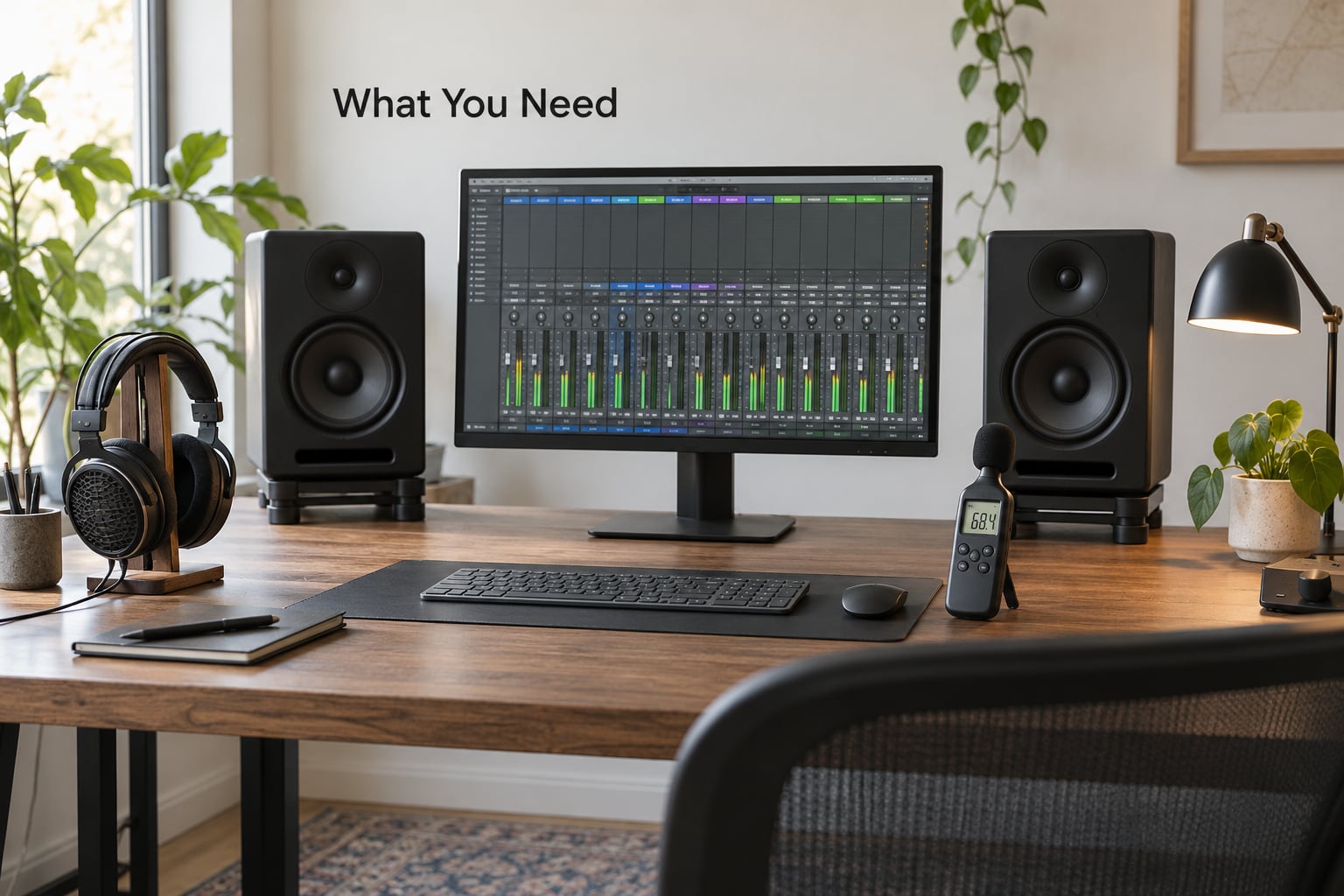
None of this is expensive or exotic. You are setting up a monitoring routine, not buying a studio.
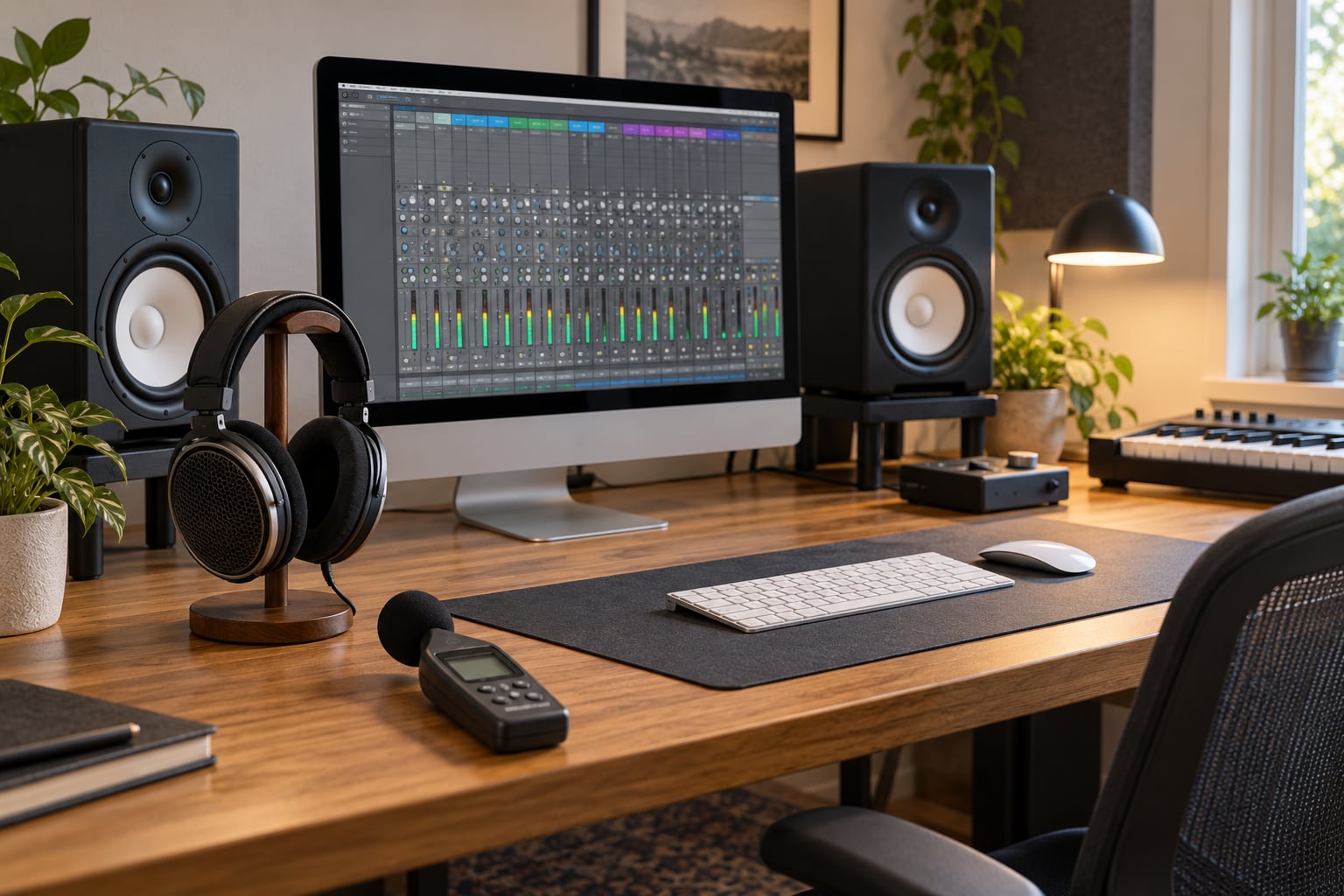
- A level you can measure. An SPL meter or a reasonably accurate phone app. The single most useful tool here is the one that tells you what your speakers are actually doing, because your ears are a poor judge of absolute loudness.
- A near-field monitor pair, or open-back headphones. Near-field monitors at arm’s length and a modest volume are kinder over hours than loud open-backs pressed against your ears.
- A second, different monitoring option. A second pair of speakers or a pair of closed-back headphones gives you a fresh angle on balance and breaks the adaptation loop.
- A small reference folder. Three or four commercial tracks in the same genre, level-matched, that you know well. You cannot hear a change in context you have never heard before.
- A break trigger that is not your ears. A timer. Fatigue is precisely the thing you cannot notice while it is happening, so the decision to rest has to come from something outside your head.
- Water, and a reason to stand up. Dehydration and a locked neck make you hear worse and judge worse, and both are free to fix.
Step-by-Step: A Session That Your Ears Can Survive
Before the steps, it helps to separate two things people call ear fatigue, because they behave differently and only one of them is dangerous. A temporary threshold shift is the physical one: the outer hair cells in your cochlea, which amplify the signal for the rest of the system, get exhausted by loud exposure, and hearing soft detail drops until they recover. A loudness adaptation is the neural one: your auditory nerve runs out of neurotransmitter when the sound never changes, and perception flattens within minutes.
The distinction matters because the fixes are opposites. Adaptation responds to novelty and short bursts, with a break in the tens of minutes. A threshold shift responds only to level and rest, and it clears in 24 to 48 hours, which is why the honest move after a loud day is a fresh listen the next morning, not another round of tweaks.
| What is happening | What it feels like | Recovery time | What actually helps |
|---|---|---|---|
| Loudness adaptation | The mix goes flat after looping the same eight bars; you stop hearing detail you heard an hour ago | 10 to 60 minutes | Change the sound: a break, a different track, a different task |
| Temporary threshold shift | Soft detail and the top end feel muffled; familiar music sounds harsh and thin at the same time | 24 to 48 hours, scaling with exposure | Lower level and genuine rest. No amount of new material speeds it up |
1. Set a realistic monitoring level
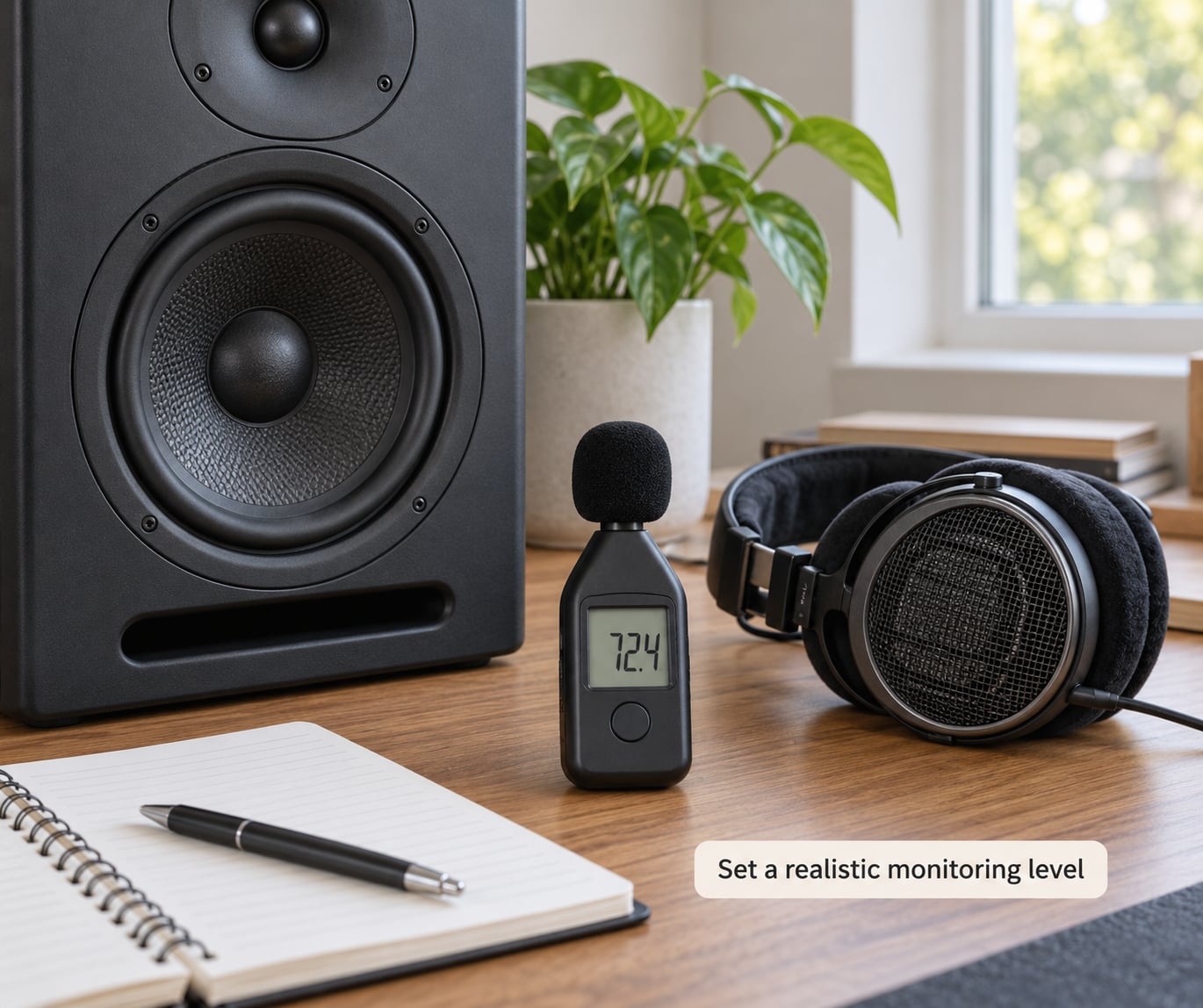
Set it once, with a meter, and write the number on a sticky note next to the screen. Most home and bedroom studios land somewhere around 79 dB SPL with pink noise at your listening position, and 75 to 85 dB SPL is the range most professionals describe as their working standard. The reason for aiming lower than instinct suggests is simple: monitors and amplifiers start to compress and the room starts to push resonances up as you push the volume, so loud playback distorts your judgement before it does any lasting harm to your ears.
Here is how long the guidelines allow at various levels, using the 3 dB exchange rate that NIOSH and the UK HSE use. Every 3 dB above the limit halves the permitted time. NIOSH allows 8 hours at 85 dBA; the HSE limit is 6 hours at 80 dBA.
| Average level (dB SPL) | NIOSH limit (8 h at 85 dBA) | HSE limit (6 h at 80 dBA) | What that means for a mix session |
|---|---|---|---|
| 79 | About 32 hours | About 7.5 hours | A realistic ceiling for a full day at a comfortable volume |
| 83 | About 12.5 hours | About 3 hours | Comfortable for an afternoon, fine for a long day |
| 85 | 8 hours | About 1.9 hours | The industry reference level; fine as a ceiling, risky as a default |
| 88 | 4 hours | About 56 minutes | Loud. This is where decision quality starts to fall |
| 91 | 2 hours | About 28 minutes | Short listening only |
| 95 | 1 hour | About 11 minutes | Reference-track check, not a working level |
The number on the note is the important part. It gives you something external to argue with when you catch yourself reaching for the volume knob at hour four, which you will.
2. Take scheduled listening breaks
The most common convention in producer forums is a 15-minute break every 90 minutes, and plenty of people get good results with a shorter 5-minute break every 30. Both work, because both break the habit of continuous listening, and the exact interval matters less than the fact that it is scheduled rather than negotiated with your willpower.
Step away from the desk. Do not stand six feet away with your headphones on, and do not scroll on your phone at the same volume as the mix you were just evaluating, since that defeats the point entirely. Five minutes of silence gives loudness adaptation a chance to clear, and it costs you almost nothing in output time.
The harder version of this rule is about fresh hearing. Spend it on the decisions you cannot undo: EQ moves, tonal balance, compression ratios, whether the vocal sits right. Leave gain staging, editing, naming, colour coding, bounce preparation and housekeeping for the end of the session, when your judgement is worth less.
3. Alternate monitoring methods
Do not spend an entire session on one monitoring setup at one volume. A second pair of speakers, or a switch between near-field monitors and headphones, resets your ear and exposes errors that a single setup has trained you to accept.
Headphones are the biggest single source of avoidable fatigue, because they deliver sound directly into the ear canal at a level that feels lower than it measures, and because they make people work longer than they would with speakers. Use them for editing, checking detail and low-level translation checks, not as your default full-day monitor. Closed-back models are better for that job than open-backs if you are working at volume.
On hearing protection, the honest trade-off is this: high-fidelity filtered earplugs cut the harmful frequencies reaching your ear while leaving enough to work with, and musicians regularly use them for rehearsal and live playing. In front of the desk they make critical high-end judgement less trustworthy, so treat them as a good idea for tracking and performance, and a compromise for mixing. Producers on the forums also report that popping earplugs in and out gives perception a useful reset during a long tracking day.
4. Reduce unnecessary monitoring during editing
Most of a session does not require you to hear anything. Mute the transport while you arrange, comp, edit, name, route and print. This is not a small saving: the time-weighted average of your exposure only counts the minutes your monitors are actually running, so muting genuinely lowers the dose you are taking rather than just lowering the volume.
Stop rather than pause when you are stepping away from a section. Scrolling back through a track in silence costs nothing and removes the temptation to keep auditioning, and you will come back to the part with a sharper ear than the one that left.
Keep long continuous playback to a minimum. One pass to check an arrangement, then mute, then a short burst to check a decision. When you do audition, listen in short chunks and switch to a different task afterwards rather than looping the same eight bars until it goes flat.
5. Use rests and fresh reference tracks
A/B comparisons are only useful if your ears have somewhere to go. Rotate through two or three level-matched references you know cold, and play them at the same moderate level you use for your own mix rather than turning them up, because loud references fool you in exactly the same way loud mixes do.
There is a specific trap here that costs more than any amount of ear strain. When your ears dull, your instinct is that the mix has become muddy, so you add brightness. The mix then measures cleaner and tests better, and you ship something that is harsh for everybody listening at normal volume. The tiredness did not just damage your session, it damaged the product. If high frequencies suddenly feel thin and lifeless, that is your ears, not your mix, so put the EQ down and revisit it tomorrow.
Use the volume knob as an instrument. Notice the times you reach for it. If you find yourself nudging the level up, that creep is the fatigue signal, not a problem with the mix, and the correct response is a break rather than a louder level.
6. Stop when fatigue affects judgement
Warning signs arrive before the damage does, and they are easy to misread as mix problems. Your favourite tracks start sounding harsh or edgey. The same loop has gone lifeless and you cannot identify what changed. You feel an urge to turn it up. You are struggling to tell whether a note is a B or a C, or hearing less detail in cymbals and hats than you did this morning. Some producers also report headache, neck and shoulder tension, and a general tiredness that has nothing to do with how long they have been awake. A slight ringing after a session is common enough to be unremarkable on its own.
Any of those, especially the first three, means the session is over for ear-critical work. You can still finish mechanical tasks, but stop making tonal and balance decisions.
Go to a doctor, rather than a forum, if the ringing persists after the session instead of fading within minutes, if there is any pain, pressure or fullness in the ear, if you notice a drop in hearing that has not recovered within a day or two, or if you have to turn everything up to follow a conversation. Tinnitus and noise-induced hearing loss are medical matters, not studio problems, and repeated threshold shifts are a recognised precursor to permanent loss. Nothing in this guide is a substitute for an audiologist.
Common Mistakes
- Turning it up to hear better. Tired hearing is not a volume problem. Raising the level feeds the adaptation loop and dulls your judgement further, and it is the habit that turns a normal day into a threshold shift.
- Headphones all day. They mask fatigue longer, so you work through it. They are also a level you cannot see. Keep speakers as the main tool and use headphones in short bursts.
- No scheduled breaks. Deciding to rest based on how you feel is deciding based on the exact signal that has been degraded. Use a timer.
- Mixing on tired ears and trusting the result. If a section suddenly needs brightness, suspect your ears first. Commit nothing tonal in the last hour of a long day; check it fresh the next morning.
- Long unattended playback while you tidy the room. The meters keep running and your attention drifts. Stop the transport.
- Following vague advice. “Listen to your ears” is not a method. A specific level on a meter and a specific break interval are.
- Fixing loudness with limiting. Squashing the master to make it sound bigger does nothing for listening exposure and trains you to mix louder over time.
Most producers who ask how to avoid ear fatigue in long sessions settle on the same handful of habits within a month. One habit is worth more than all of the above: keep a short note of the level you used and how the session felt afterwards. Soon you will have your own calibration, which is worth more to you than any general guideline, because it is measured on your ears in your room.
Frequently Asked Questions
How long does it take for ear fatigue to go away?
It depends which kind you have. Loudness adaptation, where repeated unchanged sound dulls your perception, clears within 10 to 60 minutes of stepping away. A temporary threshold shift from loud monitoring takes 24 to 48 hours and scales with how loud and how long you were exposed. Age and general health change recovery time too, and repeated threshold shifts are a recognised precursor to permanent noise-induced hearing loss.
How do I get over ear fatigue?
Step away from the desk for a real break rather than pausing playback, then lower the monitoring level and re-check the mix against a level-matched reference track. If the loss of high-frequency detail is still there after 24 to 48 hours, stop mixing and do not compensate by adding brightness. That compensation is what ships a mix that sounds harsh to everybody else.
What helps with ear fatigue most?
A consistent moderate level, usually around 79 dB SPL in a home room, does more than anything else. After that: scheduled short breaks, muting the transport during editing and arrangement, rotating level-matched reference tracks to break loudness adaptation, switching between a second monitor and headphones, and auditioning in short bursts instead of long continuous playback.
What does ear fatigue actually feel like?
Usually a dullness in the top end combined with harshness in the mix you are working on. Favourite music starts sounding edgey, a loop you have heard all afternoon goes lifeless, and you feel an urge to turn the volume up. Some people notice they cannot separate nearby notes, or a slight muffle on cymbals and hats. Headache, neck tension and general tiredness usually come with it.
What is a safe monitoring level for mixing at home?
Around 79 dB SPL measured with pink noise at your listening position is a good target for a small room, and 75 to 85 dB SPL is the range most professionals describe as their working standard. Check it with an SPL meter or a calibrated phone app, write the number down, and treat it as a ceiling rather than a starting point.
Should I wear earplugs or use in-ear monitors while mixing?
They are a good idea for tracking and live performance, where levels are set by the room rather than by you, and musicians use filtered high-fidelity plugs to cut harmful frequencies without losing clarity. In front of the desk, protection makes critical high-end judgement less trustworthy, so treat them as a sensible compromise rather than a monitoring solution.
Conclusion
To avoid ear fatigue in long sessions, do five things: set one moderate level with a meter and write it down, mute the monitors for anything that is not an ear decision, take breaks on a timer instead of waiting to feel tired, switch references and monitoring setups regularly, and stop the session the moment you want to turn it up.
Everything else is detail. The level and the break schedule are what keep your judgement intact long enough for the rest of it to matter.