To fix a kick that clashes with the sub, find the frequency where both signals peak, usually somewhere between 40 and 80 Hz, then boost the kick there and notch the sub at that same spot. After that, duck the sub with sidechain compression or a dynamic EQ, check phase on layered kick tracks, and confirm the whole thing on a phone speaker and a club-style system. The whole fix takes about twenty minutes once you know which of the four causes you have.
Most guides hand you sidechain compression and call it done. That works often enough to be annoying, because the real cause is usually something else and sidechain just hides it. A muddy low end that disappears on laptop speakers is a frequency problem. A kick that goes hollow the moment the sub plays is phase. A sub that vanishes entirely under four-on-the-floor kicks is a tuning problem.
So this guide starts with diagnosis, then routes you to the matching fix. The numbers below are the ones worth writing down.
Table of Contents
- What You Need
- Step-by-Step: how to fix a kick that clashes with the sub
- 1. Hear the problem in context
- 2. Check the kick and sub tuning
- 3. Find the shared frequency range where the two sounds fight
- 4. Reshape either sound with EQ when the clash is frequency overlap
- 5. Control the clash with compression
- 6. Check phase and stereo placement
- 7. Use arrangement and automation as the final fix
- For acoustic kicks with a sub layer
- Common Mistakes
- Frequently Asked Questions
- What frequency range should the kick and sub bass occupy?
- Should I high-pass my kick drum or sub bass?
- Is phase alignment the reason my kick and sub sound weak?
- How do I fix a muddy kick and sub without making the bass disappear?
- When should I use sidechain compression between the kick and sub?
- How can I tell if the kick-sub clash is an arrangement problem?
- Conclusion
What You Need
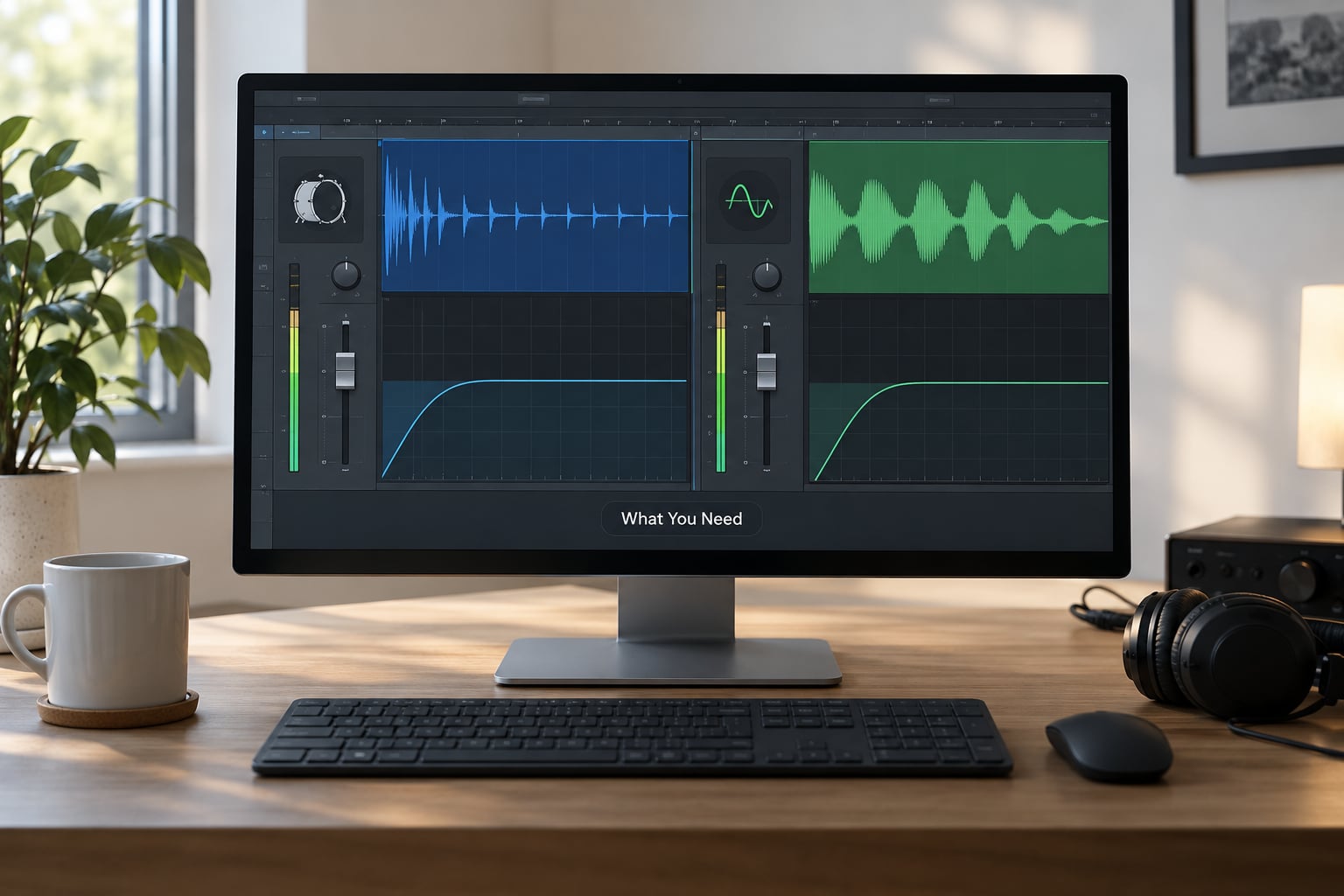
Everything here lives in the DAW you already own. No extra plugins required, though a spectrum analyser makes step three five times faster.
- A spectrum analyser on the master or on a dedicated bus so you can see the two low peaks at once. Every major DAW has one built in, and free options exist if yours is buried.
- A parametric EQ on both the kick and the sub channel. Parametric matters because you need a narrow bell or notch, not a broad tilt.
- A compressor with an external sidechain input. Stock compressors in Ableton Live, FL Studio, Logic Pro and Cubase all have one, and each DAW routes it differently.
- A dynamic EQ or multiband compressor for surgical ducking. Logic’s Channel EQ, Ableton’s EQ Eight in dynamic mode, or any 3-band compressor will do.
- Solo and mute buttons, which matter more than they sound. Ducking introduces artefacts that only show up when the two sources play together.
- A reference track you trust, level-matched, so you are matching a low end instead of imagining one.
Before you touch a plugin, do one bit of prep. Bounce or print nothing, just set your kick and sub to a comfortable level relative to each other, because a level fight masquerades as a frequency problem more often than you’d think.
Step-by-Step: how to fix a kick that clashes with the sub
1. Hear the problem in context
Play the section at full volume, then pull it right down. If the clash is obvious only at high level, that is a masking problem. If it gets worse as the track gets quieter, the two signals are partly cancelling, which means phase.
Now listen to each one alone. The sub should be a clean sine-like note and the kick should have a click, a body and a tail. A kick that sounds thin on its own has a sample or processing problem that no amount of EQ on the sub will fix.
Write down the exact moment of the clash. A clash only on the drop, a clash every four bars, and a clash on every kick tell you three different things, and the last one is usually an arrangement problem.
2. Check the kick and sub tuning
A kick drum spans roughly 50 to 150 Hz, and its fundamental is usually the part you hear first. A sub bass fundamental often sits at 40 to 60 Hz. Put them on adjacent semitones and you get beating and flamming rather than weight.
Pull both fundamentals up on a tuner. If they are not separated by a clean interval, move one. An octave apart or a perfect fifth apart are the two relationships that reliably work. Drum and bass producers sometimes shift the entire key of a track by a semitone or two purely to get a better kick-to-bass relationship, which tells you how much the tuning relationship actually matters.
Do not pitch a kick by ear alone. Use the tuner’s number, then check that the beater click and the sub are not now fighting each other instead.
3. Find the shared frequency range where the two sounds fight
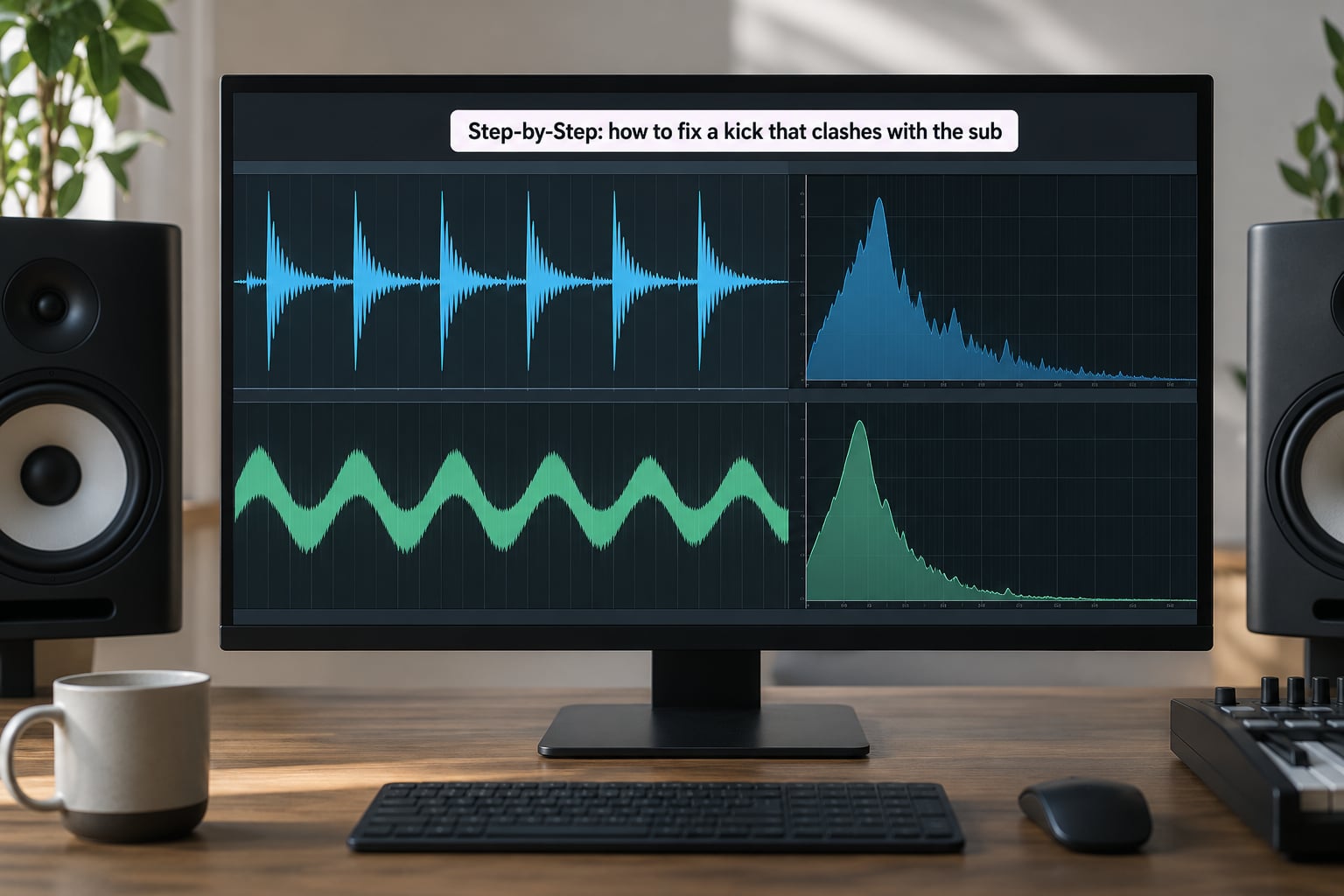
This is the step people skip, and it is the one that matters. Solo the kick, note the frequency of its biggest low peak. Solo the sub, note its fundamental. If those two numbers are within a few hertz of each other, you have found your clash.
Typical setups:
| Kick type | Typical fundamental | Sub range that pairs cleanly |
|---|---|---|
| House / EDM kick | 50 to 60 Hz | 60 to 120 Hz, or an octave below |
| 808, hip-hop and trap | 40 to 55 Hz | Keep the sub an octave or a fifth away |
| 909-style punchy kick | 60 to 80 Hz | Cut the sub above 120 Hz instead |
| Acoustic kick with sub layer | 60 to 90 Hz, beater mic higher | Cut the sub 30 to 60 Hz, let the drum carry the low end |
Keep the analyser on the kick and sub buses separately rather than the master. On the master you see the sum, which is exactly the information you are trying to untangle.
4. Reshape either sound with EQ when the clash is frequency overlap
Once you know the number, cut it from one source and boost it on the other. That is complementary EQ, and it is the cleanest fix available because it moves energy rather than removing it.
A worked example from a well-known kick and bass workshop: boost the kick 3 dB at 60 Hz to accentuate its fundamental, then cut the bass 3 dB at 60 Hz and give it 3 dB back at 90 Hz. The kick gets more weight, the bass gets a bit of body, and the two no longer sit on the same frequency.
Keep the cuts small. Two to three decibels is usually plenty, and a producer on r/TechnoProduction reported that cutting just 2 to 3 dB somewhere between 200 and 350 Hz was what finally cleared the muddiness in their low end.
Two filters matter here as well. High-pass everything else around 30 to 40 Hz so nothing else occupies the sub’s territory, and if your sub only needs to be felt, low-pass the sub around 60 Hz. The rule of thumb on r/FL_Studio that gets repeated for good reason: find what frequency the bottom of your kick is at, then notch that exact frequency out of the bass.
How do you fix a muddy kick and sub without making the bass disappear? Move the cut, do not stack more of them. If the bass dies, you cut the wrong source or went too deep, so undo half and try widening the notch or moving it to the sub’s second harmonic instead.
5. Control the clash with compression
EQ fixes static overlap. Ducking handles the parts of the arrangement where the two play at the same moment, which is the real problem in four-on-the-floor music.
Put a compressor on the sub with the kick as the external sidechain source, then start here:
- Attack 0 to 5 ms, fast enough that the sub gets out of the kick’s way before you hear it.
- Ratio 4:1 to 8:1. Higher is more aggressive and more French house than most mixes need.
- Release tempo-synced, usually a 1/4 or 1/8 note, so the duck breathes with the track instead of flapping.
- Threshold set so the kick triggers the compressor but the sustained parts of the sub do not constantly re-trigger it.
- Gain reduction of 1 to 3 dB is usually all you need. If the meter is sitting at 8 dB on every hit, the bass will sound scooped on the drop.
| Genre | Ratio | Attack | Release | Typical gain reduction |
|---|---|---|---|---|
| Modern house / EDM | 4:1 | 1 to 3 ms | Tempo-synced 1/8 | 1 to 3 dB |
| French house | 8:1 | 1 ms | 1/4 note | 4 to 6 dB, pumping is the point |
| Hip-hop and trap | 2:1 to 4:1 | 5 to 10 ms | Tempo-synced 1/8 | 1 to 2 dB |
| Drum and bass | 4:1 | 0.5 to 2 ms | Short, 20 to 60 ms | 2 to 4 dB |
Dynamic EQ is the surgical alternative. Put a band on the sub at the kick’s fundamental, set it to cut on sidechain detection, and only that band moves. It ducks the actual conflict without touching the rest of the bass, which is why it works on subs that sound fine the moment you stop ducking.
Route the sidechain in your DAW like this. In Ableton Live, drop a Compressor on the sub, set Sidechain to the kick, and turn Listen for In to hear the trigger. In Logic Pro, add Compressor to the sub and set External Source to the kick channel. In FL Studio, put the Fruity Compressor or Multiband Envelope on the sub, right-click the kick channel, select Link to this channel, then send the kick’s audio to that link. In Cubase, add a Compressor to the sub and assign the kick channel as its sidechain input in the Channel Settings.
Solo both sources together while you set the attack. A compressor that ducks 6 dB can easily produce a click if the release overlaps the next sub note, and you will hear it long before the drop does.
Separately, glue the kick and the sub bus lightly. A producer on r/TechnoProduction said the biggest single improvement to their low end came from fine-tuning attack and release while compressing the kick and sub together, not from EQ. That matches what I hear: glue fixes movement, EQ fixes overlap.
6. Check phase and stereo placement
If the kick and sub sound weak, thin or scooped rather than muddy, suspect phase. Two partially out-of-phase signals at the same frequency cancel each other, which is the opposite of what you want from a sub.
Start with polarity. Flip the polarity on the sub and solo it: a sub that grows noticeably louder and fuller is inverted. A producer on a Gearspace kick alignment thread reports that flipping polarity on direct kick mics made a huge difference.
Then check timing on layered kick tracks. Nudge the sub layer in small steps and listen, because the right answer is the one that sounds tightest, not the one at zero offset. In that same thread, offsetting a sub layer by 188 samples, roughly 4.7 ms at 44.1 kHz, gave a noticeably cleaner and more detailed kick than zero offset, which sounded tubby, while going too far past it produced a flam. There is a physical reason multi-mic kicks never align perfectly: a wavefront arrives about 1 ms later for every foot of microphone distance, so align element pairs against each other instead of trying to align everything to overheads at once.
Keep the low end mono below 100 Hz. Wide stereo content under 100 Hz can collapse unpredictably on a club PA, and mono compatibility there is a safety issue rather than a stylistic one. Solo the low end and check with a mono button if your DAW has one.
7. Use arrangement and automation as the final fix
Sometimes the right answer is to play less low end at the same time. Let the bass answer the kick instead of doubling its rhythm, and split the low end so the kick owns the drop while the sub carries the breakdown.
Automation is the other half of this. Ride the sub level up under vocal sections and pull it back where the kick plays, which keeps the weight without any pumping at all.
Then translate. Check the low end on headphones, on your monitors, on a phone speaker and in the car if you have one. If the sub vanishes everywhere except on your monitors, add a touch of saturation to it so it generates harmonic content in the 150 to 300 Hz range that small speakers can reproduce. That single step fixes more translation problems than any low-mid cut.
For acoustic kicks with a sub layer
The workflow is the same but the numbers differ. A producer on Gearspace suggested making the natural inside mic about 80% of the kick mix and blending the beater and sub layers in subtly to modernise the sound. Another suggested an EQ low-pass between 30 and 60 Hz, then a noise gate keyed from the inside kick via post-fader bus routing, then balancing inside against sub levels.
What that does is hand the sub’s job to the gate: the sub only speaks when the kick does, so it reinforces rather than competes. It is ducking built from two plugins you already have.
Common Mistakes
These are the errors that make a kick and sub clash worse rather than better, and most of them are made in the first ten minutes of a session.
- Boosting both elements at the same frequency. If you lift the kick’s fundamental and the sub’s at the same hertz, you build the exact conflict you were trying to remove. Boost one, cut the other.
- Cutting too much sub energy. The classic over-scoop. If the bassline feels like it drops out on the drop, you went deeper than 3 dB or put the cut on the wrong source. Undo half and widen the bell.
- High-passing the sub too high. Filtering everything above 40 Hz leaves you with a kick drum and no bass. If you want a phone-friendly low end, keep the sub intact and add harmonics instead.
- Setting the wrong compressor attack. A slow attack lets the sub bleed over the kick transient, which is the exact artefact you were trying to remove. Stay at 0 to 5 ms.
- Applying static sidechain too broadly. Ducking the sub on every trigger regardless of what is playing flattens the whole low end. Key the sidechain so it responds to the kick alone.
- Judging the mix in one monitoring context. A low end that works on studio monitors can vanish on a phone, and one that sounds thin at low volume can be fine in the club. Check more than one system before you call it done.
- Ignoring the harmonic relationship. Adjacent notes beat against each other. An octave or a fifth is a safer place to start than a semitone apart.
Frequently Asked Questions
What frequency range should the kick and sub bass occupy?
A kick drum spans roughly 50 to 150 Hz, with its fundamental usually in the 50 to 60 Hz range. A sub bass fundamental often sits at 40 to 60 Hz. Keep the two fundamentals separated by an octave or a perfect fifth rather than a few hertz apart, and high-pass everything that is neither at 30 to 40 Hz so nothing else occupies the sub range.
Should I high-pass my kick drum or sub bass?
Neither, in most cases. Cutting the very bottom off the kick thins out its weight, and high-passing the sub is the fastest way to lose the bassline on the drop. High-pass the other instruments instead, at 30 to 40 Hz, so they stop adding energy to the region the kick and sub already own.
Is phase alignment the reason my kick and sub sound weak?
It can be. Two partially out-of-phase signals at the same frequency cancel each other, so a low end that sounds thin, hollow or scooped rather than muddy points at phase rather than level. Flip the polarity on the sub and solo it, then nudge any layered sub kick in small sample steps and listen for the tightest position.
How do I fix a muddy kick and sub without making the bass disappear?
Boost the kick 3 dB at its fundamental, then notch the sub 2 to 3 dB at that exact frequency and give it a small boost an octave or a fifth above. Keeping the cut shallow and moving energy to the other source is what preserves weight. If the bass still dies, undo half the cut and widen the notch rather than deepening it.
When should I use sidechain compression between the kick and sub?
Use it when the clash appears every time the kick hits, which is the normal case in four-on-the-floor music. Set attack to 0 to 5 ms, ratio 4:1 to 8:1, release tempo-synced, and aim for 1 to 3 dB of gain reduction. If the problem is a constant muddiness, EQ separation is the better tool.
How can I tell if the kick-sub clash is an arrangement problem?
If EQ and ducking both leave the low end uncomfortable, the two elements are fighting on the rhythm rather than in the spectrum. Signs include a clash only in the drop, a sub that plays the same pattern as the kick, and a low end that works when you mute one of them. Alternate the emphasis or automate the sub between the two.
Conclusion
Start with the smallest action: solo the kick, solo the sub, and note the frequency of each low peak. That number tells you which of the four causes you have, and it points at the fix before you touch a single plugin. Cut or boost that frequency by 2 to 3 dB, duck with sidechain only if the clash follows the kick rhythm, and check phase if the low end sounds thin rather than muddy. Then bounce the section to a phone speaker and back before you call the low end finished.
That sequence is how to fix a kick that clashes with the sub without flattening the track. The kick keeps its punch, the sub keeps its weight, and the low end survives the trip from your monitors to the system the track will actually play on.