To limit your plugin collection on purpose, write down what each plugin is for, set a hard cap for the task you are doing, and hide everything that is not on that list inside your DAW’s plugin manager. Then review the result every quarter and cut anything you did not reach for. This takes about two hours the first time and twenty minutes after that.
The point is not to own fewer plugins. It is to see fewer of them, on purpose, every time you open a session.
I have a plugin folder I am not proud of. On a bad afternoon I will scroll for ten minutes, open four compressors, decide none of them are right, and close the session without writing anything. Nothing about that scroll was useful. The collection had stopped being a tool and become a menu.
Producers describe this constantly. On r/edmproduction the most-repeated piece of advice is to finish a whole track using only the plugins that came with your DAW and reach for a third-party tool only when the bundled chain genuinely fails. On Elektronauts, one commenter describes feeling almost cursed by the number of plugins he already owns, saying the sheer amount of choice often stops him making music at all.
Limiting deliberately solves three separate problems at once. It cuts the time spent choosing, it keeps insert chains short enough that you can actually hear what each plugin is doing, and it makes your CPU headroom predictable on large sessions. None of that requires a smaller hard drive. It requires fewer visible choices.
Table of Contents
- What You Need
- Step-by-Step
- Step 1: Create a complete plugin inventory
- Step 2: Separate tools by production role
- Step 3: Define a personal keep list
- Step 4: Test before removing anything
- Step 5: Move, archive, or uninstall deliberately
- Step 6: Build a repeatable maintenance rule
- Common Mistakes
- Frequently Asked Questions
- How many plugins should a producer keep installed?
- What is the easiest way to organize plugins in a DAW?
- Should I uninstall plugins I use occasionally?
- How do I test a plugin before removing it?
- Does deleting a plugin damage existing projects?
- How often should I review my plugin collection?
- Start with one plugin category
What You Need
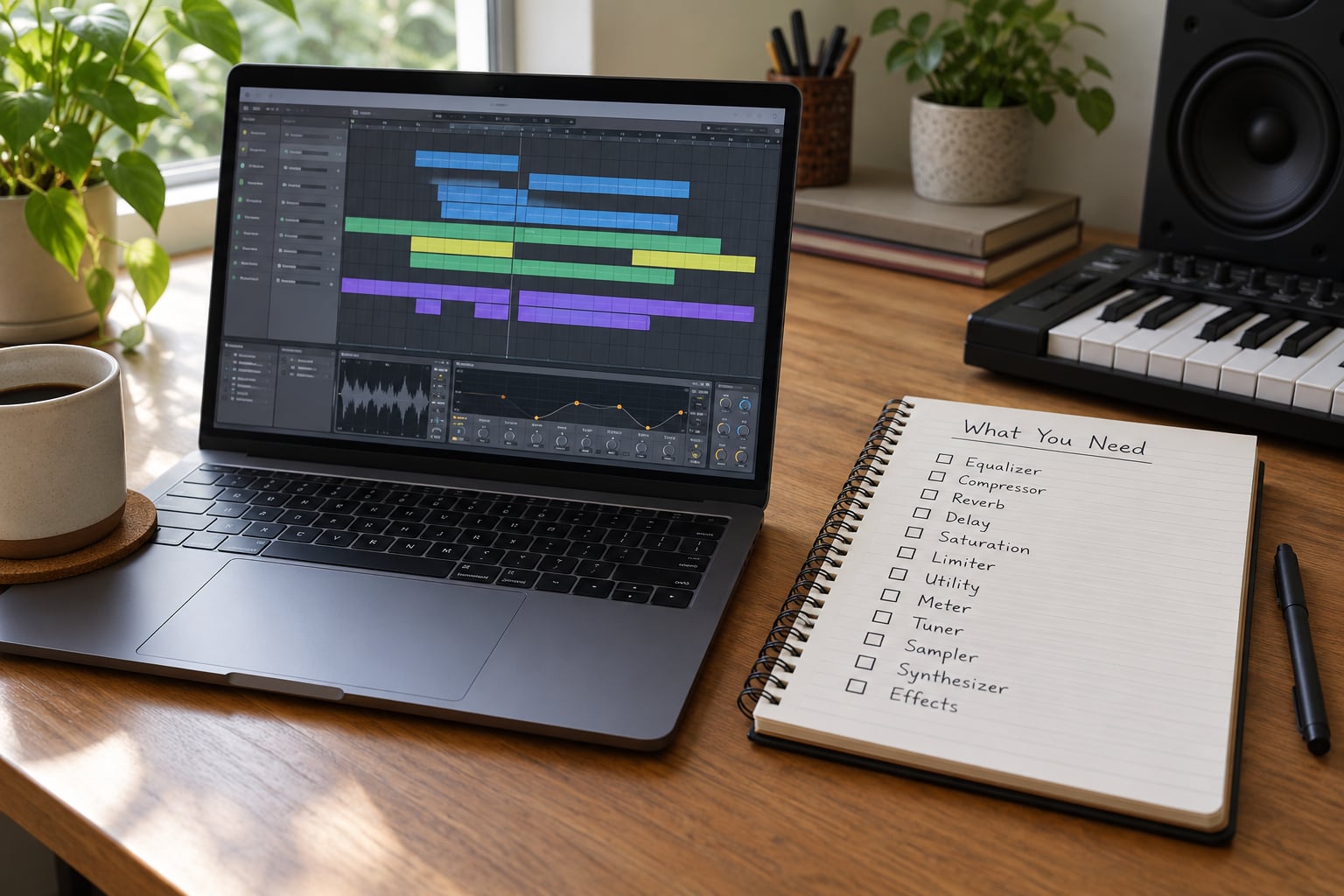
Four things, and one of them is the one everybody skips.
First, access to your DAW’s plugin manager, which is the panel that lists every installed plugin on the machine. Every major DAW has one, though they differ wildly in how useful they are. In Logic it is the Plugin Manager window. In Ableton Live it is the browser with Collections. In FL Studio it is the Plugin Database. Pro Tools manages this through its own plug-in format and preferences rather than a tidy list.
Second, a current inventory. Not a memory exercise. A spreadsheet or a plain text file, one row per plugin, with these columns: name, developer, format, where the license key or account lives, and the last project where you actually used it in a finished piece. That last column is the only one that matters, and it is the column nobody keeps.
Third, one representative finished project. Not your latest thing. An older track you know well and can open without a headache, because that is the project where you will notice if a removal changes something.
Fourth, a scratch project for trials, so that when you evaluate something you are not loading it into a session you care about and leaving the routing different than you found it.
Budget roughly two hours the first time. Most of it is writing the inventory, and you can spread that over a few evenings.
Step-by-Step
Step 1: Create a complete plugin inventory
Write down every installed plugin with its developer, format, function and current use in a real production. The format column matters more than it looks: VST3, Audio Units and AAX are different plug-in standards, and installing every available format of everything is one of the reasons plugin folders get heavy and slow to scan.
Add three more columns while you are there. Where the license is stored, which account owns it, and the date of the last finished track that used it. Those three columns are what let you uninstall without panic later, and they take about four seconds per plugin to fill in.
The output is a document, not a decision. Resist any urge to cut while you write it. People who start pruning during the inventory end up removing a plugin, panicking about the license, and abandoning the whole exercise an hour in with a messier folder than before.
Step 2: Separate tools by production role
Sort everything into the role it plays in your work: mixing tools, mastering tools, instruments, effects, utilities, and anything genre-specific you genuinely use. Five to ten categories is the workable ceiling, which is the guidance that shows up in most practical organizing tutorials. If you end up with twenty categories you have renamed, not organized.
Then mark the overlap, and this is where the real information is. If you own six compressor plugins and you regularly open three of them, the collection is not too large. It is just not sorted. Overlap inside one role is normal and cheap. Overlap across roles, like a compressor that also does mastering limiting and effects, is where collection size starts costing you.
Step 3: Define a personal keep list
Now write the rules that decide what survives. Four questions, in this order: did I use it in a finished track in the last six months, does it do something the others on my list do not, does it load cleanly in the DAW I actually work in, and is it relevant to the music I actually make.
Ownership is not on that list, deliberately. Having paid for something is a reason to keep the license key, not a reason to keep the plugin visible. Producer forums are full of people describing buying the same category of synth two or three times because they forgot they already owned one, and one commenter who owns six modern synths says he could probably keep two and lose the rest, because the real difference between them is the interface rather than the sound.
The output should be a short list. If it runs past a page, the rules were too loose.
Step 4: Test before removing anything
Open the representative project and audition each shortlisted plugin in context. The technique that works is gain matching: put a trim or gain plugin after the plugin in question, bring the level up until the bypassed and active versions match, then bypass and listen. Without matched levels you are not comparing the plugin, you are comparing volumes.
Bypass from a point in the chain rather than one plugin at a time. If you have five processors on an insert, bypassing the first four at once tells you what the whole group is contributing in under a second. Then add them back one at a time. Anyone who cannot hear the difference at matched level has found their first removal.
In Pro Tools specifically, you can select the track name, then use the bypass shortcut to take every plugin on that track out of the signal path without uninserting anything. The track stays, the routing stays, and putting them back is one keystroke.
The test to apply: does the mix still make sense when this plugin is off? If the answer is no, it is earning its slot and it stays, no matter how many near-identical tools sit next to it in the folder.
Step 5: Move, archive, or uninstall deliberately
Work in a fixed order so nothing goes wrong mid-cleanup. Archive before you uninstall: export any presets you actually want to keep, save your favourite settings as a plugin-specific preset file, and export instruments if they are samplers with your own sounds inside them.
Then deactivate before you delete. Some developers require deactivation through their own account or licence manager before the plugin will uninstall cleanly, and skipping it is the most common way people end up unable to re-install on a new machine later. Keep your inventory document, since it now holds the account name and the licence location for everything you removed.
Uninstall last, and uninstall only what your keep list rejected. Never delete project files as part of this. The temptation to tidy old sessions while you are in there is strong and it is how people lose work.
Afterwards, rescan your plugin folders inside the DAW so the removed entries disappear from the browser. On a Mac, Audio Units and VST3 live in separate library locations and one scan will not always catch both.
Step 6: Build a repeatable maintenance rule
A one-time cleanup decays within a few months unless something holds the line. Set three things.
A quarterly review on a fixed date, twenty minutes, using the same four keep questions. Not a full audit, just a pass over what you added since last time.
A trial folder for anything new, and a wait period before buying. Two finished tracks on the bundled plugins before a new tool joins the working set is a rule that survives contact with a sale, because it moves the decision away from the moment you are feeling excited.
A pass or fail test per new plugin. If it has not appeared in two finished pieces within six months, it leaves the working set and goes back to the trial folder. Uninstalling is optional at that point. Hiding is enough.
The time-boxed version of all this is a stock-only sprint. Set aside one session where every track uses only the plugins your DAW shipped with, and see what you actually finish. Several people on r/LogicPro and r/WeAreTheMusicMakers report the results are satisfying rather than compromised, which is the part nobody expects.
Common Mistakes
Deleting instead of hiding first. Removing a plugin and discovering three weeks later that a client wants a revision is avoidable. Keep it installed, hide it in your DAW’s browser, and let your keep list decide later. Deactivating is the middle step when you want the disk space back without losing the licence.
Treating the uninstall as the whole fix. A tidy folder with an unlimited visible browser solves nothing. The limit only works when it is enforced in the place you actually make decisions, which is the plugin list inside your DAW.
Cutting the one unusual plugin in every category. Overlap is fine until the collection has six near-identical options per role and nothing else. The Elektronauts thread puts it well through a painter’s palette analogy: mix only the colours the painting needs and leave the purple in the case. The purple is not the problem. Ten purples are.
Applying one limit to every kind of session. Sound design and mixing want different tools, and pretending otherwise makes the limit feel arbitrary.
| Session type | Suggested limit | What stays visible |
|---|---|---|
| Sound design | Unlimited | Your full trial folder |
| Songwriting | Bundled plugins plus three | Favourites only |
| Mixing | About four per channel | Mixing and utility categories |
| Mastering | Four on the master chain | Mastering category only |
The four-per-channel figure is the number working mixers land on when asked, and it is worth taking seriously. Four processors on a channel means one dynamic tool, one tonal tool, one corrective tool, and occasionally something decorative. Past that, nobody can name what each one is doing.
Reorganizing the folder structure and calling it done. Renaming files in the OS browser changes nothing about what you see in Logic, Ableton or FL. The collections and folders inside your DAW are the only ones that affect your session.
Buying during a sale. A discount is not a reason to add something to the working set. This is the moment most collections get rebuilt, which is why the wait period in step 6 matters more than any other rule in this list.
Two habits keep it focused afterwards. Open your keep list once per project and put your working set in a project-specific collection, so each new track starts from the same handful. And if a plugin earns its place, retire the one it replaces in the same session, so the collection size stays flat instead of growing by one every few months.
Frequently Asked Questions
How many plugins should a producer keep installed?
There is no magic number for installed plugins, only a number for the set you can see. Most working mixers land around four processors per channel and a few dozen tools visible per session. Keep whatever you own, but cap the visible set per task: bundled plugins plus three for songwriting, roughly four per channel for mixing, four on the mastering chain. Add one new tool only when something leaves.
What is the easiest way to organize plugins in a DAW?
Use the collections or favorites system your DAW already has rather than renaming files in the operating system. In Ableton Live that is Collections in the browser, in Logic it is the Plugin Manager with category folders and a favorites list, in FL Studio it is the Plugin Database. Group by the role a plugin plays in your session, keep five to ten categories, and give each new project its own collection.
Should I uninstall plugins I use occasionally?
Usually not straight away. Hide it or deactivate it first so it disappears from your browser without leaving the machine. If you do not reach for it in two finished tracks within six months, move it to the back of the queue and uninstall when you have your inventory document to hand. Deactivate through the developer’s licence manager first, so it will reinstall cleanly on another machine later.
How do I test a plugin before removing it?
Gain match first: place a trim or gain plugin after the one you are testing, raise the level until the bypassed and active versions match, then bypass and listen. Bypass from a point in the chain rather than one at a time, so you hear what a whole group of processors contributes. If the mix still works with it off, it is the first safe removal. In Pro Tools you can select the track name and use the bypass shortcut to take every plugin off that track at once.
Does deleting a plugin damage existing projects?
No. Removing a plugin leaves your session files intact, but any track that depended on it will open with missing or offline processors, and the sound will change once you substitute something else. That is why you test with gain matching in a finished project first, and why you never delete project files during a cleanup. Save your presets and export any sampler content before uninstalling.
How often should I review my plugin collection?
Once a quarter is enough for most people, and twenty minutes is enough for the pass. Mark the date, apply the same four keep questions to anything added since the last review, and remove what missed two finished tracks. Monthly update checks are worth doing separately, because an update is also a good moment to notice a plugin you have not opened since it installed.
Start with one plugin category
Pick the category where you have the least idea what you own. For most people it is virtual instruments, sometimes effects. Look at your inventory, apply the four keep questions, and end up with a list short enough to fit on one screen.
Then build one collection in your DAW with only those plugins in it and do your next track from there. That is the whole method: one category, one list, one visible set. The two hours you spend on it in 2026 are worth more than every plugin folder you have ever reorganized.