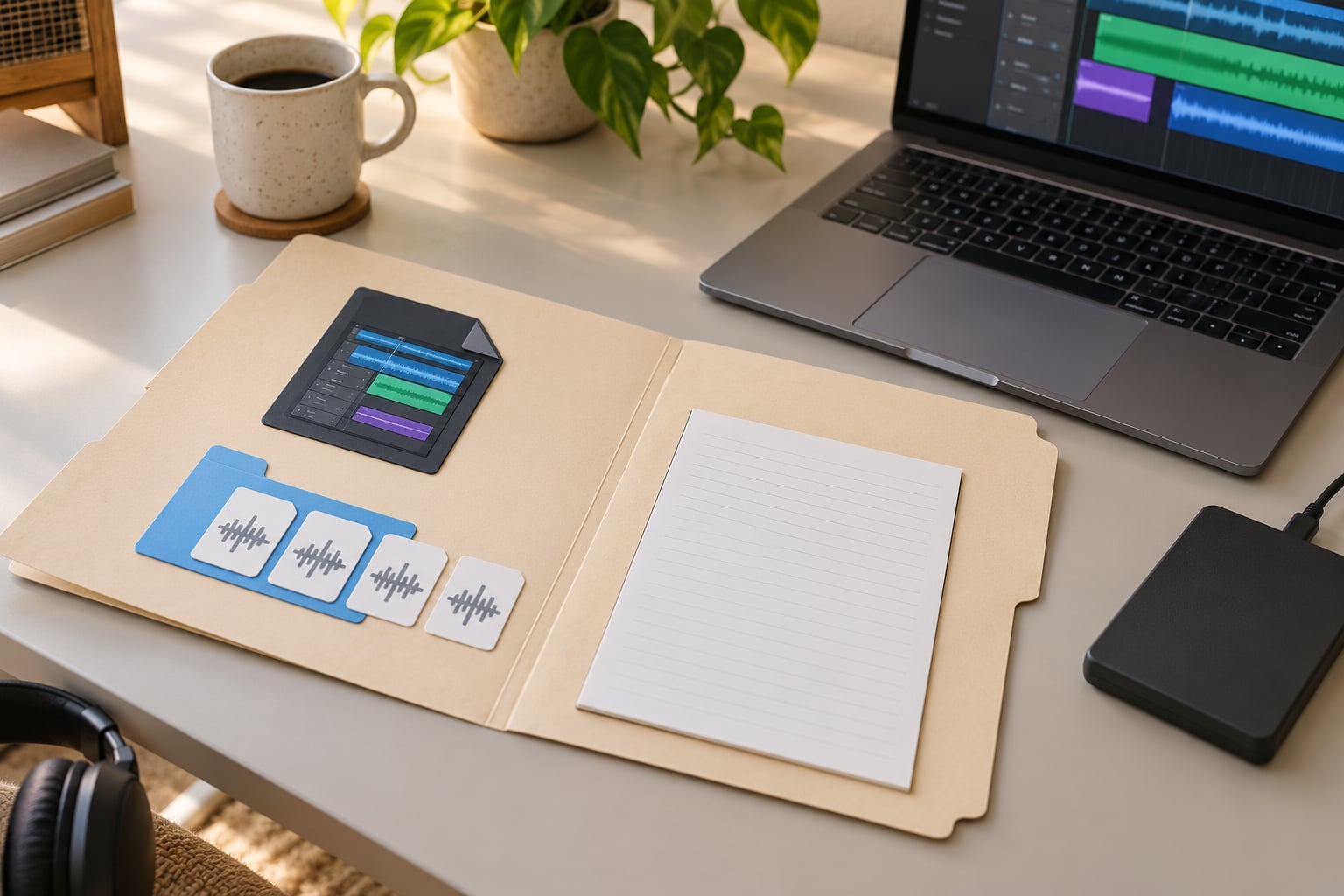
Archiving a finished project means packaging it so it still opens years from now: close the session, pull every referenced sample into one self-contained folder, export a permanent audio copy, then store that folder on a second drive and one location away from your desk. It works the same in Ableton Live, FL Studio, Logic Pro, Pro Tools, Cubase, Reaper, Studio One and Bitwig — only the menu names differ.
The short version of how to archive finished projects for later: leave your working files where they are, build a closed copy in its own dated folder, and only tidy away the working folder after the copy has been restored successfully. Archiving is not deleting. Delete the working folder only when the archive has two copies, an exported master, and a restore test you have actually done.
I keep a small index spreadsheet for the same reason. Six months later, the folder name is all you have to go on, and Idea_Final_v3_USE_THIS tells you nothing.
Table of Contents
- What You Need
- Step-by-Step: How to Archive Finished Projects for Later
- 1. Mark the project as finished or inactive
- 2. Make the project self-contained
- 3. Create clean versioned archive copies
- 4. Export audio and reference files
- 5. Compress without losing required project data
- 6. Keep at least two independent copies
- 7. Test that the archive can be restored
- Common Mistakes: How to Archive Finished Projects for Later Without Breaking Them
- Frequently Asked Questions
- Should I keep a finished Ableton, FL Studio, or Logic Pro project?
- Can I archive DAW projects to Google Drive, Dropbox, or iCloud?
- What is the best file format for archiving music projects?
- How long should I keep an old electronic music project?
- Do I need the same DAW version to reopen an archived project?
- Conclusion
What You Need
You need five things, and most producers who already own a laptop and one external drive already have four of them.
- A finished or safely frozen project. A track you have released, or one you are confident you will not edit for months.
- A release or continuation folder. A place to write the archive, separate from your active projects.
- External storage. A second drive that is not the drive the project lives on right now.
- A backup tool. Your operating system’s own copy tool is fine; paid sync software is optional.
- Cloud storage. Optional as a third copy, useful as the only copy you can reach from anywhere.
Menu names and the files each DAW insists on differ by application and operating system, so check the shortcut in your own version before you assume a step looks like the description below.
Step-by-Step: How to Archive Finished Projects for Later
1. Mark the project as finished or inactive
Give the project an unambiguous status — Finished, Released, Dormant or Needs Cleanup — and write the intended next action next to it.
Record four things in a text file inside the project folder: BPM, key, the DAW version you last saved in, and the date you are archiving. On the r/ableton threads about archiving old projects, the most consistent routine people describe is a month-named folder with a dated project file inside, which is enough to stop the archive becoming a second sprawl.
Keep the archival copy visibly separate from active work. A folder called Archive, or a year folder inside it, means you never have to guess whether a project is live.
2. Make the project self-contained
A project is self-contained when every audio file, instrument preset, MIDI file and automation lane it references sits inside its own folder.
Save the project, then run your DAW’s collect or consolidate command. That gathers samples into the project folder and relinks them. The trouble starts with cross-project references: a later project pulling raw audio from an earlier folder is the single most reported failure in producer forums, and it breaks the moment you move the folder that owns the audio. Run consolidate on the dependent project first, so it copies what it needs.
Three more things break quietly. Samples pulled from a shared library break when you replace that library, so copy anything unusual into the project. Plugins that are no longer installed open as silent or blank channels, so note which ones the project used. And a project moved between Mac and Windows can lose references to path formats or case-sensitive filenames.
3. Create clean versioned archive copies
Copy the project folder to a new dated folder and work on the copy. The original stays untouched until you have verified the archive.
A name that carries the project, the version, the DAW version and the status makes a folder self-describing: Nightdrive_v04_ARCHIVE_20261003_DAW12. Whatever your convention, avoid final, final2 and final-final-new — they tell a search nothing and they collide within a month.
4. Export audio and reference files
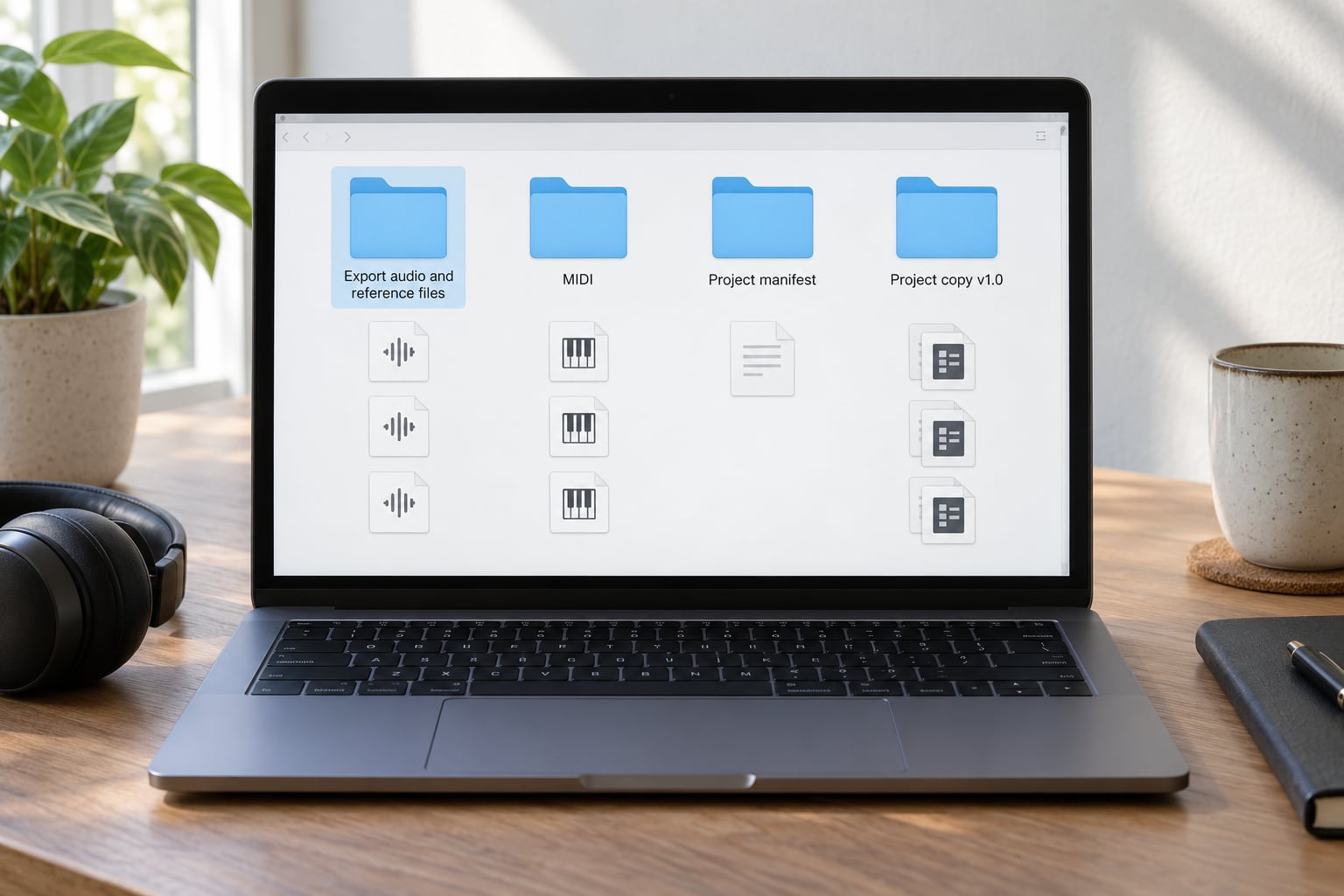
Export audio that survives the DAW disappearing. That means a master WAV at the project sample rate and bit depth, an instrumental, stems per track, and any MIDI you would want to edit later.
Add a plain-text project manifest inside the folder: project name, BPM, key, sample rate, bit depth, DAW version, plugin names, and the date. Producers on r/ableton describe rendering every session to audio as a safety net for the day the file will not open for some reason, and that instinct is right.
Include cover art, session notes, and lyrics or cue sheet if the track has them. Small files, enormous value later.
5. Compress without losing required project data
Use lossless compression — a ZIP or 7z archive, or whatever your system’s built-in archive format is — on the closed project folder and its exports.
Include the project folder, the audio exports and the manifest in one archive, not three. If a single archive passes the 4 GB limit of the drive format you are copying onto, split it into parts rather than letting the copy fail halfway through.
Never compress your masters as anything lossy. Add a short restore guide and, if you have a checksum tool available, a checksum list, so a future version of you can tell a good copy from a truncated one.
6. Keep at least two independent copies
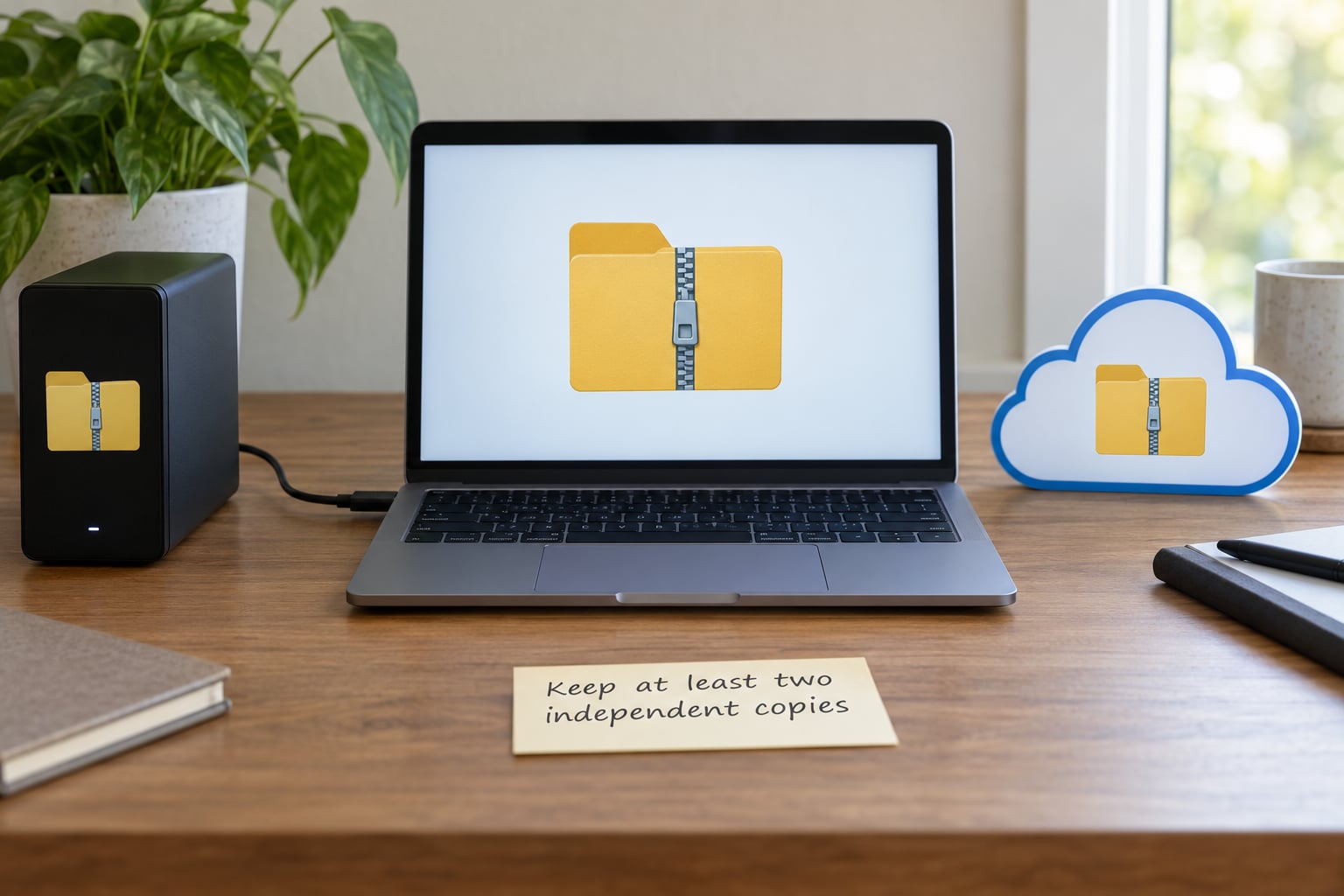
The 3-2-1 rule in plain language: three copies of the project, on two different kinds of storage, with one copy away from the building.
That usually means the working copy, a dated folder on an external drive, and one copy in cloud storage or another physical drive somewhere else. Add a fourth copy that stays offline for the projects you care about most — a Gearspace studio routine of daily backups of current projects plus a separate backup of completed-but-unreleased work is a sensible template.
Understand what your cloud folder is doing. Synchronisation mirrors your deletions, so a mistake that empties a folder empties the cloud copy too, and a sync service is not an archive on its own. Free storage tiers are fine for this; you do not need paid software to hit two copies. If you do use a sync folder, check it now and then for conflict copies where the same file arrived twice.
7. Test that the archive can be restored
Extract the compressed archive into a new empty folder on a different machine if you have one, and open the project there.
Check three things: the project file opens, the samples load instead of showing as missing, and the manifest reads correctly. Play the first thirty seconds and a busy middle section, since a partly broken file often still plays at the top.
If your DAW asks you to relink audio or convert the project file, that is information, not a failure — note it in the manifest. A restore test that finds one small gap now takes minutes; the same gap found after a drive failure takes a weekend.
Common Mistakes: How to Archive Finished Projects for Later Without Breaking Them
- Treating one cloud folder as your archive. It mirrors deletions and ransomware alike. Fix: keep at least one copy on media that is never synced.
- Syncing active DAW projects. Half-written session files and conflict copies are the result. Fix: sync the closed archive, not the project you are still editing.
- Deleting before you have verified. Fix: only delete the working folder after the restore test in step 7 passes.
- Leaving samples and presets behind. Fix: run the collect or consolidate command, then open the copy and confirm nothing is missing.
- Renaming without a record. Fix: keep a manifest and one line in your index for every rename.
- Using lossy compression on masters. Fix: lossless archives only; keep masters as WAV.
- Archiving while a later project still points at this one’s audio. Fix: consolidate the dependent project first, which is the failure mode producers report most often.
- Calling an untested backup a backup. Fix: open one archived folder per quarter and restore it.
Frequently Asked Questions
Should I keep a finished Ableton, FL Studio, or Logic Pro project?
Yes, keep the project file, not just the exported audio. The audio is the safety net; the project is what lets you revise stems, fix a mix or re-record a part later. Run your DAW’s collect or consolidate command first so the project owns its samples, then archive the folder alongside the exported master and a manifest. Only delete the working copy after you have restored the archive once and confirmed nothing is missing.
Can I archive DAW projects to Google Drive, Dropbox, or iCloud?
You can, and it is a good third copy, but it is a synchronised folder rather than an archive. Because sync mirrors deletions, an emptied folder is emptied everywhere, and large session folders with thousands of samples can sync slowly or produce conflict copies. Keep your working project on a drive you control, an archive on external storage, and the cloud folder as the copy you can reach from anywhere.
What is the best file format for archiving music projects?
The DAW’s own project folder is the master copy, and it should stay in its native format. For long-term audio, use uncompressed or lossless WAV at the project’s sample rate and bit depth, plus stems for anything you might revise. Compress the closed folder into a lossless archive such as ZIP or 7z to save space, never a lossy format. A plain-text manifest matters more than the container you pick.
How long should I keep an old electronic music project?
Keep anything that could earn, be sampled, be licensed or be remixed indefinitely, because unreleased music keeps resurfacing years later. Keep finished and released projects for good, and revisit dormant ideas every two to three years with a short listening session and a keep or retire decision. Review the whole archive quarterly, since drives holding years of sessions add up faster than people expect.
Do I need the same DAW version to reopen an archived project?
Usually not, but older project files often open in newer versions with a conversion prompt, and plugins that are no longer installed can leave tracks silent. That is why the audio export matters more than the session file. Record the DAW version in your manifest, keep an installer or an image of the old version if a project is important, and re-archive the project after any upgrade so the copy on disk matches the software you used.
Conclusion
Start with one project today — the last thing you finished and have not touched since. Make a self-contained copy with a dated name, export a master and a manifest, compress it, copy it to a second drive and one offsite location, then open the compressed copy somewhere else to prove it works. That single pass usually takes under an hour.
Once it is a habit, archive each project the week it goes out, and put a fifteen-minute restore check on the calendar once a quarter. Knowing how to archive finished projects for later is mostly about doing the boring verification step while nothing is broken.