No. You do not need a MIDI controller to produce EDM. Every note, every knob turn and every filter sweep in a dance track is data inside a digital audio workstation, and you can draw all of it with a mouse. A controller is a faster, more tactile way to enter the same information, not a requirement for making the music.
The question is worth asking properly, though, because the answer changes once you hit a certain point in a project. Two minutes of clicking notes into a piano roll is fine. Two hours of it is when the mouse starts to hurt and you wish you had eight more keys in front of you.
So the honest version of the answer is a split one. Start without a controller, learn your DAW on the bundled instruments, and buy the moment the hardware solves a specific problem you can name. That is usually somewhere between track five and track twenty, not track one.
Table of Contents
- Do You Need a MIDI Controller to Produce EDM?
- Do You Need a MIDI Controller to Produce EDM for Your Setup?
- Can You Make EDM Without a MIDI Controller?
- What Does a MIDI Controller Actually Do in EDM Production?
- Which EDM Tasks Benefit Most from a Controller?
- Do Piano Keys or Drum Pads Matter More?
- Do You Need to Know How to Play an Instrument?
- How Many Keys and Pads Do You Need?
- Which Controller Features Should You Look For?
- Where a MIDI Controller Falls Short
- How Do You Choose a MIDI Controller for Your DAW?
- How Do You Set Up and Test a MIDI Controller?
- Is a MIDI Controller the Same as a Synthesizer?
- Frequently Asked Questions
- Is a MIDI controller required to make EDM?
- Is a 25-key MIDI controller enough for making trance and house music?
- Should I buy a MIDI controller or an audio interface first?
- Does a MIDI controller make music production faster?
- Can I use a MIDI controller with Ableton Live, FL Studio, and Logic Pro?
- When should a beginner buy their first MIDI controller?
- Conclusion
Do You Need a MIDI Controller to Produce EDM?
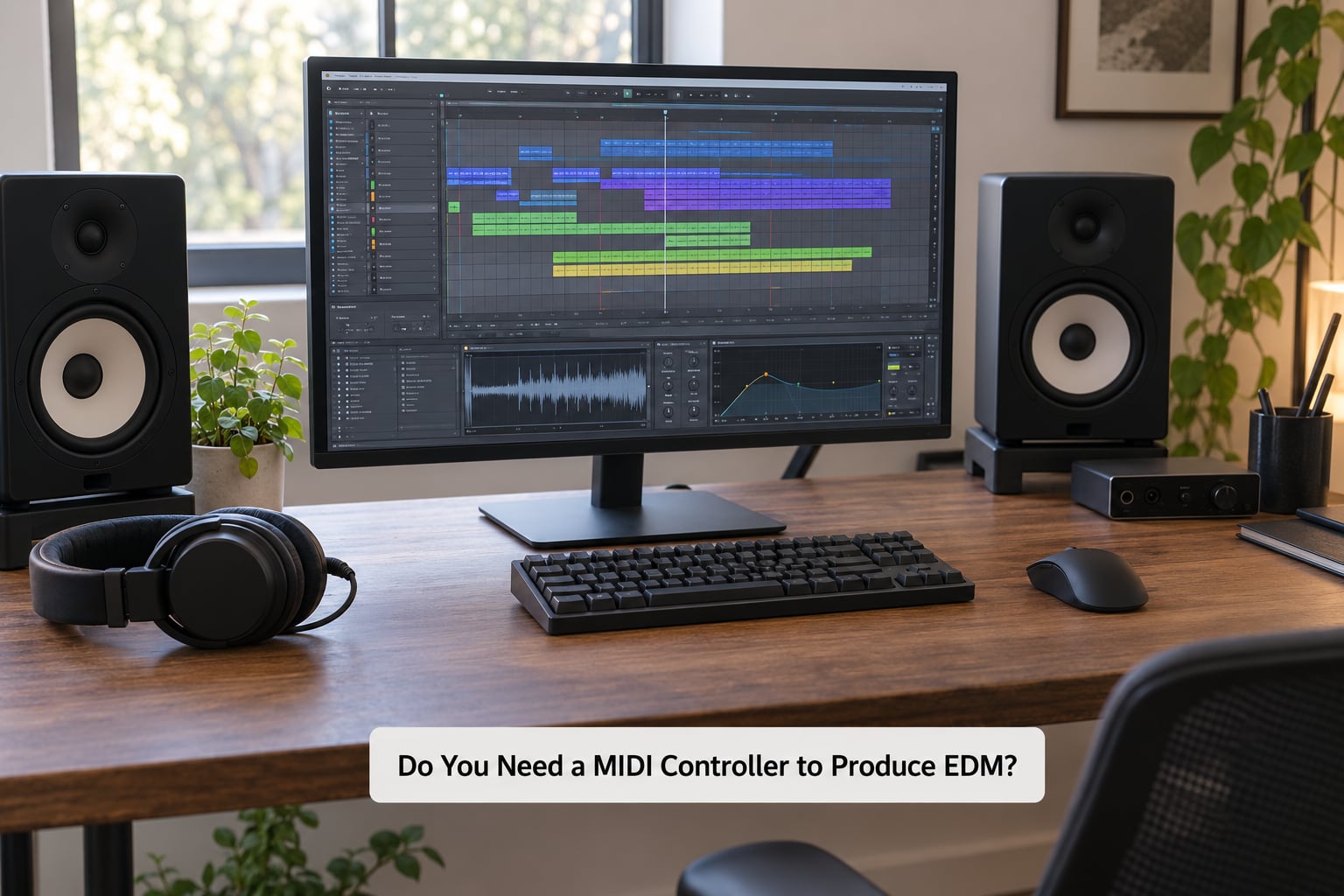
You do not need a MIDI controller to produce EDM, and no DAW requires one. Producers have released full tracks and entire albums using nothing but a mouse, a computer keyboard for typing shortcuts, and a pair of headphones. What a controller changes is speed and feel, not capability.
The consensus in the producer communities answering this question for years is blunt: the DAW is the essential purchase, the controller is optional. On r/edmproduction, one of the most repeated lines is that you do not really need a MIDI controller to start, all you really need is a DAW. Another regular comment in the same threads puts it as a computer, a DAW, and some headphones.
That advice is right for the first month. It becomes wrong the moment you are writing a bassline by hand for the fourteenth time, or building a drop that needs a lead played rather than drawn.
| Your situation | What a controller gives you | Do you need one? |
|---|---|---|
| Learning your DAW, finishing one or two tracks | Nothing you will use yet | No. Wait. |
| Writing full arrangements with automation | Faster clip triggering and sketching | Optional. Mouse works. |
| Writing melodies, basslines and chords by hand | Timing feel, velocity, quick octave jumps | Yes, soon. |
| Mixing sessions with many channels | Tactile faders and knobs for volume, filter, sends | Useful, not urgent. |
| Playing live or DJing your own material | Mandatory hardware | Yes. No alternative. |
| Producing on a tablet or a budget | Touch apps can cover clip launching | No. Software first. |
Do You Need a MIDI Controller to Produce EDM for Your Setup?
Your genre, DAW, skill level and desk space decide this more than the fact that you are making EDM. Genre sets the range you need: a melodic techno or trance producer writes long lines, a deep house producer mostly draws kick, hat, chord stabs and automation.
Skill level sets how much you would use it. If you cannot play two-handed chords yet, a 25-key board will sit half unused. Desk space matters too, and so does whether your DAW already gives you on-screen controllers you can click.
One more factor nobody mentions: how long you can sit. Fatigue is the honest reason most producers buy. Drawing a sixteen-bar bassline one note at a time with a mouse is genuinely unpleasant after a couple of hours, and no amount of enthusiasm fixes a sore wrist.
Can You Make EDM Without a MIDI Controller?
Yes, and plenty do. A laptop with a DAW installed contains everything required to write, arrange and mix a complete EDM track: synthesizers, samplers, drum machines, effects and a sequencer. The controller only changes the input device, not the instrument list.
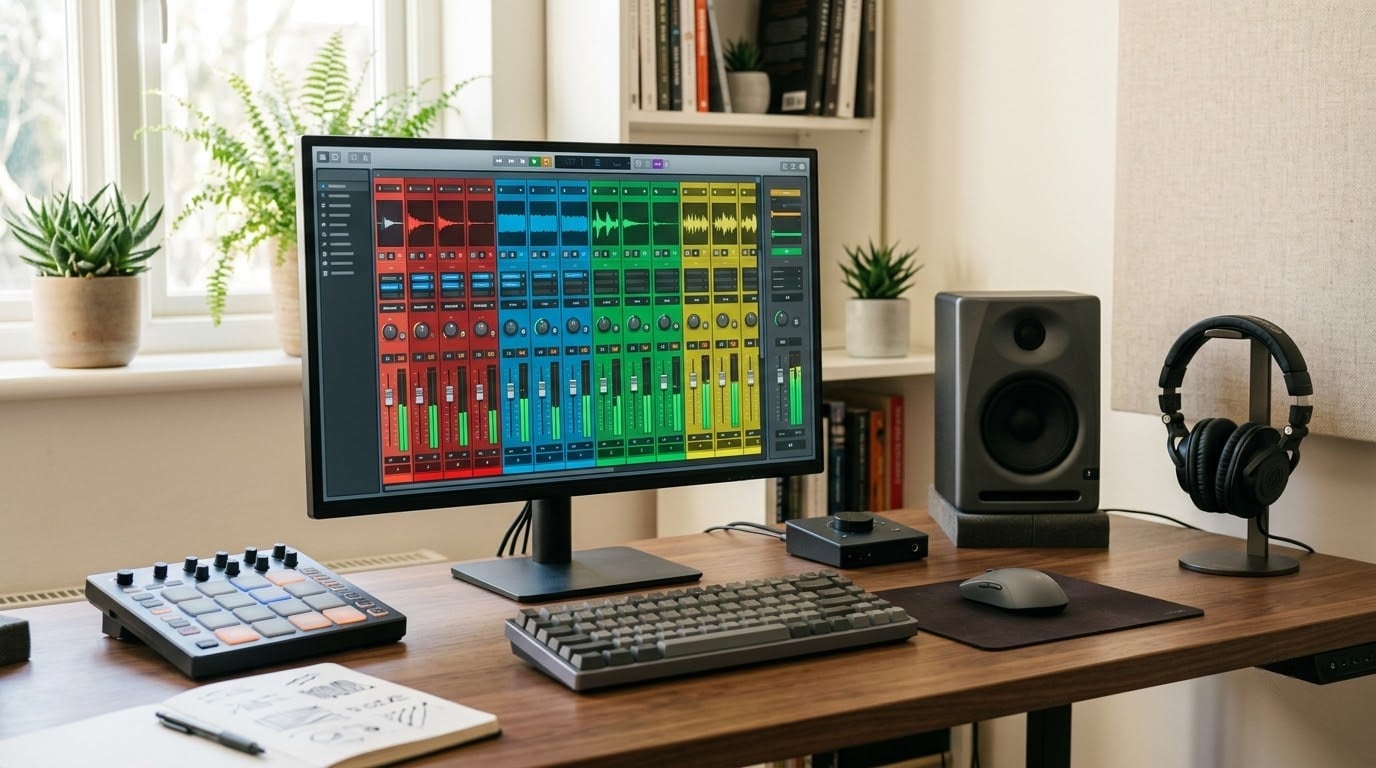
The workflow most people use instead is called mouse-and-pencil editing. You open the piano roll, which is the grid view where MIDI notes live as little rectangles, and you draw notes with the pencil tool at the pitch and length you want. You drag the vertical position to change pitch, drag the right edge to change length, and drag the top half of a note vertically to change its velocity.
Here is a realistic trance progression built entirely that way, with no hardware at all:
- Open the DAW and set a tempo. Drag in a drum machine on a fresh MIDI channel, load a basic kit, and let the sequencer pattern handle the four-on-the-floor kick and offbeat hats.
- Add a synth on a second MIDI channel. Draw an Am chord, hold it for two bars, then change the voicing by dragging individual notes a few semitones.
- Open the arpeggiator on that synth, set it to run in octaves, and choose the sync division. The progression now moves on its own with no input from you.
- Draw a saw bassline on a third channel, one rectangle per note, and shorten the release on each note by dragging the note end back.
- Add a filter, then draw an automation line over the drop: bring the cutoff down across four bars and up again after the drop. That is done with the mouse on the automation lane.
- Arrange intro, build, drop and outro in the timeline, draw a fade at both ends, and export.
Every one of those steps is identical on a controller-equipped setup. What hardware changes is that step 2 becomes a chord held with two hands, step 4 becomes a bassline played with feel, and step 5 becomes a knob you can turn while listening in real time.
All of that needs five things, and only one of them is software:
- A computer that runs your DAW comfortably. Nearly any laptop from the last several years handles a session with a couple of dozen tracks and a handful of bundled plugins.
- A DAW, which is the software where the track actually exists. FL Studio, Ableton Live, Logic Pro, Cubase and Studio One are the common ones, and Reaper and GarageBand are the low-cost and free routes.
- The bundled instruments that ship with it. Every DAW includes enough synthesizers, samplers and drum machines to make a finished EDM track without buying a single plugin.
- Headphones so you can hear the track without the room adding to it. Closed-back headphones are the usual choice for a desk in a shared space.
- Storage and a backup, because a session file is your entire track. A cheap external drive you copy to each week costs far less than a session you lose.
An audio interface is the optional sixth item. You only need one when you record microphones or instruments, or when the built-in laptop input adds delay you can hear while playing.
The one thing a controller cannot do is add sound quality. If a mix sounds thin, a bigger keyboard will not fix it. Gain staging, arrangement and mixing decisions do that.
What Does a MIDI Controller Actually Do in EDM Production?
MIDI is the note and control data that tells software instruments what to play. It is not audio, and a MIDI controller makes no sound at all on its own. It sends instructions, the DAW receives them, and the software instrument generates the sound.
Those instructions fall into a few families. Note messages say which key started and stopped, and how hard it was pressed, which is called velocity. Control change data covers everything movable: filter cutoff, resonance, modulation amount, pan, volume and send levels. Pitch bend and modulation wheel output feed the same kind of continuous control.
Here is what the hardware parts map to in practice:
- Keys send note on and note off. A chord is several notes sent at the same millisecond, and that is all a chord is.
- Velocity-sensitive keys also send how hard you struck the key, which changes how loud or bright a synth voice sounds. A controller without velocity gives every note the same intensity, and a good drum sound can end up lifeless.
- Pads trigger notes too, usually at a fixed pitch range mapped to samples, clips or drum sounds. Pads are the fastest way to fire a one-shot.
- Knobs and faders send continuous control change values. Map them to cutoff, resonance, reverb send or channel volume and they become live performance tools.
- Pitch and mod wheels send continuous data for vibrato, pitch sweeps and the filter-up move on a trance lead.
- MIDI mapping, sometimes called MIDI learn, lets you bind any button, knob or pad to any parameter in your DAW so the hardware drives the software directly.
Because it is all just data, a track written by hand in the piano roll and a track played into a DAW are identical once they exist. There is no quality difference between drawn notes and played notes. That is why the controller question comes down to workflow rather than sound.
Which EDM Tasks Benefit Most from a Controller?
Melody writing benefits most, and drum programming benefits nearly as much. Mixing benefits, but less than people expect, because automation drawing is already fast with a mouse. Arrangement benefits least of all.
| Task | Useful controller features | Benefit | Mouse and keyboard enough? |
|---|---|---|---|
| Lead melodies | Velocity keys, mod wheel, pitch bend | Feel for timing, vibrato and expression | Possible but flat |
| Basslines | Velocity keys, octave buttons | Fast accurate rhythm | Workable, slow |
| Chord progressions | 37 or more keys, velocity | Held voicings with dynamics | Yes, one at a time |
| Drum programming | Pads, velocity, pad pressure | Fast hits with varying force | Possible, less dynamic |
| Sound design | Knobs mapped to cutoff and resonance | Hear changes while you make them | Possible, blind |
| Mixing | Faders, knobs, transport buttons | Faster level and filter moves | Yes for most sessions |
| Arrangement | Transport controls, clip launch | Minor speed gain | Yes |
The last row is the one people misread. Controllers are marketed as faster for everything, but the piano roll, the timeline and the mixer are all clickable, and drawing automation is genuinely quicker with a cursor than by finding the right knob with your eyes.
Do Piano Keys or Drum Pads Matter More?
For most EDM, keys matter more, because most of what you write is melodic: basslines, leads, chord stabs and pads. Pads earn their place when your tracks are built from samples, one-shots and clip launching rather than from played notes.
| Use case | Keyboard controller | Pad controller |
|---|---|---|
| Trance leads and long melodic lines | Right tool | Awkward, no pitch control |
| Basslines | Right tool | Workable for short stabs |
| Chord progressions | Right tool | Fixed notes only |
| Sample-based house and breaks | Useful | Right tool |
| Drum sound triggering | Basic | Right tool, with velocity and pressure |
| Clip launching in a live set | Slow | Right tool |
| Learning scales and theory | Right tool | No help |
There are two other shapes worth knowing. A knob box has no keys at all, just dials and sometimes faders, aimed at sound design and mixing people who already write notes by hand. An all-in-one groovebox generates its own sounds and has a sequencer built in, so it needs no computer at all, which is useful for playing out and for practice away from the desk.
Touch controllers on a tablet sit in the same family as pads. They handle clip launching and mixing well, and they are a legitimate first step if a keyboard controller is out of reach. Fine melodic writing is not their strength.
Do You Need to Know How to Play an Instrument?
No. The second long-running myth says you need piano or keyboard skills before you can make dance music, and it keeps costing beginners months. You can build chords, basslines and drops for years without ever playing an instrument live.
That said, it is not the myth people think. The real barrier is musical taste and arrangement, not dexterity.
How Many Keys and Pads Do You Need?
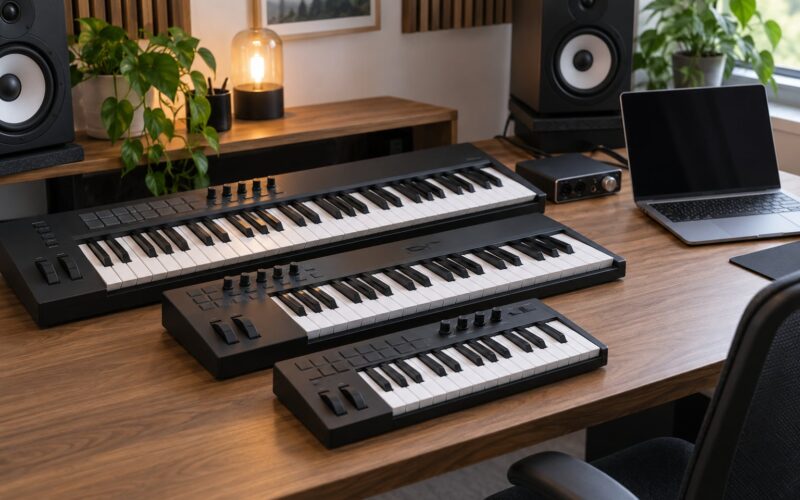
Twenty-five to 37 keys is enough for compact melodic control: basslines, riffs, arpeggios and one-handed chord stabs. That covers a great deal of house and trance, and it is the size most beginners actually need.
Forty-nine keys gives you roughly four octaves, which is where two-handed chords and wide voicings become comfortable. If your music involves pads, big cinematic chords or long leads, this is the number that matters. Sixty-one keys suits piano-style playing and is usually unnecessary for club music.
For pads, 8 to 16 is the useful range. Eight covers a kick, snare, clap, hat and a few variations. Sixteen adds room for loaded samples and layered one-shots.
All of these numbers are secondary to two things: the workflow you actually have, and the desk space you actually own. A 49-key board that has to live on the floor is worse than a 25-key board on a stand.
Which Controller Features Should You Look For?
Velocity sensitivity is first on the list, because it changes how musical every note sounds and it is hard to add later. A board without it treats a soft chord and a stabbed chord identically, and drum programming suffers most.
Second is key count, which is really a workflow question rather than a quality question. Pick based on whether you write chords with two hands, not on what number sounds impressive.
Pad pressure, where pads respond to how hard you hit them, gives drum sounds the same dynamic range that velocity gives keys. It is worth having if you program a lot of breaks.
Assignable controls and MIDI mapping decide whether the board stays useful after month three. Eight knobs you can bind to cutoff, resonance, delay mix and send levels turn the device into a live instrument. Fixed knobs do not.
Connectivity matters more than people expect. USB class-compliant means the computer recognises it with no driver install, which is true of nearly all modern controllers. Older MIDI DIN ports need an interface with a DIN input, and a few cheaper models still need a driver on Windows. Latency is the other half of this: a controller with noticeable delay between key press and sound makes playing uncomfortable, and that shows up most in live use.
Portability, stand support and DAW compatibility round out the practical list. Many controllers ship flat and lean against the screen, which is uncomfortable within an hour. Bundled software, build quality and brand name are nice extras, but they matter far less than a responsive input surface that your DAW sees immediately.
Where a MIDI Controller Falls Short
It is worth naming the honest drawbacks, because hardware marketing rarely does. The first is the learning curve: you now have knobs and buttons that do nothing until you map them, and mapping them is a chore that most beginners never finish.
The second is size. A controller with 49 keys and 16 pads is a large object that needs a stand and desk space, and in a small room it becomes the thing you have to move every time you use a different pair of headphones.
The third is that hand technique can work against you. Velocity sensitivity improves notes played with good technique, but nothing rescues a stiff wrist or a tense grip. People who have never played an instrument sometimes find a small controller easier, because they are not trying to play and can treat it purely as input.
The fourth is the false economy of buying one to fix a problem the controller does not solve. A mix that lacks energy is usually an arrangement and gain-staging issue. No keyboard changes that.
The fifth is MIDI itself. The standard dates back to 1983 and it has no clock sync of its own, no cable length limit, and a resolution of 128 steps per control value. In 2026 that is still fine for note and control data, which is all most dance music uses. It is not fine for synchronising two separate pieces of hardware, which is why the DAW clock, not a MIDI cable, keeps time in a modern setup.
How Do You Choose a MIDI Controller for Your DAW?
Work through it in this order. First name the job: melodies and chords, or samples and clips. That splits the choice between a keyboard and a pad controller before any brand or budget enters the conversation.
Next be honest about your playing. If you do not read keys yet, a 25-key board with velocity is a better first buy than a 61-key weighted one, and music theory practice matters more than either. On FutureProducers, the recurring answer to whether you need to play an instrument is that it does not matter, because making beats is its own skill, though playing is easier once you have it.
Then check your DAW. Major DAWs including Ableton Live, FL Studio, Logic Pro, Cubase, Studio One, Bitwig Studio and Reason all accept standard USB class-compliant MIDI controllers without extra software, so the DAW rarely limits you. What the DAW does limit is hardware with a tightly locked ecosystem, which ties a controller to one program. That can be a benefit if you use that program daily and a cost if you might switch.
Finally, look at what you already own. If you have no audio interface, that gap affects recording quality and latency far more than the controller you pick. Decide the order, and spend on the gap that bothers you more.
One more rule that saves money: do not buy the model a video review made look impressive. Buy the smallest thing that solves the named problem, and upgrade once you can say specifically what the smaller one stopped doing. A 25-key board with eight assignable knobs covers a surprising share of a full EDM workflow, and the money left over is better spent on monitoring.
If a controller has already gone unused, the fix is rarely a return. Open the DAW, map three knobs, use it for thirty days on a real project, and judge it after that. Regret usually comes from a controller sitting idle because nobody had a reason to reach for it, not from a bad device.
How Do You Set Up and Test a MIDI Controller?
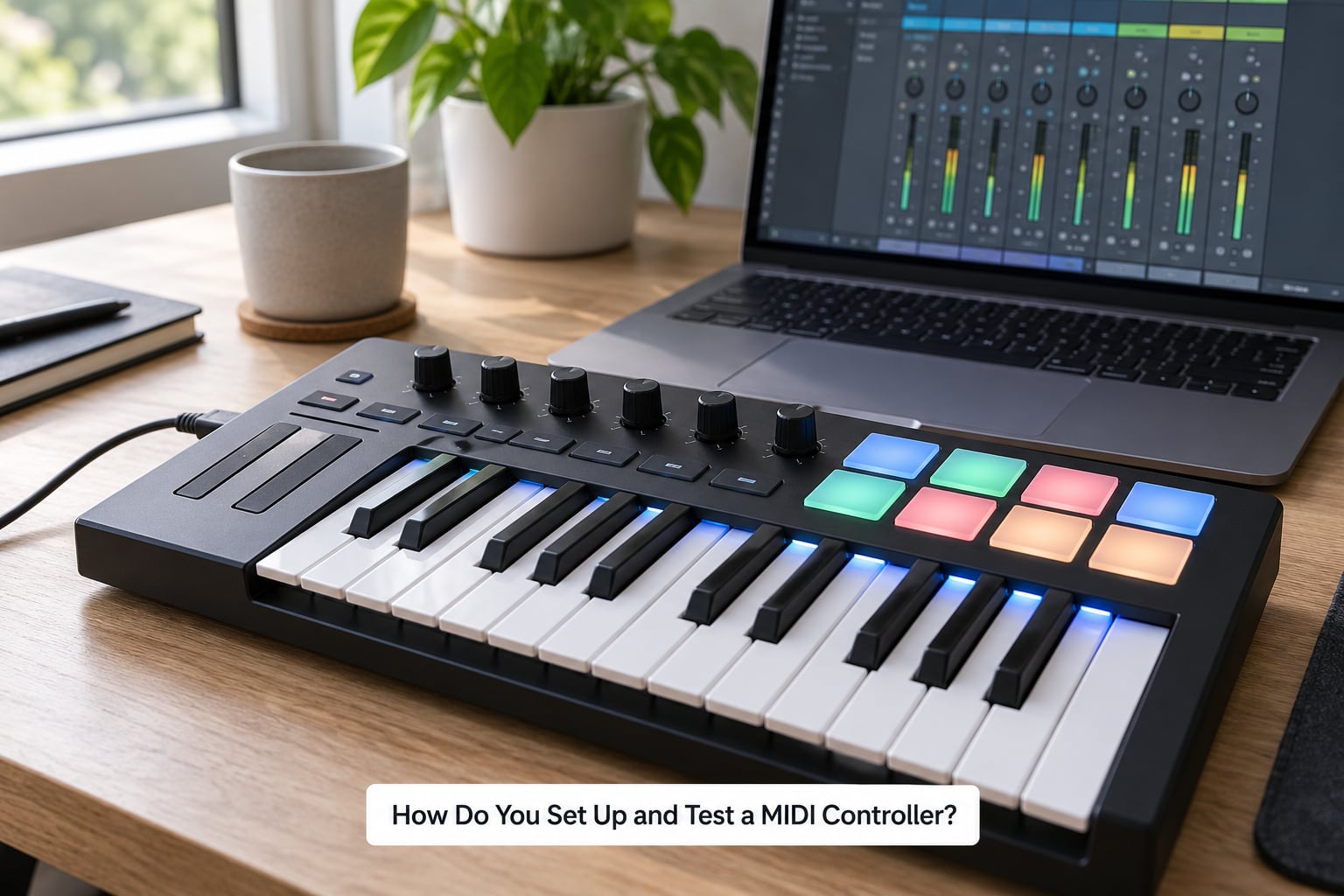
Setup takes about five minutes on any platform. Connect the controller by USB, or by MIDI DIN through an interface if it is an older board. Install a driver only if the device asks for one; class-compliant controllers skip that step entirely.
Open your DAW and look at the MIDI input list in preferences. The controller should appear there by name. Select it as the input, arm a MIDI track, and play. If notes appear in the piano roll, the connection is working.
Next test velocity. Play one key softly and one key hard and check that the bars drawn in the piano roll differ in height. If they are identical, velocity is not reaching the software. Then test the pads, then turn a knob and watch whether a mapped parameter moves.
For control assignment, most DAWs have a MIDI learn or MIDI mapping mode. Click the parameter you want to control, then move the hardware control, and the binding is stored. Map a knob to filter cutoff first, since that is the one you will use most in EDM.
Common problems are straightforward. A device missing from the MIDI list usually means a faulty cable or a hub, so try another port directly on the computer. Notes landing an octave off means the octave or transpose setting on the controller is wrong, and the fix is usually a button press on the board itself. Repeated or stuck notes point to a driver or USB power issue, and moving to a direct port often resolves it. Playback delay that the DAW displays correctly but you can still hear means the audio buffer is set too high, so lower the buffer size and raise it again if playback stutters.
Is a MIDI Controller the Same as a Synthesizer?
No, and the distinction explains most of the confusion in buying guides. A MIDI controller sends instructions and makes no sound of its own. A hardware synthesizer generates audio itself, from oscillators and filters built into the unit, with no computer needed.
For EDM production on a computer, the controller plus your DAW plus software instruments is the normal setup. A hardware synthesizer earns its place when you want sound that survives a laptop crash on stage, when you like playing a patch with your hands more than drawing automation, or when a specific instrument sound is central to your music.
A groovebox blurs the line, since it contains a synthesizer and a sequencer in one box and often accepts a controller as well. That makes it useful as a standalone instrument and as a sound source for a DAW.
Frequently Asked Questions
Is a MIDI controller required to make EDM?
No. Nearly every EDM track starts as MIDI data inside a DAW, and a mouse with the piano roll can enter every note, velocity and automation point a keyboard would send. A controller changes how fast and how expressively you enter that data, not whether the music can exist at all. Plenty of finished tracks exist that never touched hardware.
Is a 25-key MIDI controller enough for making trance and house music?
A 25-key board covers roughly two octaves, which handles basslines, short riffs, arpeggios and one-handed chord stabs, and that is most of house and trance. Two-handed chords and long melodic lines want 37 to 49 keys. If you write pads and wide voicings by hand, go straight to the larger board.
Should I buy a MIDI controller or an audio interface first?
Buy the interface first if you plan to record anything, since built-in laptop inputs add noise and latency. A USB controller is class-compliant and works with no driver, so there is no rush on that side. If you are drawing notes by hand daily and it is slowing you down, the controller comes first instead.
Does a MIDI controller make music production faster?
It speeds up input, not output. Drawing a bassline in the piano roll takes a mouse click per note, while playing it takes one key press and lets you feel the timing as you go. Nothing about the resulting audio changes. The gain is largest on leads, chords and live tweaks, and near zero on arrangement.
Can I use a MIDI controller with Ableton Live, FL Studio, and Logic Pro?
Yes, as long as the controller is USB class-compliant, which nearly all modern ones are. Each of those DAWs detects it on plug-in with no extra software, and Cubase, Studio One, Bitwig Studio and Reason behave the same way. Older DIN controllers or models needing a driver add one extra setup step.
When should a beginner buy their first MIDI controller?
Buy one when a specific limit shows up: hand fatigue from mouse editing, a project that needs playing rather than drawing, or a live set coming up. Most beginners get further with a free or trial DAW and its bundled instruments first. Controllers bought before you know what you want to play tend to stay in a cupboard.
Conclusion
Buy one if you write melodies and chords by hand, mix large sessions, or play out. Wait if you are still learning your DAW, and skip it entirely for now if you plan to record vocals first, since an audio interface matters more for that work.
Start today by finding the slowest part of your current workflow. If it is drawing notes in the piano roll, you need keys with velocity sensitivity. If it is shaping filters and mixing, you need knobs and faders. Name the problem first, then buy the thing that solves it.