Tuning a kick drum to the key of the track means pitching the kick so its fundamental frequency lands on the same note your bassline is playing, usually the root of the key. Read that fundamental with a tuner or spectrum analyzer, work out what note it is, then offset the sample or synth by the few semitones it needs. The whole job takes about ten minutes once you know where the reading comes from.
The part that trips people up is that most kicks do not read as one clean note. There is a click at the top, a body underneath, and sometimes a tail an octave below that your tuner locks onto instead of the note you actually want. This guide walks through finding the right fundamental, pitching it accurately in Ableton Live, FL Studio, Logic Pro, Bitwig and Reason, and checking the result against the rest of the mix. It also covers the case where you should leave the kick alone entirely.
Table of Contents
- What You Need
- Step-by-Step: How to Tune a Kick Drum to the Key of the Track
- Step 1: Establish the track’s tonal center
- Step 2: Decide whether the kick needs to be pitched
- Step 3: Tune the Kick Drum to the Key of the Track
- Step 4: Preserve the kick’s attack and character
- Step 5: Check the kick in the full mix
- Step 6: Make small adjustments for the genre and arrangement
- Common Mistakes
- Frequently Asked Questions
- Should every kick drum be tuned to the key of the track?
- Should the kick match the bass root note?
- How many semitones can I pitch-shift a kick drum?
- What if my track does not have a clear key?
- Is it better to tune the kick or use a tuned kick sample?
- How do I keep the punch when tuning a kick?
- Conclusion
What You Need
None of this requires a specific plugin budget, and every DAW ships with the tools to do it.
- The project file with the kick and bassline already arranged. Tuning before the bassline exists is guessing.
- Your kick source — a sample, a synth patch, or a drum machine kit. Each has its own pitch control.
- The track’s key, either from a chord chart, a scale-aware instrument, or by ear against your bassline.
- A frequency reader. Voxengo SPAN is the common choice, but Ableton Live ships a Tuner device, FL Studio has a channel pitch readout on its sampler, and Logic and Bitwig both have usable pitch displays built in. Phone tuner apps work well enough for a first pass.
- Headphones and monitors. Headphones for pitch detail and mono checking, monitors for translation.
- Optional: a pitch-shift or frequency-shifting plugin, a transient shaper, and a soft clipper for saturating the body without smearing the click.
Step-by-Step: How to Tune a Kick Drum to the Key of the Track
Step 1: Establish the track’s tonal center
Open the project and find the note your bassline is actually centred on. If the track has chords, the root of the chord progression is usually the answer, but check what the bass plays during the loudest section rather than trusting a label.
Several producers on r/makinghiphop hit exactly this snag when they sample an existing record: the key-detection tool reports the original song’s key, the sample has been sped up to match the project tempo, and now every pitch in the file is wrong. When that happens, fix the tempo first and re-measure. A key read on a speed-shifted sample tells you nothing useful.
Ignore temporary bass notes and vocal melodies. A bassline that moves through C, Ab and Eb still gives you one tonal centre for the kick — the root that the majority of the low-end energy sits on. If the track genuinely has no clear centre, say so now, because that changes the method (see the FAQ below).
Step 2: Decide whether the kick needs to be pitched
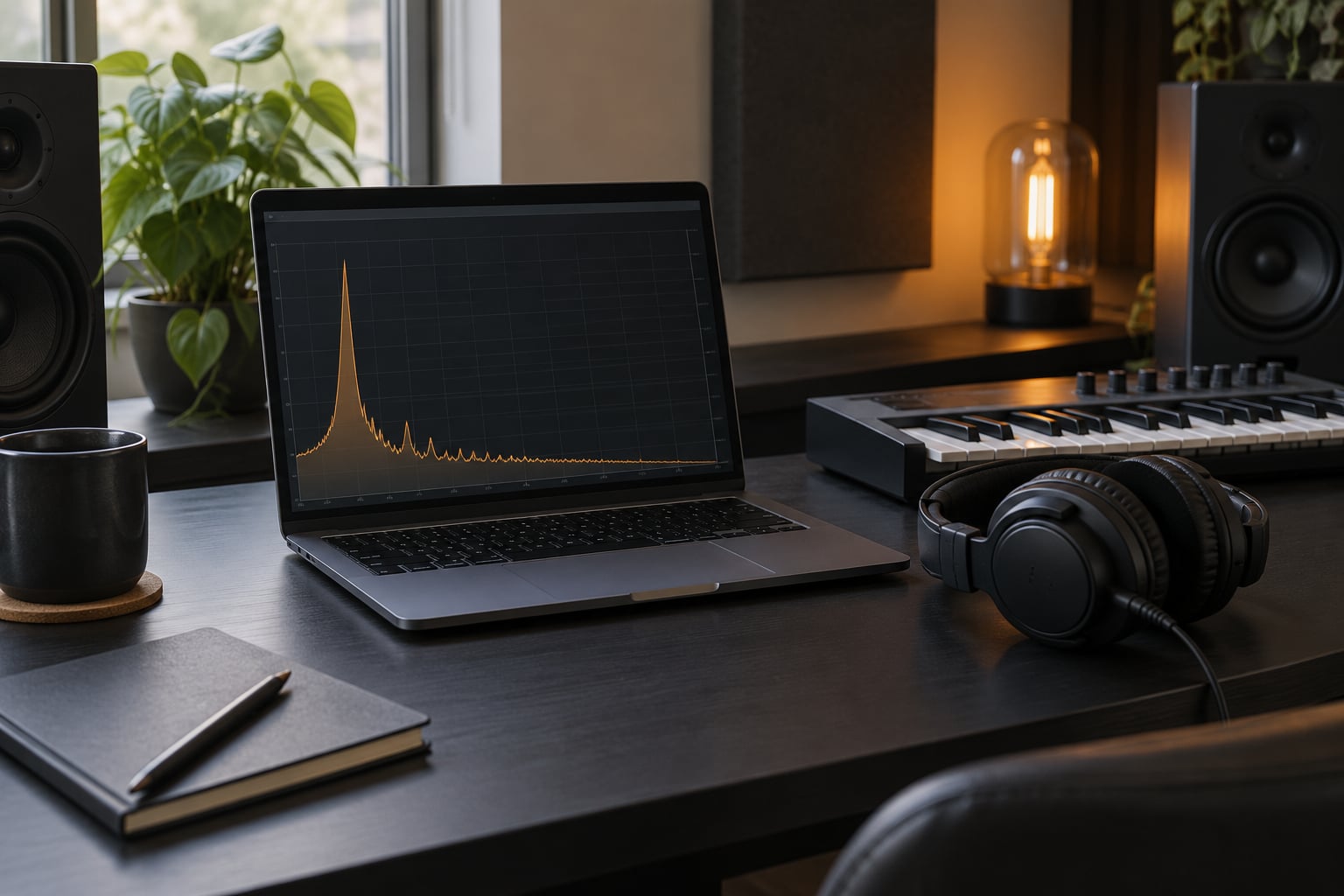
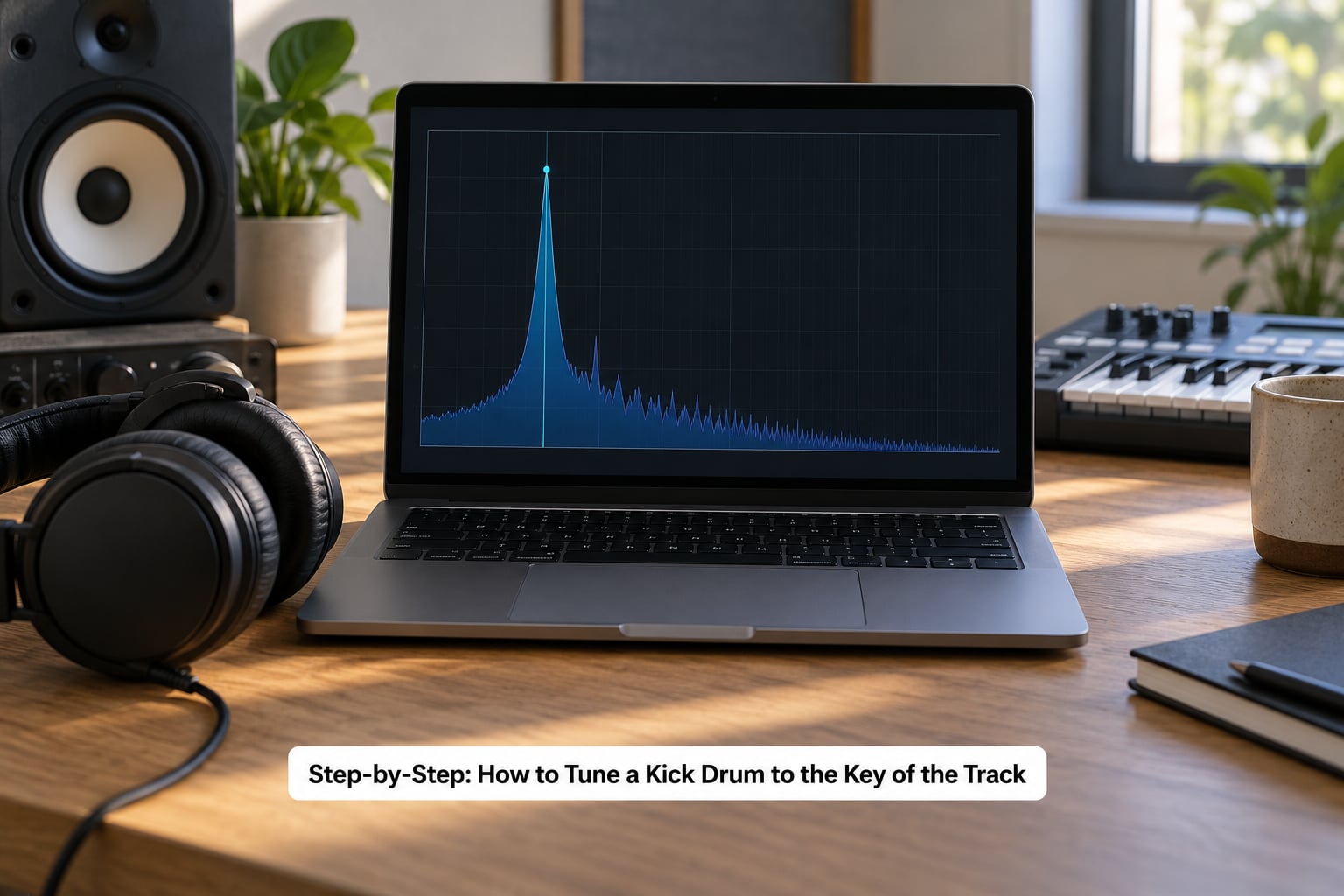
Solo the kick, play one hit, and read the fundamental. Set your tuner to read the lowest stable peak rather than the loudest one. You are looking for the body of the sound, not the beater click and not the sub tail an octave down.
Most commercial kicks sit in the 40 to 70 Hz range, which is D1 up to about D2. If your bass root is D and the kick reads 55 Hz (A1), you need to move it up five semitones. If the kick reads 73.42 Hz, it is already D2 and you leave it alone.
That check is the whole decision. A kick that already matches the root needs no pitch change, and pushing it anyway is the most common mistake in this workflow. If the gap is more than about three semitones, read the next section before you commit.
Step 3: Tune the Kick Drum to the Key of the Track
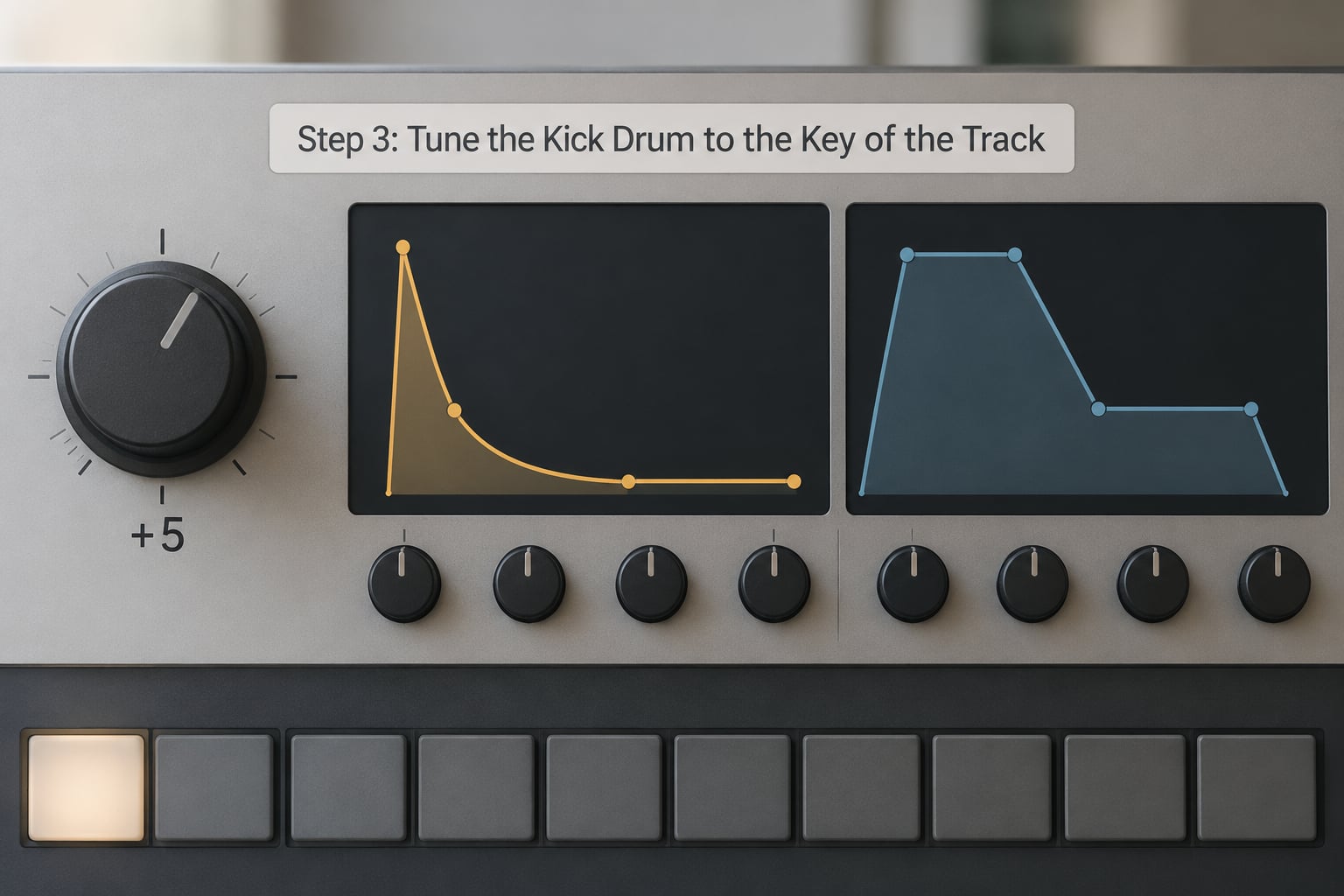
Set the pitch control to 0, then offset by the exact number of semitones between the two notes. Use the fine control for cents if the reading is a few hertz off — 100 cents equals one semitone, so 20 cents is a barely-there nudge.
Ableton Live. Drop SPAN on a return or the drum channel, solo the kick, and read the peak. Use the clip’s Detune field under the clip’s Tone section, or the Pitch control on an Operator or Simpler device, to offset it. If you want to see the note name instead of a frequency, Ableton’s Tuner device sits in the Audio Effects category and shows note and cents deviation directly.
FL Studio. Right-click the kick channel and turn on the pitch readout in the channel rack, or open the Channel Settings window and read the value under the fader. To change it, use the channel pitch knob, or apply Pitch Shifter (Fruity Parametric EQ 2’s pitch tab works too) on the insert.
Logic Pro. Use the Transformer on the channel strip for a numeric pitch readout in cents, or the Pitch Shifter plug-in in Audio Pitch. In the sample editor, the region’s Pitch and Detune sliders under Format give you a per-region transpose without processing the audio at all.
Bitwig Studio. Track inspector shows pitch in semitones and cents directly, so you can dial the value with the mouse and watch it move on screen. The Pitch Shift device handles anything larger.
Reason. Open the drum computer or sampler and set the pitch in the device window; on the Matrix Pattern Sequencer drum section the pitch is a knob per sound. Reason’s built-in NN50 shows the note it thinks the sample is playing, which is a useful sanity check.
Useful reference points while you work: C1 is 32.70 Hz, D1 is 36.71 Hz, A1 is 55.00 Hz, C2 is 65.41 Hz, D2 is 73.42 Hz and D3 is 146.83 Hz. Sub bass often lives an octave below what you are reading, so if your bass sub is at D1, a kick at D2 is still a match, just a different octave.
Step 4: Preserve the kick’s attack and character
Pitching a sample moves the whole waveform, including its length. A two semitone shift downward stretches the kick by roughly 15 percent, so a 500-millisecond hit becomes 575 and starts landing late in the groove. That is the problem producers on r/edmproduction describe when they say sample-pitch tools change the decay and the kick no longer fits.
Two fixes. Either trim the tail back to where it was, or use a granular pitch shifter that preserves duration. In Battery-style samplers, a Pitch parameter mapped across the velocity range handles melodic behaviour, while Amount and Decay control how far the pitch drops from the attack to the body. A short Amount with a fast Decay keeps the punch; a long slow drop gives you the tuned synth kick sound.
Now bypass your distortion and EQ and compare the original and tuned versions at low volume with the level matched. You are listening for one thing: the click should be exactly as sharp and as short as it was before. If the tuned version has lost its snap, back the pitch shift off a fraction and try again.
Step 5: Check the kick in the full mix
Solo, then bass, then drums, then the full track. Every layer of that progression can reveal a clash the previous one hid.
Play it in mono. A kick and a bass tuned to the same note in slightly different octaves can wander in the stereo field, and mono reveals that immediately in a way stereo hides. Play it loud, too, and then quiet. If the low end turns to mud on small speakers, that is usually a frequency clash rather than a pitch problem, and the fix is EQ or sidechain compression rather than more tuning.
Volume-match every comparison. Producers in r/mixingmastering make this point constantly: a kick that reads as heavy at one level can be thin at another, and you will make the wrong decision if the two versions are not sitting at the same loudness.
Step 6: Make small adjustments for the genre and arrangement
Once the kick is in key, the remaining moves are small ones and they are optional. Dropping the kick an octave during a breakdown gives you a sub that supports the chords without fighting them. Moving it up a semitone for the drop re-anchors the low end when the arrangement opens out.
Genre conventions differ more than most tutorials admit. In drum and bass, melodic bass and Reese lines are doing real harmonic work, so tuning the kick to the root is close to standard practice. In techno and melodic house the kick usually sits alone in the low end for long stretches, so pitching it adds little. In trap and hip-hop the 808 carries the pitch and the kick is there for the click, which is why so many people on those forums say they would not worry about tuning at all.
There is a real argument against tuning in the first place. The position you will hear most often on mixing and production forums is that a kick cannot be tuned to a key because percussion is not a pitched instrument by definition, and that plenty of working producers never bother. That position has merit in styles where the bass and kick never overlap in register. Where the two do share the low end, the mismatch produces audible beating between them, and no amount of EQ fixes that. My rule: tune when the kick and bass occupy the same octave, leave it alone when they do not.
Common Mistakes
Tuning by ear only, at high volume. Human pitch perception gets worse the louder and lower the source, which is exactly what a kick is. Use the tuner for the number, then use your ears for the verdict.
Forcing every drum onto the root. Toms and snares do not need it. Toms are usually tuned to the root, third and fifth so a fill descends musically, and the snare is often left pitched or moved to a different interval entirely. Unpitched percussion — shakers, hats, rim clicks — should not be touched.
Over-pitching. Beyond about three semitones the sample’s character shifts enough that it sounds artificially stretched or thin. Find a different kick instead of forcing it.
Tuning before the bassline is finished. The target note moves as the bassline moves. Tune last, or at least tune again after every bassline revision.
Forgetting the sub octave. If your analyzer shows a peak at D3 but the real weight is at D1, you are reading the wrong harmonic. Check the lowest sustained peak before you decide.
Not re-checking after processing. Saturation adds harmonics that shift the perceived pitch, and heavy compression changes the envelope. Check the kick once more after the master chain, on headphones, before you call it done.
Frequently Asked Questions
Should every kick drum be tuned to the key of the track?
No. Tuning matters most when the kick and bassline share the same low-frequency register, which is common in drum and bass, melodic house and some techno. In trap, boom bap and much of hip-hop the 808 or bass owns the pitch and the kick provides attack, so tuning adds little. The honest test is simple: if the two overlap in octave, match them. If they do not, leave the kick where it sounds best.
Should the kick match the bass root note?
Usually yes. The bassline’s root is almost always the same note the rest of the track resolves to, so matching the kick to it removes the beating you hear when two low frequencies sit a few hertz apart. The exception is when the bass is busy and melodic, moving through chord roots constantly. In that case pick the note the bass returns to most often and tune the kick to that, rather than chasing every change.
How many semitones can I pitch-shift a kick drum?
Under three semitones is generally safe. The waveform scales with the pitch, so a two semitone drop stretches the sample about 15 percent and changes how long it rings. Beyond three the character shifts audibly and the kick starts to sound thin or oddly compressed. If you need a bigger move than that, use a granular pitch shifter that preserves duration, or pick a kick that was recorded or designed closer to the note you need.
What if my track does not have a clear key?
Then tune the kick to the bassline instead of to an abstract key. Find the note the bass spends the most time on across the main section and treat that as your root. If the bass is atonal too, which happens in some techno and industrial, skip tuning entirely and choose a kick that sits well with the mix. Chasing a key that is not there produces a worse result than leaving the sample alone.
Is it better to tune the kick or use a tuned kick sample?
Both work, and they are not exclusive. Tuning a kick you already love keeps the transient and body exactly as recorded but requires a reading, a conversion and a semitone calculation. Swapping in a sample that is already built around the right note is faster but gives you a different kick, so the rest of your mix may need to adjust to it. If the kick is already close, tuning it is the smaller change. If it is far off, replacing it is usually cleaner.
How do I keep the punch when tuning a kick?
Tune first, process second, and match levels when you compare. Pitch shifting scales the whole waveform, so if the tuned version is quieter or longer it will feel less punchy even at the right note. Trim the tail back to the original length, keep the high-frequency click untouched, and add saturation after tuning rather than before, since saturation on the un-tuned version gets stretched along with it. Solo, level-match and compare before you decide it works.
Conclusion
Find the note your bassline actually centres on, read the kick’s lowest stable peak with a tuner, convert it to a note name, and make the smallest adjustment that closes the gap. Then check it in mono, at matched volume, against the full arrangement before you move on.
That last check is the one people skip. Half the time it tells you the tuning was never the problem.