To make a Sylenth1 lead sound wider, raise the unison voice count on one oscillator group and detune the voices apart by a few cents, spread osc A and osc B across the stereo field, then add short chorus or delay time inside the synth and a mono-safe stereo imager on the lead bus. The whole process takes about 20 minutes once you know which knob does what.
The part most producers get wrong is doing all of that in the wrong order. Width built inside the synth survives a mono PA. Width pasted on afterwards by a plugin often does not.
Table of Contents
- What You Need
- Step-by-Step
- 1. Start with a Clean, Mono-Friendly Sylenth1 Patch
- 2. Widen the Sound with Oscillator Detuning
- 3. Add Motion with Sylenth1’s Stereo and Unison Controls
- 4. Use a DAW Chorus or Stereo Effect Carefully
- 5. Shape the Stereo Image with Panning and Automation
- 6. Check Mono Compatibility and the Final Result
- Common Mistakes
- DAW Quick Chains for FL Studio and Ableton Live
- Frequently Asked Questions
- What does a stereo widener do?
- Should I add stereo width inside Sylenth1 or in my DAW?
- Are wide Sylenth1 leads mono-compatible?
- How many unison voices should I use in Sylenth1?
- How much detune should I use for stereo width?
- How do I make a sound wider in FL Studio?
What You Need
Sylenth1 is the whole tool list, really. LennarDigital’s synth gives you two oscillator groups, each with three waveforms, a unison voice count, a detune knob, and its own pan position. Add your DAW, a set of headphones, and roughly ten minutes of listening time.
A stereo effect helps, but it does not have to be a plugin. Every DAW worth using has a chorus, a delay and a reverb already in it, and those three cover most of what you need. A dedicated stereo imager is optional and usually a bad first move.
Menu names shift a little between Ableton Live, FL Studio, Logic Pro, Cubase, Studio One, Bitwig and Reason, but the signal flow is identical everywhere, so the steps below transfer as-is.
Step-by-Step
Here is the repeatable order for how to make a Sylenth1 lead sound wider. Do each step, listen, commit the sound, then move on. If you jump straight to a widening plugin you are covering up a design problem instead of fixing it.
1. Start with a Clean, Mono-Friendly Sylenth1 Patch
Load a preset or initialise a new patch and get the basics right before touching width. A dirty patch gets wider and louder at the same time, and then you cannot tell which one you are hearing.
Set osc A to a saw wave at full level with osc B a little quieter, and pull the filter cutoff to roughly two-thirds of its range. Resonance near 20 to 30 percent adds bite without the whistling edge that makes a widened sound harsh. Play the melody before adding anything. If it sounds thin and centred, that is correct — you are about to fix the centre.
2. Widen the Sound with Oscillator Detuning
Bump the unison voice count on one oscillator group from 1 to 3, then raise detune to roughly 10 to 25 cents. That is the single biggest width change available in Sylenth1, and it is the answer that comes up most often on r/edmproduction: use an odd number of voices so one voice stays in the centre.
Why odd numbers matter is worth understanding once. A 1-voice saw sits dead centre and does not move in the stereo field at all. Two detuned voices sit at equal distance either side of centre, which sounds wide but hollow, because nothing is anchoring the middle. Three voices put one in the centre and one on each side, so the lead stays solid while the edges move. Even counts hollow out the body, which is exactly the “big lead with no centre” complaint from the forums.
- 1 voice, 0 cents — no width at all, fully mono, full centre body.
- 2 voices, 10 to 25 cents — wide, but hollow in the middle.
- 3 voices, 10 to 20 cents — wide with a solid centre. This is the lead default.
- 5 voices, 15 to 30 cents — very wide, supersaw territory, still solid.
- 7 voices, 20 to 40 cents — thick and wide, heavy enough to swallow a melody line.
Keep detune under roughly 40 cents. Past that the pitch beating turns into a chorus or flanger sound, which is the mistake most people make when a lead “sounds wide but weird”.
3. Add Motion with Sylenth1’s Stereo and Unison Controls
Sylenth1’s internal effects all carry a Width knob, and LennarDigital’s manual describes exactly what each one does: the Width knob sets the stereo width of the reverb effect, controls the width of the phaser, and shapes the delay’s stereo image, with 0 producing mono output.
Start with chorus at a 30 to 40 percent mix with width around 70 percent. Then a short delay, sync off, with a feedback value under 20 percent so it does not smear the attack. Both sit in the FX slot at the end of the signal chain, so the dry, mono-safe part of the patch is already there underneath.
Slow movement reads as dimension, not width. If the width knob is jumping faster than the melody, back it off until you notice it only when you stop paying attention.
4. Use a DAW Chorus or Stereo Effect Carefully
If the internal chorus is not enough, duplicate the lead onto a second track, pan it about 30 percent toward the opposite side, and put a slow chorus or a very short delay on the copy. Blend it in underneath the dry signal.
Short delays work on the Haas principle: a copy arriving a few milliseconds after the original is heard as wider rather than as an echo. Stay between 10 and 30 ms. Around 5 ms is where the ear stops reading two sources and starts hearing width, and beyond 40 ms it turns into a slapback you can name.
On r/FL_Studio, producers reach for chorus and flanger first and treat Stereo Shaper as the simplest tool for the job. Same idea, fewer controls.
5. Shape the Stereo Image with Panning and Automation
Now move the elements around. Pan osc A about 20 percent to one side and osc B 20 percent to the other, which is the trick that the ADSR stereo widening tutorial leads with and the easiest win in the whole synth.
True width and depth are different things. Width is the difference between the two channels; depth comes from placing some elements closer and further away. A build that opens up and a drop that stops wide entirely sounds bigger than one lead that stays maximally wide for four minutes.
Automate the width across the arrangement: narrow during the verse, open the osc pan and chorus width over eight or sixteen bars into the drop. Automation makes width feel intentional.
6. Check Mono Compatibility and the Final Result
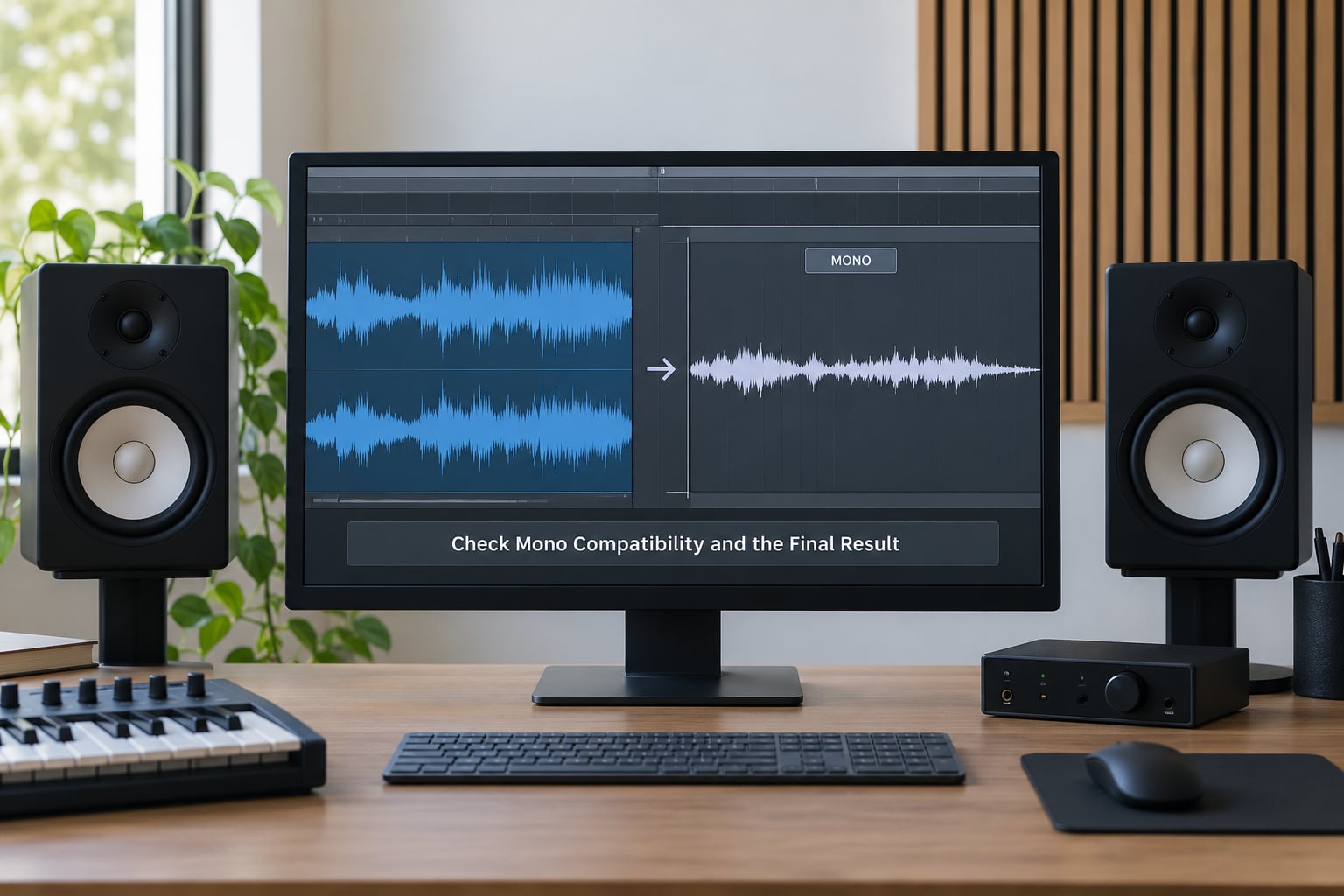
A club PA is often mono, and a wide lead that collapses there has wasted your afternoon. FL Studio has a mono check on the master channel, Live has a Mono switch in the Utility device, and Logic, Cubase, Studio One and Reason all have a master or utility mono toggle somewhere in their channel strip.
Solo the lead and check four things: no sudden level drop, no lost low end, no comb filtering, and the melody still reads. A small dip is normal. A lead that thins out or turns hollow means you have too much of the width coming from low frequencies or from opposing phase.
If it fails, pull the low-pass on the stereo widener down to around 200 Hz so the sub stays mono, then listen again.
Common Mistakes
Nearly every disappointing wide Sylenth1 lead comes from one of six things. Work down this list and the problem is usually obvious.
Detuning two oscillators against each other instead of adding voices. Two oscillators at wide intervals give you a thick sound, not a wide one. Fix: put the detune inside one oscillator group with three or more voices, and spread the oscillators with pan rather than pitch.
Using too many unison voices. Nine or more voices on one lead muddies into noise long before it sounds wide. Fix: 3 or 5 for a lead, 7 only for a supersaw chord layer.
Pushing width on the bass frequencies. Below roughly 150 Hz you cannot localise, so low stereo content only creates phase cancellation. Fix: run a low-pass at 200 Hz on the widening stage, or split the band and keep the bottom mono.
Widening an already-wide source. If unison detune, oscillator pan and chorus are all already open, a stereo imager on top just smears the transient. r/mixingmastering is blunt about this: the result is a smeared sound, and most producers there would rather double a track with a slightly different texture and pan the copies.
Letting the transient get buried. Width applied above 2 kHz on a fast lead removes the attack click and the lead stops cutting through. Fix: keep the reverb send low and short, and check the image on kicks and snares rather than in isolation.
Widening everything at once. When every instrument occupies the sides, the listener stops perceiving any of it as wide. Fix: keep bass, kick and snare mono, and let one or two elements own the stereo field at a time.
Two habits cover most of the rest. Check your work in mono after every change, not at the end. And trust your ear on one phrase of the melody rather than a full loop, because fatigue hides width problems faster than volume problems.
DAW Quick Chains for FL Studio and Ableton Live
In FL Studio, put Fruity Parametric EQ 2 or a splitter on the lead insert first to carve the low band, add Fruity Stereo Shaper for a gentle width lift, and finish with ShaperBox or a free widener at a low mix. Use the master channel’s mono switch as your final check.
In Ableton Live, drop a Utility on the lead track, split the signal with a Bandpass on the side branch, send that branch to a widener or short delay, and merge it back under the dry. Ableton’s Mono switch in Utility gives you the compatibility check without leaving the chain.
Both approaches add width at the top of the chain, after the dry signal is already sitting in the centre. That ordering is what keeps the mono check clean.
Frequently Asked Questions
What does a stereo widener do?
A stereo widener increases the difference between a signal’s two channels while leaving its centre roughly where it was. On a mono source it creates that difference using short delays, phase manipulation or mid-side processing. Most wideners include a low-pass control so you can stop them touching bass, which is where they cause the most phase problems.
Should I add stereo width inside Sylenth1 or in my DAW?
Start inside Sylenth1. Unison detune, oscillator pan and the internal chorus, delay and reverb width knobs are mono-safe because the dry signal stays centred underneath. External widening is a finishing touch. If you reach for a plugin first, you are usually compensating for a patch that has no detuned voices and no oscillator spread.
Are wide Sylenth1 leads mono-compatible?
They can be, and they usually are when the width comes from unison detuning and panning rather than phase tricks. Losses happen when you widen low frequencies, stack opposing phase copies, or use long delays. Solo the lead, flip your DAW’s mono switch and listen for level drops, lost sub and comb filtering before you call a patch finished.
How many unison voices should I use in Sylenth1?
Three for most leads, five when you want a supersaw pad or a thicker trance lead, seven only for stacked chords. Odd numbers keep a voice in the centre so the lead holds its body. Even numbers push every voice to the sides and leave a hollow middle, which is the most common reason a wide lead sounds thin.
How much detune should I use for stereo width?
Ten to 25 cents for a lead, up to 40 cents for a supersaw. That range gives audible width without the pitch beating that turns into a chorus or flanger sound. If you can hear the detune wobbling as a distinct effect rather than as size, you have gone too far and should pull it back by five cents at a time.
How do I make a sound wider in FL Studio?
Add Fruity Stereo Shaper or ShaperBox on the lead insert at a low mix, and set any low-pass filter on the widening stage to around 200 Hz so your sub stays mono. For more control, duplicate the track, pan the copy 30 percent to the opposite side and apply a short delay or chorus before blending it under the dry signal.
Open Sylenth1, set one oscillator group to 3 unison voices at roughly 15 cents of detune, pan osc A and osc B about 20 percent to each side, then flip on a chorus at a 30 percent mix. Solo it, hit the mono switch, and only after that passes should you reach for anything in your DAW. Everything else on this page is refinement on top of those four moves.