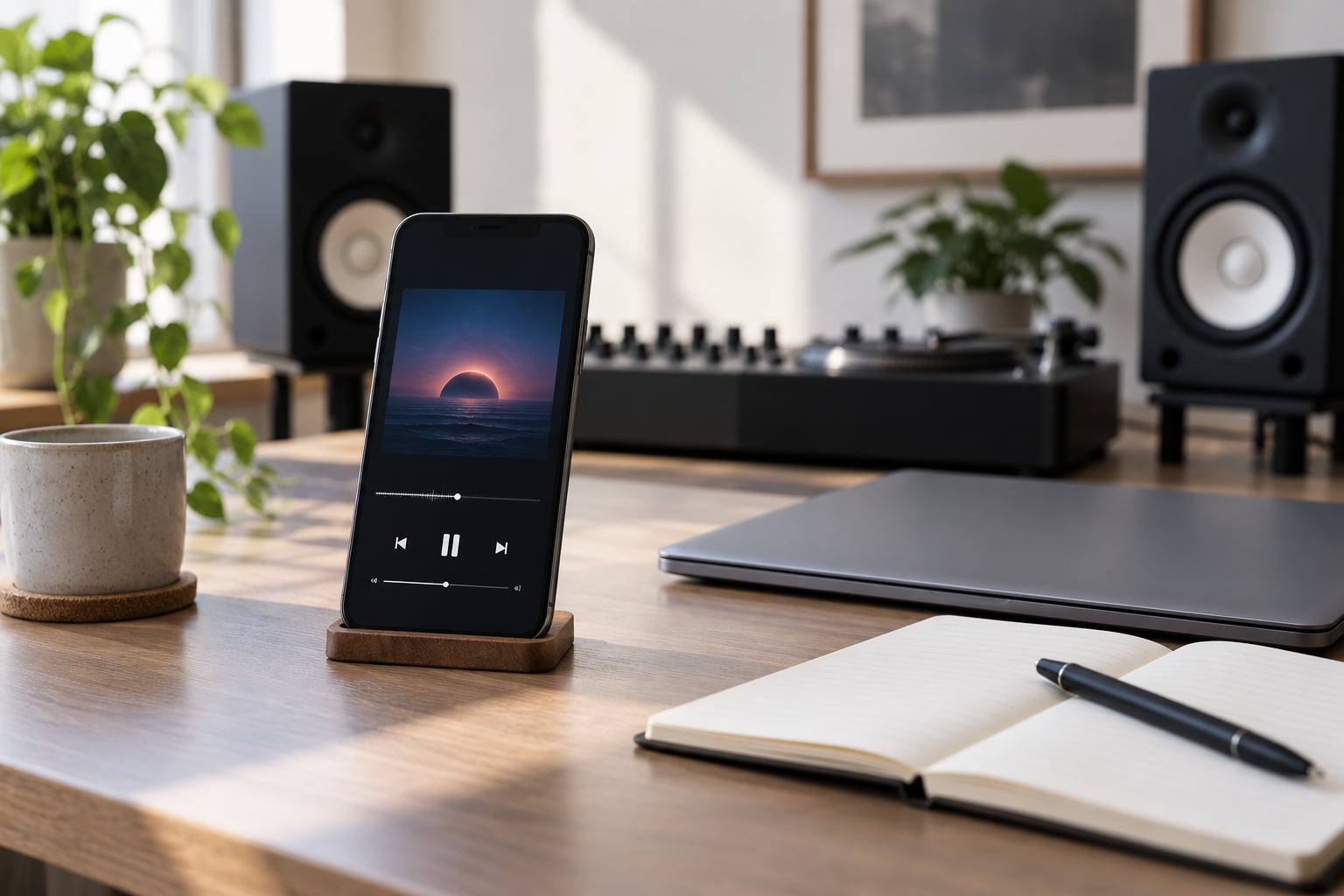
To check your mix on phone speakers, export a stereo file at your master’s sample rate with no limiter on the export, get it onto the phone, and play it on the built-in driver at arm’s length. Listen for three things: clear lead-vocal words, snare and guitar attack sitting forward, and a hook that still reads when the sub-bass disappears.
That whole routine takes about a minute once the transfer habit exists. The point is not that a phone is an accurate measurement tool, because it is not. The point is that it is a hostile one, and most of your listeners will meet your track on a device exactly like it before they ever touch a monitor.
Table of Contents
- What You Need
- Step-by-Step
- Export a Release-Ready Test File
- Set Up a Fair Phone-Speaker Test
- Listen for Balance, Clarity, and Low-End Problems
- Compare the Mix Across Volume Levels
- Make Small Changes and Check Again
- Common Mistakes
- Frequently Asked Questions
- How do I get my mix onto my phone without losing quality?
- Should I check my mix on earbuds as well as phone speakers?
- Why does the bass disappear on phone speakers, and what do I do about it?
- Do speaker-emulator plugins replace listening on a real phone?
- Can I test my phone’s speakers online?
- How loud should my mix be for streaming?
- Conclusion
What You Need
Four things, and three of them you already own. A phone with a working built-in speaker is the actual test device. A pair of wired earbuds gives you the second opinion, since earbuds and the built-in driver disagree in useful ways. A second phone or a laptop speaker gives you a third data point without anyone having to comment.
Then you need the mix itself, exported properly, plus a reference track you already know by heart. That last one matters more than people expect, because the ear needs a known target before it can call something wrong. I keep the same handful of references in a folder on my phone for exactly this.
Set your phone in a quiet room at a desk-height listening position. Not on the far side of the studio, not in the kitchen, not at ear level while you are sitting at your desk. A phone test done in the wrong spot tells you about the room more than the mix.
Here is the honest limit of the whole method: a phone can show you that your low end is not translating, and it can show you that a lead vocal is buried. It cannot tell you which frequency to cut. Use it to find problems, then go back to your monitors to solve them.
Step-by-Step
Five steps, in this order. The order matters because the early steps are about making the test fair, and a test that is not fair produces notes you will act on and regret.
Export a Release-Ready Test File
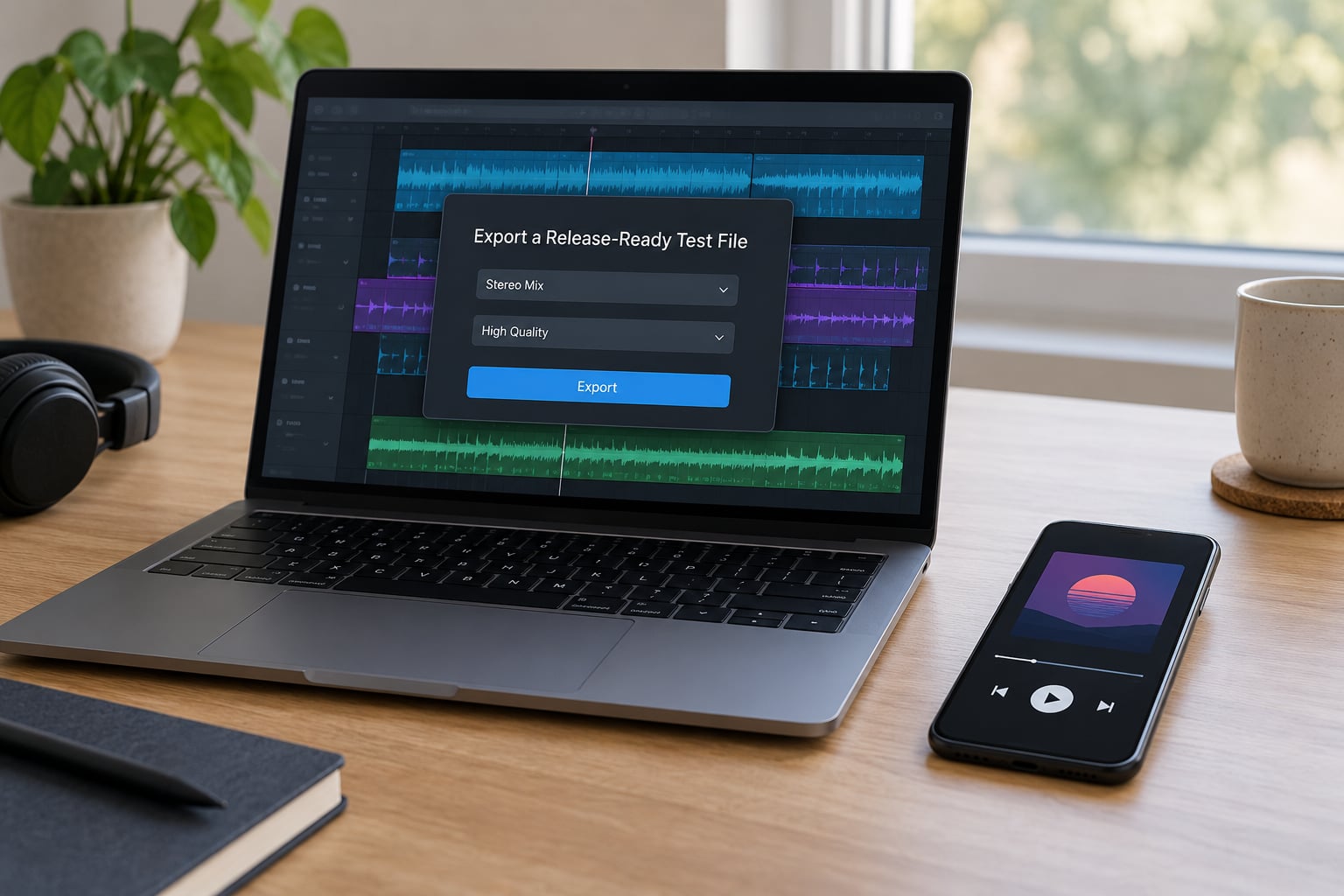
Export a file that represents the mix you actually intend to release. Match the sample rate and bit depth of your master, keep it stereo, and leave the limiter off the check bounce. A limited check file is a different mix, and it hides the very clipping you are hoping to catch.
Export as WAV rather than MP3, and never through a platform preview or a streaming link. Compressed previews strip the top end first, and you will spend an hour chasing a sibilance problem that only exists in the encode. If your DAW offers a real-time send to the phone instead of a bounce, that works too and skips the transfer entirely, which is how people on Logic Pro Help forums stream their session straight to a handset.
The success signal is simple: the file on the phone should sound like the file on the monitor, minus whatever the phone cannot reproduce. If it does not, you have a file or transfer problem, not a mix problem. Fix that before you judge anything.
Set Up a Fair Phone-Speaker Test
Put the phone across the desk at roughly arm’s length, screen up or down, and play it in the position you would normally hold it. Do not run an EQ app, a volume-matching app or a system tone booster in the chain. They are doing exactly the thing you are trying to bypass.
Keep the phone’s own volume control at a fixed setting for the whole test. If you crank it to hear the kick, the next file will be quieter, you will push again, and the whole comparison becomes meaningless. Level belongs to the file, not to the device.
Load a reference track you know well onto the same device and match it roughly in loudness to your mix. Rough is fine, and getting closer is better. When your mix and a record you trust are playing at the same level on the same tiny driver, differences in balance show up fast.
You succeeded at this step if, playing the two back to back without touching anything, you can immediately say which one has more going on in the low end without thinking about it.
Listen for Balance, Clarity, and Low-End Problems
Ask three questions in this order, because they fail in this order. Can you hear every word of the lead vocal without strain? Does the snare or the main guitar attack sit forward enough to register? And does the hook, the chorus melody or the main riff, still make sense once all the sub-bass has vanished?
The physics behind what you are hearing is short. A phone speaker uses a driver roughly 10 to 15 millimetres across. A studio monitor woofer is 6 to 8 inches, which is a membrane with real excursion and real air behind it. The small driver physically cannot move much air at low frequencies, so output falls away as pitch drops.
Expect the rolloff to start somewhere around 150 Hz on a current flagship phone and closer to 200 to 300 Hz on a mid-range or budget one. Anything below roughly 65 to 80 Hz is effectively gone. That region is where most 808s, sub-bass lines and kick fundamentals live, which is why a mix built on sub weight can feel like it has no centre of gravity on a phone.
At the other end, phones are typically tuned with a lift in the presence region around 2 to 4 kHz, because that is where speech intelligibility lives. It is a deliberate design choice and it makes vocal consonants and sibilance sound forward and sometimes spitty. Fine-tune EQ decisions belong on your monitors. The phone only flags that something is now sitting on top of something else.
This is the checklist most guides skip. The table below maps what you hear to what it usually means and where the fix belongs.
| What you hear on the phone | What it usually means | Where to fix it |
|---|---|---|
| Whole low end gone, track feels thin | Balance is riding on sub-bass you cannot hear | Add a harmonic layer or shift weight to the 80 to 150 Hz region on monitors |
| Lead vocal words hard to make out | Vocal is masked or sits too far back | Automation and arrangement space, not an EQ boost on the phone |
| Snare, guitar or vocal consonants suddenly aggressive | Presence region left to the phone to define | Broadband 2 to 4 kHz control and de-essing on monitors |
| Parts panned wide disappear or get thin | Phase cancellation in the mono sum | Run the mono check and look for correlated low-mid energy |
| Whole track pumping and unstable | Phone driver hitting its excursion or compression limit | Change the listening level, not the mix |
One forum case is worth knowing because it is not unusual. A producer on r/audioengineering had a dense mix that passed on every system he owned and sounded bad on a laptop speaker, and the culprit turned out to be bus saturation on the 2-buss exciting resonances he thought he had already cleaned. The phone did not tell him where to fix it, only that something was wrong.
Compare the Mix Across Volume Levels
Play it three times: quiet, moderate, and near the phone’s normal maximum. Each pass answers a different question.
At a quiet level, roughly where someone on a train or in a bed would listen, elements that depend on loudness or size collapse first. A pad that seemed wide on monitors can thin into nothing. A reverb tail that filled the space can turn into a hiss. This quiet pass is the fastest translation check there is, and most people skip it.
At a moderate level, judge balance and clarity. This is where the vocal intelligibility question and the low-mid buildup question get their real answer.
Near maximum, treat it as a stress test rather than an aesthetic one. A small driver runs out of excursion and starts compressing and distorting, and the mix that felt like a balanced record at half volume will bloom and choke here. If the whole thing turns fatiguing at the top of the range, that is partly the device. If only your vocal does, that is a mix note.
Write down the differences while you listen. Volume passes go out of your head within about five minutes.
Make Small Changes and Check Again
Take your notes back to the monitors. This is the step most people skip, and skipping it is how people end up with a mix that only works on a phone.
Typical fixes in order of how often they apply: gain staging before a bus compressor so nothing is being pushed into a nonlinear plugin unnecessarily, high-pass filtering on channels that do not need sub content, arrangement edits that give the vocal room in the frequency range it lives in, and automation that pulls elements back under the hook when the chorus lands. Make one change at a time.
Re-export, push it to the phone again, and compare the new bounce against the old one and the reference. You are looking for a specific outcome, not a general improvement: the words are still clear, the attack is still forward, the hook is still there without sub-bass.
Then let your ears reset for 30 to 45 minutes before another round. Fatigue is the most common reason a mix that fails at midnight passes at nine in the morning, and chasing a difference that is really just tiredness wastes an evening.
Common Mistakes
Treating the phone as the final authority. It is one perspective among several. It finds translation failures well and finds absolute correctness badly.
Making EQ moves while listening on it. A phone can tell you the vocal is buried. It cannot tell you which band to lift. Note it, then go back to the monitors and decide with your ears and your eyes on the spectrum.
Testing at one volume only. One pass at one level misses half of what the device does. Quiet, moderate and loud each expose something different.
Boosting bass to compensate. You cannot hear what the phone cannot reproduce, and adding weight low down only steals from what is audible.
Checking too late. If the first phone check happens after you have printed, every problem costs a revisit. Do a rough bounce at the halfway point instead, while the decisions are still cheap.
Hopping across ten devices in a row. Each one gives you a new opinion and none of them are actionable. Three devices on a rotation beats ten in an afternoon.
Treating a Bluetooth route as the honest test. A Bluetooth speaker adds a codec, a latency and often a processing chain of its own. The built-in driver is the cleaner signal, so use the speaker itself when you are diagnosing, and Bluetooth when you are checking how it holds up in the wild.
Frequently Asked Questions
How do I get my mix onto my phone without losing quality?
Export a stereo WAV at the same sample rate and bit depth as your master, with no limiter on the check bounce, then move it by AirDrop, cable, or a cloud drive. Keep the phone’s own volume fixed once you pick a level. If your DAW can stream the session to the phone in real time, that skips the file entirely and is the fastest route for checking work in progress.
Should I check my mix on earbuds as well as phone speakers?
Yes, and treat them as a separate question. Earbuds reveal sibilance, harsh upper midrange detail and stereo width problems that the built-in driver hides, because they sit close to your ear and cover the ear canal. The built-in speaker answers whether the low end and balance translate. Wire them in when you can rather than using Bluetooth, which adds a codec of its own.
Why does the bass disappear on phone speakers, and what do I do about it?
A phone driver is roughly 10 to 15 millimetres across and cannot move much air at low frequencies, so output falls away as pitch drops. Expect rolloff from about 150 Hz on a flagship model and 200 to 300 Hz on a mid-range one, with anything under 65 to 80 Hz effectively gone. Fix it on monitors by moving weight up into the region the phone can reproduce.
Do speaker-emulator plugins replace listening on a real phone?
No. Simulation plugins approximate frequency response and can show you how a curve will shift tonal balance, but they do not reproduce a driver’s excursion limit, nonlinear distortion, or the way a small sealed cabinet colours what is above the rolloff point. They are useful for fast iteration. A real device is still the only way to hear what listeners hear.
Can I test my phone’s speakers online?
You can, and it is a different question from checking a mix. Frequency response sweeps and playback test tone generators will tell you roughly where a driver rolls off and whether a channel is dead or buzzing, but they are not a translation test for your music. Use them to check hardware, then use your mix for the actual mix check described above.
How loud should my mix be for streaming?
Streaming platforms normalise playback, so a master that is much louder than its neighbours simply gets turned down. Roughly minus 14 LUFS integrated for Spotify and minus 16 for Apple Music are the widely used targets. True peak should stay under minus 1 dBTP to avoid inter-sample clipping after encoding. Check those numbers on a meter rather than by ear, and re-check the level on the phone after normalisation.
Conclusion
Start with the file. Export a stereo bounce at your master’s settings, limiter off, and get it onto the phone. Play it at a normal distance at a volume you do not have to fight, and ask three questions in order: are the vocal words clear, is the attack forward, does the hook survive without sub-bass.
That is how to check your mix on phone speakers, and it takes about a minute. Write down what failed, fix it where you can actually see the problem, and check again. Keep the phone as one voice in a three-device rotation rather than the judge of the whole mix, and your masters will hold up long after you leave the room.