A techno stab is a short, percussive filtered synth chord, usually three or four notes voiced tightly around a root, built with a near-instant attack and a very short decay so it punches through the mix like a rhythm instrument rather than a pad. That is the whole idea behind how to design a techno stab: a bright oscillator stack, a tight amp envelope, a filter with its own fast sweep, and a little controlled grit on the output.
It takes about half an hour with whatever synth is already in your DAW, and most of that time is spent moving three things: the decay length, the filter cutoff, and the amount of drive.
Table of Contents
- What You Need
- Step-by-Step: How to Design a Techno Stab
- 1. Choose a chord that suits the track
- 2. Build a short, forceful sound
- 3. Shape the timbre with filtering
- 4. How to design a techno stab that cuts through a mix
- 5. Add movement and variation
- 6. Arrange the stab for impact
- 7. Mix and test the finished result
- Common Mistakes
- Frequently Asked Questions
- What chords work best for a techno stab?
- Should I use a synth or a sample to make a techno stab?
- What filter settings create the sharpest techno stab?
- How do I stop a techno stab from sounding harsh?
- How loud should a techno stab be in the mix?
- Can I make a techno stab without a MIDI keyboard?
- Conclusion
What You Need
Almost nothing. A stab is a sound design problem, not a gear problem, and the stock instruments in every current DAW can produce one that holds up in a finished track.
- A subtractive synth with at least one filter. A single-oscillator mono/paraphonic instrument is enough. In Ableton Live that is Wavetable or Operator, in FL Studio 3xOsc or Sytrus, in Logic Pro the Alchemy or Subtract, in Cubase the Pigments or Halion, in Studio One or Bitwig the included poly synth, and in Reason the Malström or NN-19.
- An amp envelope with a real decay control. Every synth named above has one. If your instrument only gives you attack and release, you can fake a decay with a filter envelope instead.
- A low-pass filter with resonance. This is the second half of the sound.
- A distortion or saturator. The stock one in your DAW is fine, and a second one later for parallel grit.
- An EQ, a compressor, and a short delay or gated reverb. All three ship with every DAW listed.
If you work hardware-only, the same patch works on an Elektron Syntakt, Digitone, or Analog Four MKII. The forum consensus on Elektronauts is blunt about where the sound lives: spend the time on the amp and filter envelopes, because that is what defines a stab, not the oscillator. A filtered saw wave chord is the classic starting recipe.
One practical note. Plugin and menu names drift between DAW versions, so check the release notes for your 2026 version before following any exact click path.
Step-by-Step: How to Design a Techno Stab
1. Choose a chord that suits the track
Start with a minor triad or a minor seventh. Both are dark, both sit comfortably over a minor key bassline, and neither needs any harmonic explanation to the listener. If you want more tension, a diminished chord or a quartal stack gives you the same short stab with a more anxious colour.
Register matters as much as the notes do. Keep the chord in the middle of the keyboard, roughly an octave and a half above your bass root. Go much lower and it fights the kick and the sub. Go much higher and the decay that makes it punchy turns into a thin click.
Voice it tightly, with the notes close together rather than spread over two octaves. A root, a minor third and a seventh in the same octave leaves a place in the spectrum for the kick to sit without either element stepping on the other.
2. Build a short, forceful sound
Load one saw wave and unison it to a small number of voices, seven to nine, with a detune spread of roughly 8 to 18 cents. Wide detune sounds soft and modern; narrow detune sounds harder and more physical, which is usually closer to a classic techno stab.
Now the amp envelope, and this is the part that decides whether the sound is a stab or a pad:
| Parameter | Starting value | What it changes |
|---|---|---|
| Attack | 0 to 3 ms | Punch and click |
| Decay | 100 to 300 ms | Length of the chord |
| Sustain | 0 | Stab versus held chord |
| Release | 60 to 200 ms | Tail before it disappears |
| Filter cutoff | 1000 to 2000 Hz | Brightness and bite |
| Filter envelope amount | 40 to 70 percent | How much the sound opens up |
| Resonance | 20 to 40 percent | Edge, without whistling |
| Detune | 8 to 18 cents | Width and aggression |
Those numbers are a starting point, not a rule. If the stab sounds clicky, add 1 or 2 ms of attack. If it vanishes, shorten the decay before you reach for the volume fader.
3. Shape the timbre with filtering
A saw wave on its own is bright and polite, which is the opposite of what a techno stab needs. Set the low-pass filter cutoff around 1 to 2 kHz with the envelope at zero, so you hear the darkest version of the sound first.
Then pull the filter envelope amount up to around 50 percent with a fast attack and a decay matched to, or slightly shorter than, your amp decay. The result is a stab that opens for a fraction of a second and then closes. That sweep is what makes the chord sound like it is being played rather than triggered.
Resonance is the taste control. At 20 to 30 percent you add a thin vocal edge on the filter peak. Push past 50 percent and the stab starts sounding like an acid line, which is a different instrument and a different sub-genre.
4. How to design a techno stab that cuts through a mix
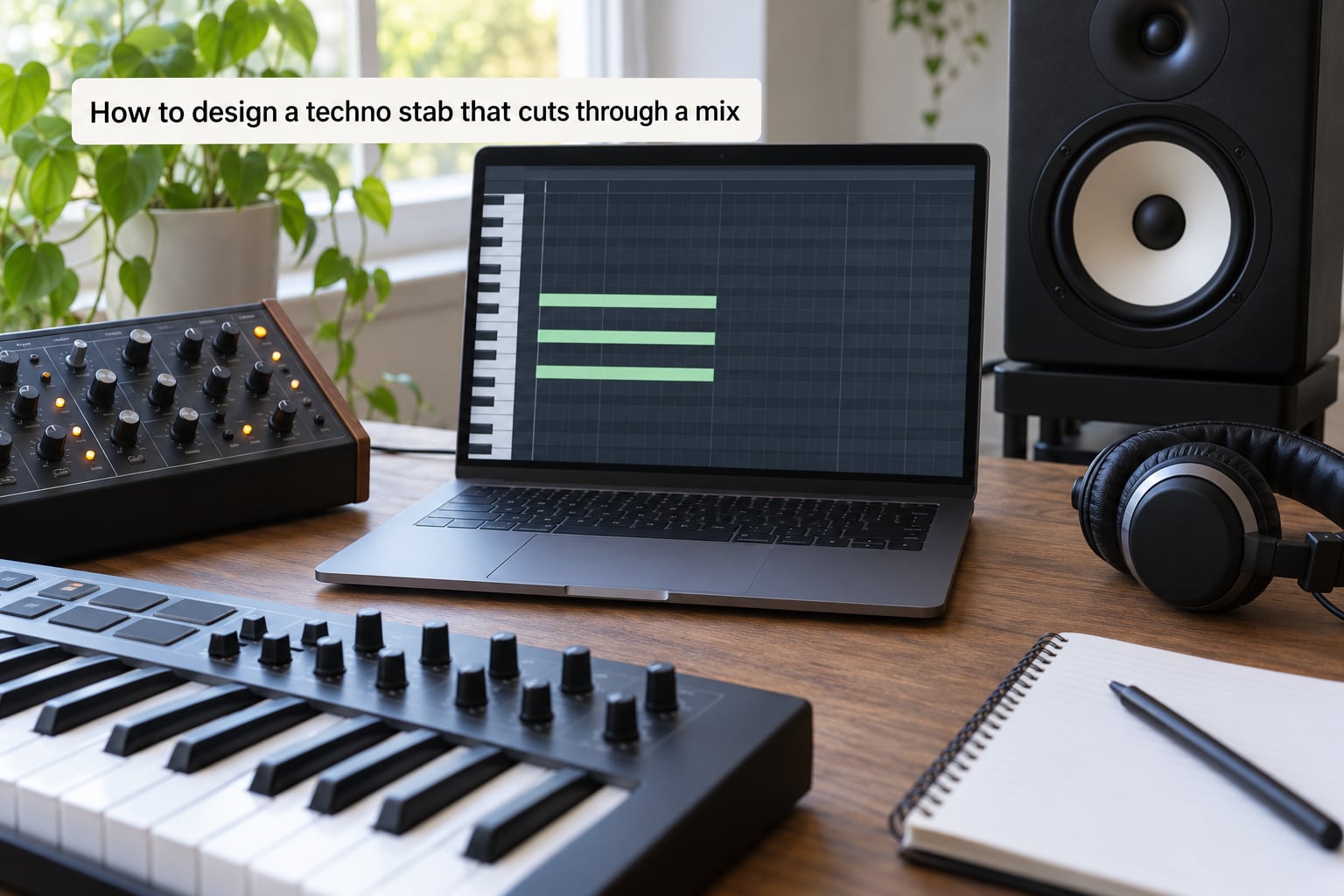
Three processes do most of the work here: a high-pass filter, a saturator, and a compressor set to add punch rather than loudness.
High-pass the stab at 100 to 160 Hz. Everything below that belongs to the kick and the bass, and a chord carrying sub energy of its own is the single most common reason a techno mix sounds muddy.
Add drive on the output. Even a modest amount, somewhere around 10 to 20 percent depending on the unit, does two things at once: it adds harmonic content in the midrange, and it makes the transient read louder without raising the peak.
Then use compression to shape the attack rather than to tame the level. A fast attack of 5 to 10 ms with a slower release and a few decibels of reduction will firm up the front of the chord. If you want more air without more level, send a duplicate of the stab into a second, higher-threshold compressor and only use that layer.
Finally, EQ. A small dip anywhere the kick has weight, and a gentle shelf lift around 3 kHz, will make the stab read without turning it harsh. Cut before you boost.
5. Add movement and variation
A stab that plays the same eight times gets ignored by the second repeat. You have several cheap ways to vary it without rebuilding the patch.
Automate the filter cutoff across the bar, opening it slightly on the last repeat of a phrase. That is usually enough to make a static sound feel played. Change note order between repeats, and hold a single note where the root usually sits, to shift the emphasis.
Vary velocity more than you think. The difference between a stab played at 80 and one played at 118 is obvious even with the same patch. Ghost notes, quiet repeats an eighth ahead of the main hit, add forward motion cheaply.
Sends are the other lever. A short ping-pong delay on a subset of hits and a gated reverb on the downbeat will separate the layers without touching the dry signal.
6. Arrange the stab for impact
Offbeat stabs are the standard techno placement: on the and of each beat, sitting in the gap between kick hits. That placement works because it fills the space the drums leave empty rather than competing with them.
One-shots, triggered a single time with no repeating pattern, suit breakdowns and section changes. Rhythmic rolls built from sixteenth or thirty-second notes suit a build into a drop. Longer chords with a raised sustain level work for the melodic and dub techno side of the genre, where the chord is allowed to hang for a bar or two.
Save at least one pattern you can leave out. A stab that appears on every repeat of every section usually ends up being muted by the second minute.
7. Mix and test the finished result
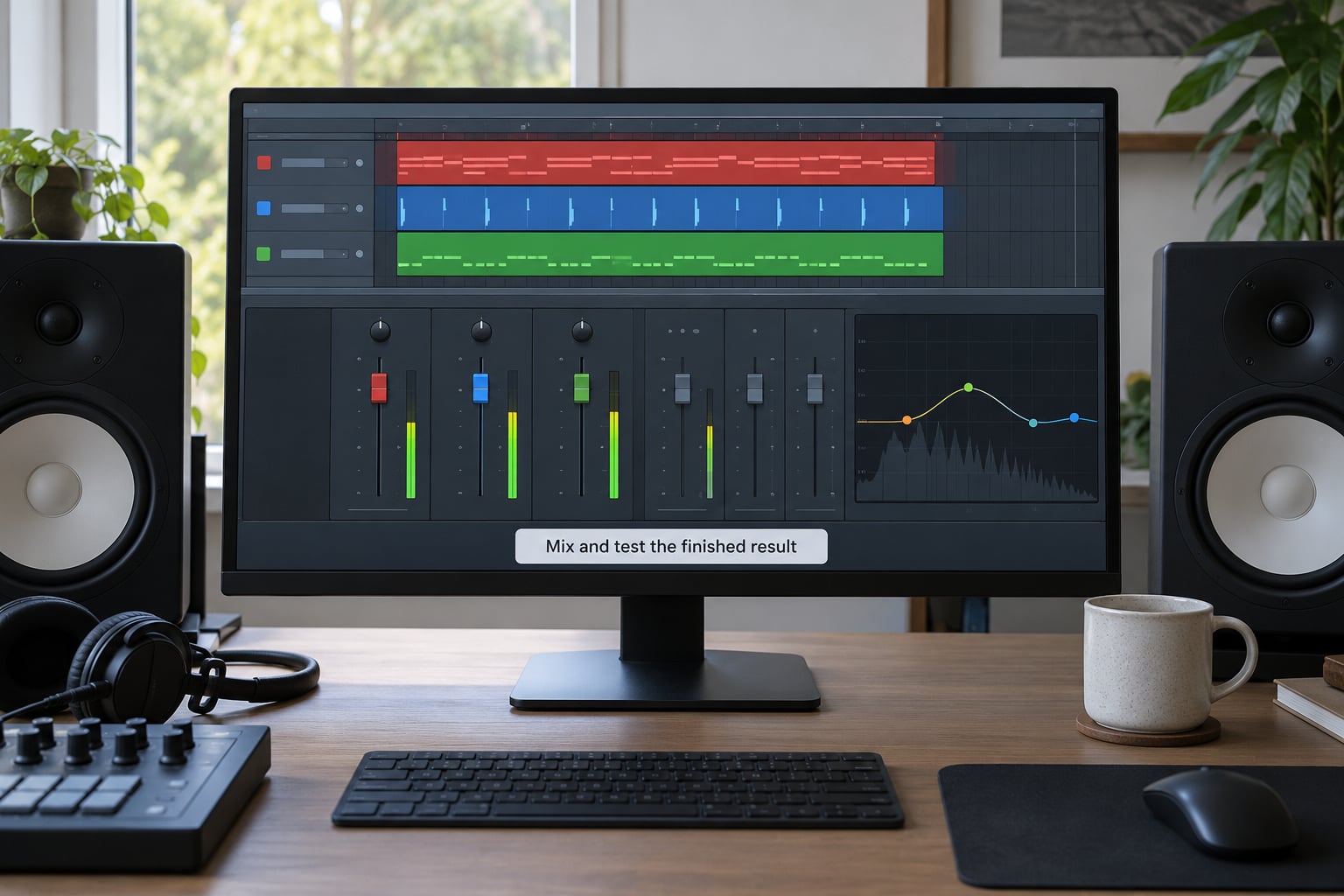
Start the fader lower than you think. Set the stab so it is clearly quieter than the kick when you play the track from the top, then bring it up until it is the first thing you would miss if it disappeared.
Check the mono fold-down. Wide unison detune is fine, but a stereo ping-pong delay on a mono source can push the fundamental somewhere odd in the middle. Solo the stab and listen on one speaker if you can.
Then judge it in context rather than alone. Soloing a stab always makes it sound thin and much brighter than it really is, because you are hearing it without the kick masking its low mids. Play the full loop, then the full track, and fix the stab in those conditions.
If it still disappears, cut the high-pass slightly lower and lengthen the decay by 50 ms before adding level. Length is usually the fix, not loudness.
Common Mistakes
The attack is too long, so there is no punch. A stab with a 20 ms attack sounds like a swell. Drop it to 0 to 3 ms and let the amp envelope do the work of the click.
The low end is muddy. You have stacked a chord on top of a bassline that already covers the same register. High-pass the stab at 100 to 160 Hz and lift the bass root an octave for the stab.
Resonance is too high. The filter is singing and the chord is hard to read. Back off to 20 to 30 percent and take the brightness from drive instead.
Distortion is harsh. Too much drive on an already bright saw produces a fizzy, unpleasant edge. Turn the drive down, drop the oscillator mix, or run the saturator after the filter rather than before it.
The rhythm is too repetitive. Eight identical offbeat hits per bar will grate. Add a velocity change, drop one hit per four, or push the last repeat a semitone up.
The kick balance is wrong. A stab louder than the kick pulls the whole track toward thin and fizzy. If the two are fighting, mute both and bring them back one at a time.
The stab is the wrong length. Too short and it reads as a click, longer than half a second and it becomes a pad that smears the groove. Most peak-time stabs sit between 100 and 300 ms.
It disappears in the mix. Solo it, confirm it is not being masked by a wide synth pad, then check the reverb pre-delay. A long pre-delay can smear the transient enough to lose the punch.
Frequently Asked Questions
What chords work best for a techno stab?
A minor triad or a minor seventh is the most reliable starting point for a techno stab. Both are dark, sit naturally over a minor bassline, and need no explanation to a listener. For a more tense colour, try a diminished chord or a quartal stack. Keep the voicing in one octave, roughly an octave and a half above the bass root, and let the sound design carry the character rather than complicated harmony.
Should I use a synth or a sample to make a techno stab?
Use a synth first, because the parameters stay editable after you print the audio. Many producers design the patch on hardware or in a DAW, bounce it, then keep a simpler MIDI version for live play. A sample route works too: high-pass a recorded sound around 100 Hz, then run it into a slicer with drive, delay, and reverb so a static source becomes rhythmic.
What filter settings create the sharpest techno stab?
Start with a low-pass cutoff between 1000 and 2000 Hz, a filter envelope amount of 40 to 70 percent, and a fast filter attack matched to a short amp decay. Resonance between 20 and 40 percent adds an edge without turning the sound into an acid line. The sweep is what creates the bite, so sweep the filter rather than simply opening it and leaving it there.
How do I stop a techno stab from sounding harsh?
Most of the harshness comes from a bright oscillator, high resonance, and heavy drive stacked together. Pull the oscillator mix down or use a darker waveform, back resonance to around 25 percent, and place the saturator after the filter instead of before it. High-pass at 100 to 160 Hz, then cut anywhere the kick has weight before you boost anything above 3 kHz.
How loud should a techno stab be in the mix?
Quieter than the kick. A useful test is to mute both the kick and the stab and listen to the track, then bring them back one at a time. If the stab is the first element you would miss when it disappears, the level is right. If it is louder than the kick, pull it down rather than pushing the kick back, and remember that a stab can read clearly at a lower fader position than you expect.
Can I make a techno stab without a MIDI keyboard?
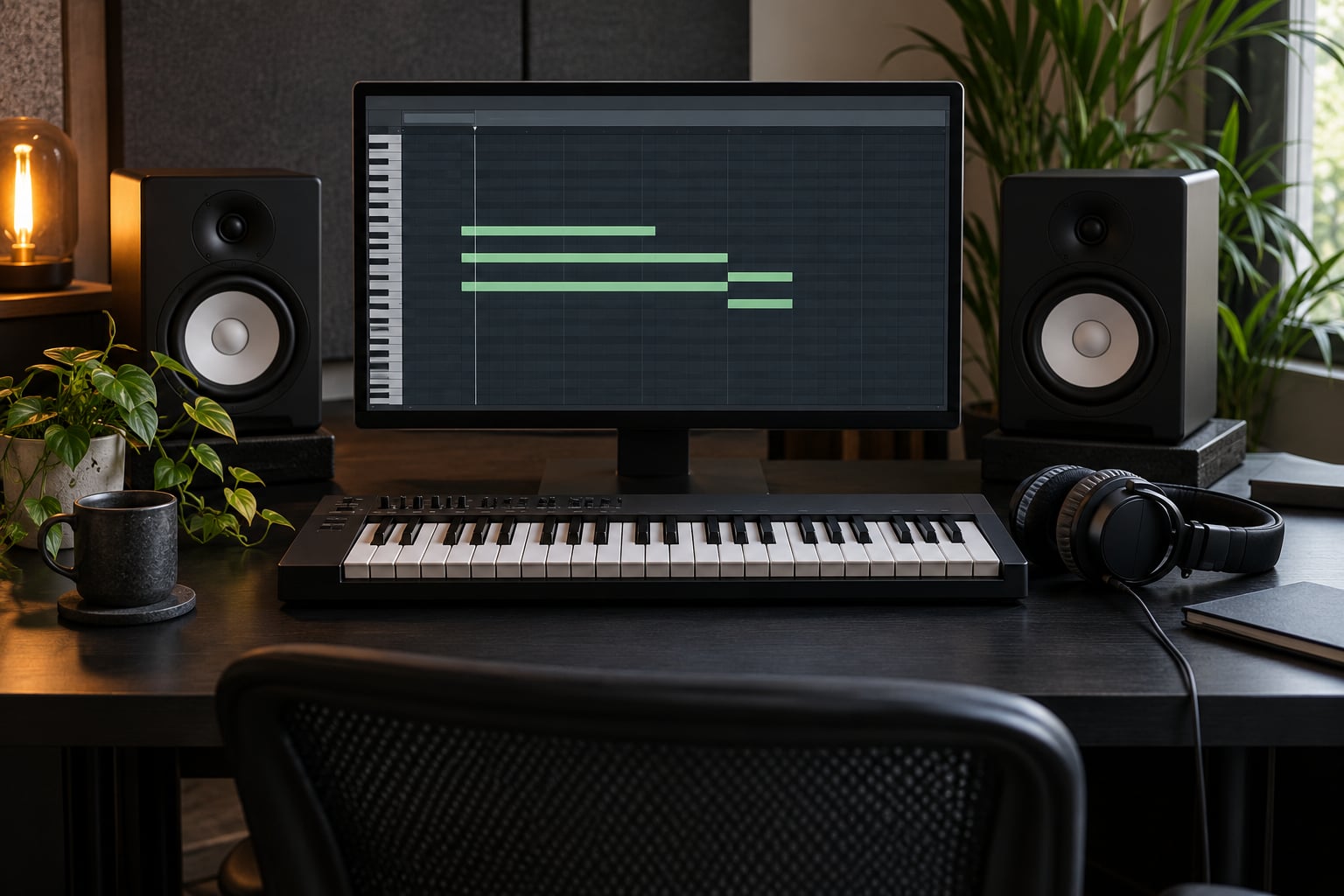
Yes. In a DAW, draw the chord in the piano roll editor and set the amplitude and filter envelopes with the mouse. On hardware, a track mode or chord mode handles it: the Syntakt and Analog Four MKII offer wavetable chord and note modes, and the Digitone can do the job with FM. The forum advice for hardware is to spend the time on the envelopes rather than hunting for a preset.
Conclusion
Start with a minor chord voiced in one octave, a saw wave with modest unison, an amp envelope at 0 to 3 ms attack and 100 to 300 ms decay, and resonance around 30 percent. That patch is roughly 80 percent of a usable techno stab before you touch the filter sweep.
Then refine by ear: high-pass at 100 to 160 Hz so the low end stays with the kick, add a little drive for edge, and automate the cutoff so the chord breathes. How to design a techno stab is mostly a process of cutting things away, and the stab that works is the one that still punches after the bassline is playing.