A growl bass is a layered sound, not a single effect: a filtered, amplitude-modulated oscillator carries the vocal character, a clean sine sub holds the low end, and phaser or comb-filter modulation makes the whole thing move. Learning how to design a growl bass in Massive is mostly a lesson in building those layers in the right order and knowing which parameter to reach for when the result sounds like a bark or a plain saw. Budget about 45 minutes for the first build and expect to refine it over a few sessions.
This guide covers Native Instruments Massive, and the same architecture maps cleanly onto Massive X and Massive 2, where the modules are the same ideas with a cleaner interface.
Table of Contents
- What You Need
- Step-by-Step
- Start With a Simple Bass Patch
- Build the Core Oscillator
- Use Filter Modulation for the Growl in Massive
- Sculpt the Wavetable Movement
- Add Distortion Without Losing Control
- Add the Envelopes and Macro Controls
- Test the Bass in Context
- Common Mistakes
- Tips for Making Growl Basses Usable
- Frequently Asked Questions
- How do I get a growl bass tone in NI Massive?
- What wavetable makes a growl in Massive?
- Should distortion come before or after the filter?
- Do you need a separate sine sub under a growl bass?
- Why does my growl bass sound like a bark or just a saw?
- Can I build this patch in Massive X or Massive 2?
- Conclusion
What You Need
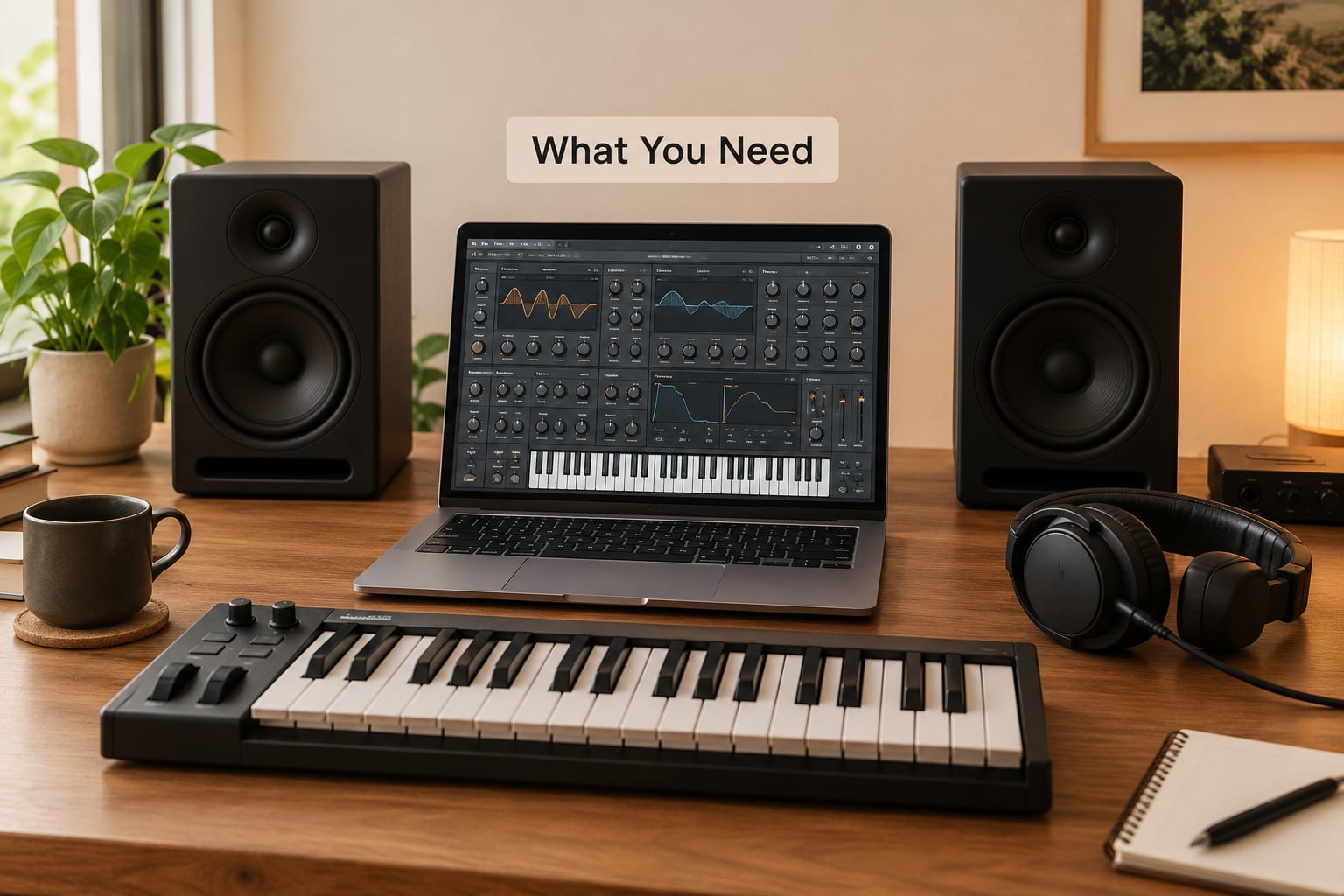
You need Native Instruments Massive, a MIDI controller or your DAW’s piano roll for automation, and a monitoring setup you trust. Headphones alone will lie to you about the low end, so get a pair of nearfield monitors or at least a good pair of open-back headphones plus a sub check on a phone speaker at the end.
Before touching the patch, have a reference track loaded. Growl is a family of sounds, not one sound, and without a target you will end up with something vaguely aggressive that nobody asked for. Pull up a dubstep or brostep track with the growl you want to learn from and keep the level matched.
Three technical points worth knowing up front:
- Formants. A formant is a resonant frequency band that gives a vowel its identity. Human vowel sounds sit in roughly the 300 Hz to 3 kHz range, which is exactly where a bass guitar gets muddy and exactly where growl lives.
- FM. Frequency modulation lets one oscillator bend the pitch of another. In growl design it creates the throaty, nasal edge that a plain saw cannot.
- Comb filtering. A comb filter passes some frequencies and cancels others at regular intervals, producing a hollow, vocal quality. It sits in Massive’s modulation section and it is the fastest route to a convincing growl.
Set your sample rate and buffer size sanely, open Massive as a new instrument on a MIDI track, and start from an empty patch rather than a preset. Building from scratch is the only way to learn where each sound is coming from.
Step-by-Step
Start With a Simple Bass Patch
Initialize a new patch, delete everything in the two oscillator slots, and load a clean saw or a plain sine into oscillator 1. Turn every effect off, set the filter to a fully open low-pass with resonance at zero, and bring the amp envelope to a fast attack with a short decay so notes speak clearly.
Play a single note in the bass register, around F1 to A1, and check it on your monitors. If it is not a clean, boring tone at this stage, stop and fix it. Every later step assumes the foundation is solid, and forum threads about failed growl builds almost always trace back to a muddy starting patch.
Give the patch a useful name as you go. You will make several of these today and “growl test 4 final” is how every producer ends up with nine near-identical patches and no idea which one was good.
Build the Core Oscillator
One good oscillator with a sub does more for you than six oscillators fighting for the same space. Load oscillator 2 with a sine, drop its level well below oscillator 1, and tune it to the same note. The clean sine gives you weight on a club system where the distorted midrange layer simply vanishes, and it is the single most common fix for a growl that disappears on small speakers.
On oscillator 1, start with a saw and pull the wavetable position around with the mouse while you hold a note. Positions early in a saw table give you a hollow, reese-adjacent tone; positions later in the table introduce more upper harmonic content that survives heavy filtering. Do not commit to a famous wavetable name yet, listen to what the table actually does.
Where you want a named starting point, the classic rebuild circulating on KVR uses oscillator 1 on Durish at five unison voices with a bend range of one octave either way, and oscillator 2 on OP Sin WM Mirror with FM from oscillator 1 at around 70 percent. That FM amount is high, and that is fine, it is the edge that produces the nasal quality. Pull it down until the sound just starts to break, then leave it there.
Set the unison voice count low, two to three voices with slight detune. Wide unison spreads the midrange and the growl turns to mush. If the pitch bend range is wide, narrow it to a semitone or two, otherwise fast basslines will wobble in a way that reads as a mistake rather than an effect.
Use Filter Modulation for the Growl in Massive
This is where most attempts stall. A static filter opening is what produces “a small bark,” as users describe it on synth forums, and a bark is not a growl. The difference is movement: the filter has to sweep or shift over time so that different formants open in sequence.
Open the filter routing section on the back of the patch and set an LFO to the filter cutoff. A slow rate, roughly 0.5 to 2 Hz, gives the swirling, throaty quality that growl is known for. Increase the LFO amplitude until the motion is obvious, then back it off until it is musical. You are looking for a sound that seems to say something, not a sound that wobbles.
Push resonance up a little, somewhere between 10 and 25 percent. Resonance gives you the hollow, nasal peak that reads as vocal, and pushing it much further turns the sound into a whistling artifact that nobody wants in a mix.
Then try the alternative: EQ-style formant peaks instead of a filter sweep. If you are in Ableton Live, put EQ8 after Massive and boost two or three narrow bands in the 400 Hz to 3 kHz region, then automate their positions. Modulating several bands at once gives a far more convincing vowel change than moving one filter, because a real vowel changes shape across several resonances at the same time. If you are not in Ableton, Massive’s own parallel filter routing and the two-oscillator blend can approximate the same effect.
Sculpt the Wavetable Movement
Static wavetable position gives a static tone. Drag the wave position knob slowly while holding a note and you will hear the timbre morph from hollow to sharp to thin. That morph is the raw material for a growl, and once you hear it you cannot unhear it.
Assign an LFO or an envelope to the wave position, or map it to a macro. The point is to have the position change over the length of the note rather than sitting still. A growl that stays the same for eight bars will fatigue the listener by bar two.
The wave shaper in oscillator 1 adds a soft clip that rounds off the wavetable’s transitions. A small amount, twenty to thirty percent, helps the tone sit together before you distort anything. Push it past about sixty percent and you get a hollow, reedy quality, which is occasionally useful but rarely what you are chasing.
Add Distortion Without Losing Control
Distortion is where the growl gets its edge and where most people overdo it. The rule that forum consensus agrees on: distort after your EQ and filter modulation, not before. Distortion applied before the filter gets shaped by the filter like everything else, which flattens the vowel movement you just built.
Massive’s overdrive section gives you a workable starting point. A centre frequency around 842 Hz, bandwidth around 7, drive at 50 percent, tone at 65 percent, dynamics off, and a dry/wet mix near 15 percent is a setting combination documented from the widely circulated Gearspace tutorial, and it lands in growl territory without turning the patch into a buzz.
Keep dry/wet low and let the parallel path do the work. In Massive, the overdrive and the amp sit in parallel, so raising the drive while keeping the mix low gives you harmonics riding over a clean signal rather than replacing it. That parallel structure is why a growl can stay defined while still sounding aggressive.
If you want more weight than Massive’s own drive gives you, treat the growl bus with a distortion plugin afterward. CamelCrusher’s tube mode and Ohmicide are both common choices for this sound, and a limiter after it keeps the peaks honest.
Add the Envelopes and Macro Controls
The difference between a growl you can play and a growl that is just a sample is macro programming. Map four to eight macros and give each one a single clear job, so that turning a knob changes one thing rather than everything at once.
A workable assignment: Macro 1 to wave position, Macro 2 to LFO 1 rate on the filter cutoff, Macro 3 to FM amount from oscillator 1 to oscillator 2, Macro 4 to comb filter feedback, Macro 5 to the phaser mix, Macro 6 to filter resonance, Macro 7 to the overdrive dry/wet, Macro 8 to oscillator 2 level for the sub. Eight knobs, eight decisions, and now the patch covers growl, screech and a hollow bubble tone without changing presets.
Assign the mod wheel to Macro 2 and to the comb filter feedback together. Live, that is the growl to push from throaty to screaming on one fader move, which is exactly how these sounds are played in a set.
Do not skip the comb filter while you are here. It sits in the modulation section and it is the most underrated growl tool in the whole instrument. Set a comb filter with modulation applied to both pitch and feedback, and pull the damping control all the way up. That single combination turns a plain saw into something that sounds vocal and unstable in the right way. It is buried on page 55 of a forum thread and it deserves better.
Test the Bass in Context
A growl only makes sense in a mix, and a patch that wows you in solo will usually sit badly against a kick. Drop a simple kick and a closed hat underneath, write a bassline that sits in the gaps, and turn the growl up.
Check four things. First, level: the growl midrange should sit under the kick’s fundamental but in front of the hats. Second, note range: play the bassline at the tempo of the track and listen for notes that turn to mush at the top of the pattern. Third, mono compatibility: collapse to mono or check on a phone speaker, because a growl that disappears in mono has a phasing problem in your unison voices or your layered filters. Fourth, automation: ride Macro 2 and Macro 3 across eight bars and confirm the sound stays usable at both extremes.
If the growl vanishes on a phone speaker, that is expected and not a bug. A phone cannot reproduce much below 300 Hz, so what you hear is only the midrange layer. This is exactly why the clean sine sub matters, and why checking on a phone is a useful second opinion rather than the final word.
Common Mistakes
Every failure mode below shows up repeatedly when producers try to design a growl bass in Massive from scratch. Each has a specific cause and a specific fix.
- Sounds like a bark or a short yelp. Cause: static filter movement, or an LFO rate that is too slow to be noticed. Fix: automate the filter cutoff, or two or three EQ formant bands, across the length of the note rather than once per bar.
- Sounds like a plain saw with distortion. Cause: no FM or comb filtering, so nothing is moving the midrange. Fix: add FM from oscillator 1 into oscillator 2 at around 70 percent, or turn on the comb filter.
- Fizzy or harsh top end. Cause: too much resonance, or high unison voice counts spreading the midrange. Fix: drop resonance below 25 percent, cut unison voices to two or three, and re-narrow the unison width.
- Muddy low end. Cause: the oscillator 2 sine stacked in the same register as the distorted layer. Fix: drop oscillator 2 an octave, or high-pass the growl layer above 100 Hz and let the sub own the bottom.
- Disappears on small speakers. Cause: the whole patch is midrange, with no clean sub underneath. Fix: layer a clean sine sub and check the low end in mono on a phone.
- Vowel change is not convincing. Cause: only one filter or one EQ band moving. Fix: modulate two or three resonant bands simultaneously so the vowel shape actually changes.
- Loses definition when played fast. Cause: slow attack plus heavy distortion on the amp envelope. Fix: shorten the attack to near zero and add a short amp decay so each note re-triggers the movement.
- Sounds like a broken synth. Cause: comb filter feedback or FM pushed too far. Fix: back both off by about a third, then raise them only while holding a single note.
One caution about mixing advice that leaks into sound design threads: rules about limiting EQ boosts to a few decibels are mixing rules. During sound design you can boost a formant band by far more than that and then pull it back later.
Tips for Making Growl Basses Usable
- Two layers, two jobs. Build the growl from a high-passed layer around 100 to 200 Hz and a separate low-passed layer carrying the body. Blend them to taste. This two-layer structure is the most practical piece of advice on the subject and it costs you five minutes.
- Automate growl rather than reaching for it. Map one macro to growl amount and write a curve across your drop rather than turning a preset live.
- Keep a clean sub underneath, always. The distorted layer handles presence on big systems; the sine handles weight on small ones. Neither does the other’s job.
- Use velocity. Map velocity to the FM amount or the comb feedback and a hard hit becomes more aggressive than a ghost note, without any extra MIDI work.
- Sample the static positions. Once a filter setting sounds good, render it and chop it. A static growl is a texture, and chopped textures sit well under a beat in a way the live patch never will.
- Save macro morphs as separate presets. A growl, a screech and a hollow bubble from the same eight macros are three sounds and one patch, which is how you keep a live set manageable.
- Check the reference track again. If your patch has drifted, pull the level of the target track up and match the character rather than the brightness.
Frequently Asked Questions
How do I get a growl bass tone in NI Massive?
Build it in four layers: a saw or wavetable oscillator as the source, FM or a comb filter to create the moving vocal midrange, a slow LFO on filter cutoff so the sound animates rather than sits still, and a clean sine sub underneath. Add distortion last, after the filter and EQ movement, at a low dry/wet mix so the clean signal still shows through.
What wavetable makes a growl in Massive?
There is no single correct table, and that is the honest answer. A saw works, and Durish at around five unison voices is a common starting point, with OP Sin WM Mirror on oscillator 2 and FM from oscillator 1 near 70 percent. Drag the wave position knob while holding a note and choose the range where the tone breaks up, rather than trusting a table name.
Should distortion come before or after the filter?
After. If you distort first, the filter reshapes the already-saturated signal and the vowel movement you built gets flattened. Apply the filter and EQ modulation first, then run the growl into overdrive or a distortion plugin with a low dry/wet mix so the saturated layer rides over a clean one instead of replacing it.
Do you need a separate sine sub under a growl bass?
In most cases yes. The distorted midrange layer carries the vocal character but has almost no usable low end, so on small speakers or a phone the bass simply disappears. A sine on oscillator 2, dropped an octave and set well below oscillator 1, restores weight. Keeping the two layers separate also makes the patch easier to EQ and to sidechain.
Why does my growl bass sound like a bark or just a saw?
Both failures mean nothing is moving through the midrange. A bark comes from a filter that opens once and stays open, and a plain saw means there is no modulation shaping it. Add FM or a comb filter with pitch and feedback modulation and damping fully up, then automate two or three formant bands across the length of each note.
Can I build this patch in Massive X or Massive 2?
Yes. The routing model is the same, so oscillator FM, the modulation section, filter routes and macro assignments all carry over directly. The main differences are interface clarity, later versions of the distortion and filter modules, and preset compatibility, so patches made for Massive 1.5 may need their wavetables or presets re-picked before they load in Massive X.
Conclusion
The whole design comes down to one principle: a growl needs motion in the midrange, not just more distortion. Build a clean oscillator and a clean sub first, add FM or a comb filter to make the vocal character, and only then saturate it.
Start with oscillator 1 on a saw and oscillator 2 on a sine, set a slow LFO on the filter cutoff, and listen before you touch anything else. Once that sounds alive, the rest is tuning.