A track description is the short block of text that explains a song or audio product: its genre, mood, energy, instrumentation and intended use. Learning how to write a track description for stores comes down to naming what a buyer hears in the first two lines, adding the specs they scan for, and leaving room for them to picture their own scene. For a stock library editor or a streaming curator, that text often decides whether the track gets auditioned at all.
The hard part is not length. It is resisting the urge to oversell. A producer on r/composer described the honest approach better than any template: keywords and descriptors only work when they are structured, and a buyer who can tell a description was padded skips the track. Editors on r/editors said the same thing from the other side of the desk. They read the description and mood first, then decide whether to press play.
Here is the sequence I use when I write a listing, whether it is going to a stock music library, a sample marketplace or a streaming release.
Table of Contents
- Step-by-Step: How to Write a Track Description for Stores
- Step 1: Identify the Track and Its Main Buyer
- Step 2: List the Essential Technical Details
- Step 3: Explain the Sound in Plain Language
- Step 4: Show How the Track Can Be Used
- Step 5: Make the Track Description Easy to Scan and Search
- Step 6: Proofread and Test the Listing
- Common Mistakes and How to Fix Them
- Descriptions built from vague adjectives
- Missing or wrong technical details
- Inaccurate genre labels
- Sales language and filler
- Keyword stuffing and generic AI copy
- Copy-paste drift across a catalog
- A description that does not match the preview
- Frequently Asked Questions
- How long should a track description be for an online store?
- Which keywords should I include in a music store listing?
- Should I write a different track description for every store?
- What technical details should I include for a digital audio product?
- How can I describe a track’s sound without using vague words?
- Can I reuse a track description for a single, sample pack, or preset product?
- Conclusion
Step-by-Step: How to Write a Track Description for Stores
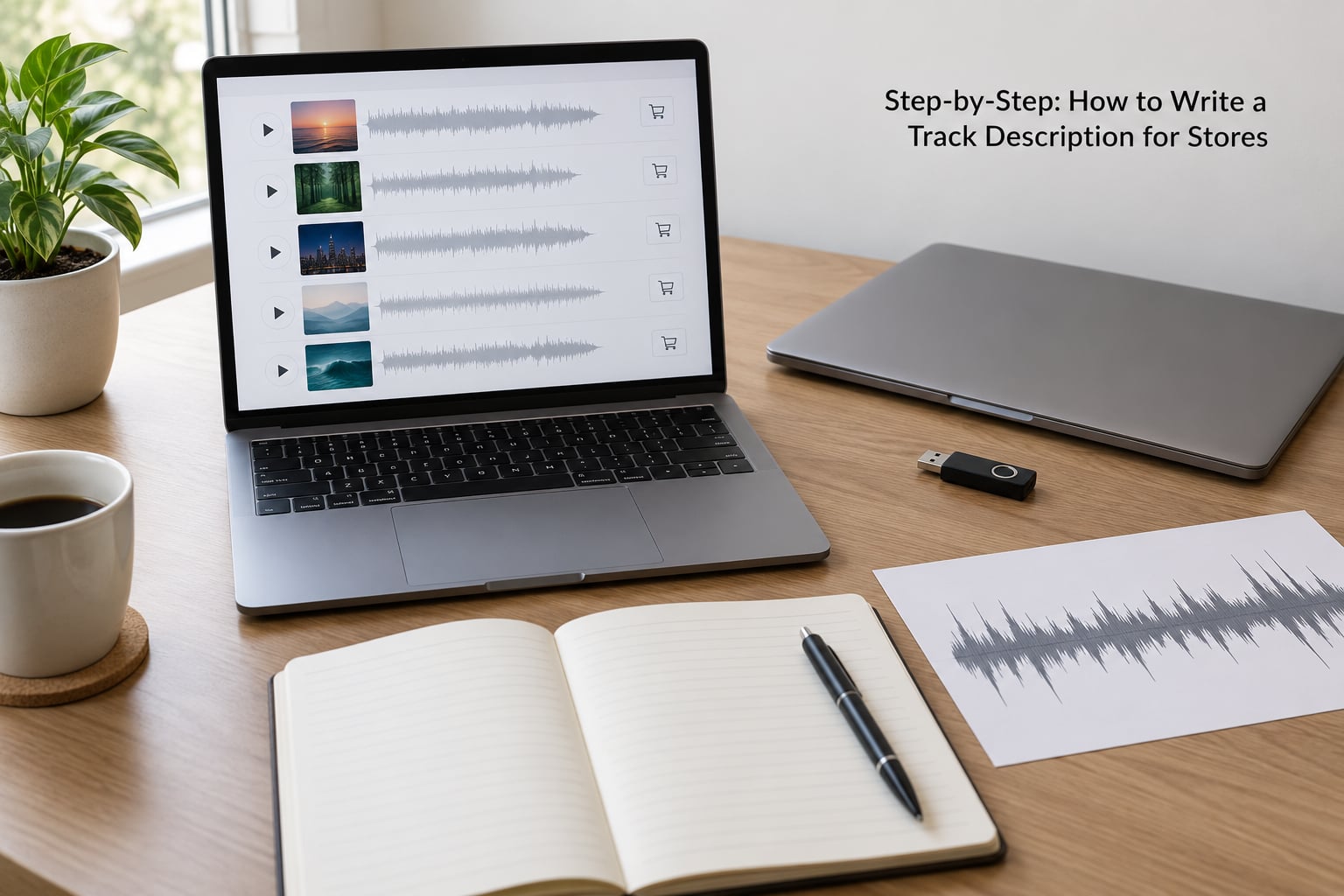
Step 1: Identify the Track and Its Main Buyer
Start by deciding who the track is for, because that decides every other choice. A track written for a chase scene in a trailer is described differently from the same audio sold as a royalty-free loop in a sample pack.
Name the core identity in one line: genre, subgenre, mood, energy and tempo. The genre question is where most producers stall. A hybrid electronic track sits between labels, and producers on r/ableton described that ambiguity as the single biggest metadata headache, with genre analysers treated as a starting point rather than an answer.
Pick one primary genre that a buyer would actually search for, then add accurate subgenres as supporting terms. One primary genre plus two or three subgenres is enough. Listing eight genres at once tells a buyer you have not decided what the track is.
Step 2: List the Essential Technical Details
Technical details are the part buyers scan fastest, so they belong near the top and in a consistent order. List what you can verify from the session file or the export settings, not what you remember.
For a digital audio product that usually means BPM, key, duration, file format, sample rate, bit depth, channel count, and whether stems, loops or MIDI are included. Sample rate of 44100 or 48000 Hz, 24-bit, stereo, WAV plus MP3 320 kbps is a normal, complete answer for a finished track.
Keep the technical list in the same order every time you write one. Consistency lets a buyer learn where to look, and it saves you rewriting the whole catalog when you change your mind about format.
Step 3: Explain the Sound in Plain Language
Describe the musical character using specific, sensory language rather than adjectives that could apply to anything. “Warm analog synths over a punchy break” tells a buyer far more than “epic and powerful.”
Work element by element: the drums, the bass, the synths or samples, any vocals, then the arrangement and the mix. Say what the low end does, whether the pad opens up in the second half, whether a vocal is present at all. Reviewers of stock music listings consistently distrust copy that oversells, and that reaction is well earned.
A useful test is to describe the track to a friend without using the words cool, awesome or fire. If you run out of vocabulary, borrow structure instead: melody contour, timbre, harmony, rhythm, dynamics. Those words carry real meaning, and buyers searching for music use them too.
Step 4: Show How the Track Can Be Used
Connect the audio to a real use, because that is what a licensing buyer is actually shopping for. A DJ set, a cinematic scene, a game soundtrack, a social video, a podcast intro, a remix, a sample flip or background music under a voiceover are all concrete answers.
Name two or three, and be honest about the fit. A track with a clear melodic refrain and a clean instrumental section works as a podcast bed or a vlog cue. A heavily processed club track does not. Overly literal scene descriptions are the other common mistake, locking a track into one film job and excluding it from others.
Buyers already imagine their own scene better than you can describe it. Your job is to remove the doubt that stops them imagining it at all.
Step 5: Make the Track Description Easy to Scan and Search
Short paragraphs, useful labels and a concise opening beat a wall of prose. Most store pages in 2026 show only the first two or three lines before a buyer has to click, so put the identity and the mood in those lines.
Format beats prose on small screens. Use a line per detail rather than a run-on sentence, and keep the genre and mood words that buyers type into search. Searchable keywords belong naturally in the description, while a separate keywords or tags field, where the store offers one, should hold the wider set of related terms.
The two fields work together. The description tells a human what a track is; the keywords field helps a store’s search match it to queries you would never have phrased that way. Write both from the same source material so they do not contradict each other.
Step 6: Proofread and Test the Listing
Read the description against the audio preview one last time, then check it against the cover art, the store category and the files the buyer will actually download. Every genre label, tempo and duration should match.
Check spelling, capitalization of key names, and whether the first sentence works on its own. Then search the store with a few terms from your description and see whether the track comes up in the results for a listener who does not know you exist.
That last check catches more than proofreading does. A description full of accurate but unusual words can leave a track invisible to search while sounding excellent to you.
Common Mistakes and How to Fix Them
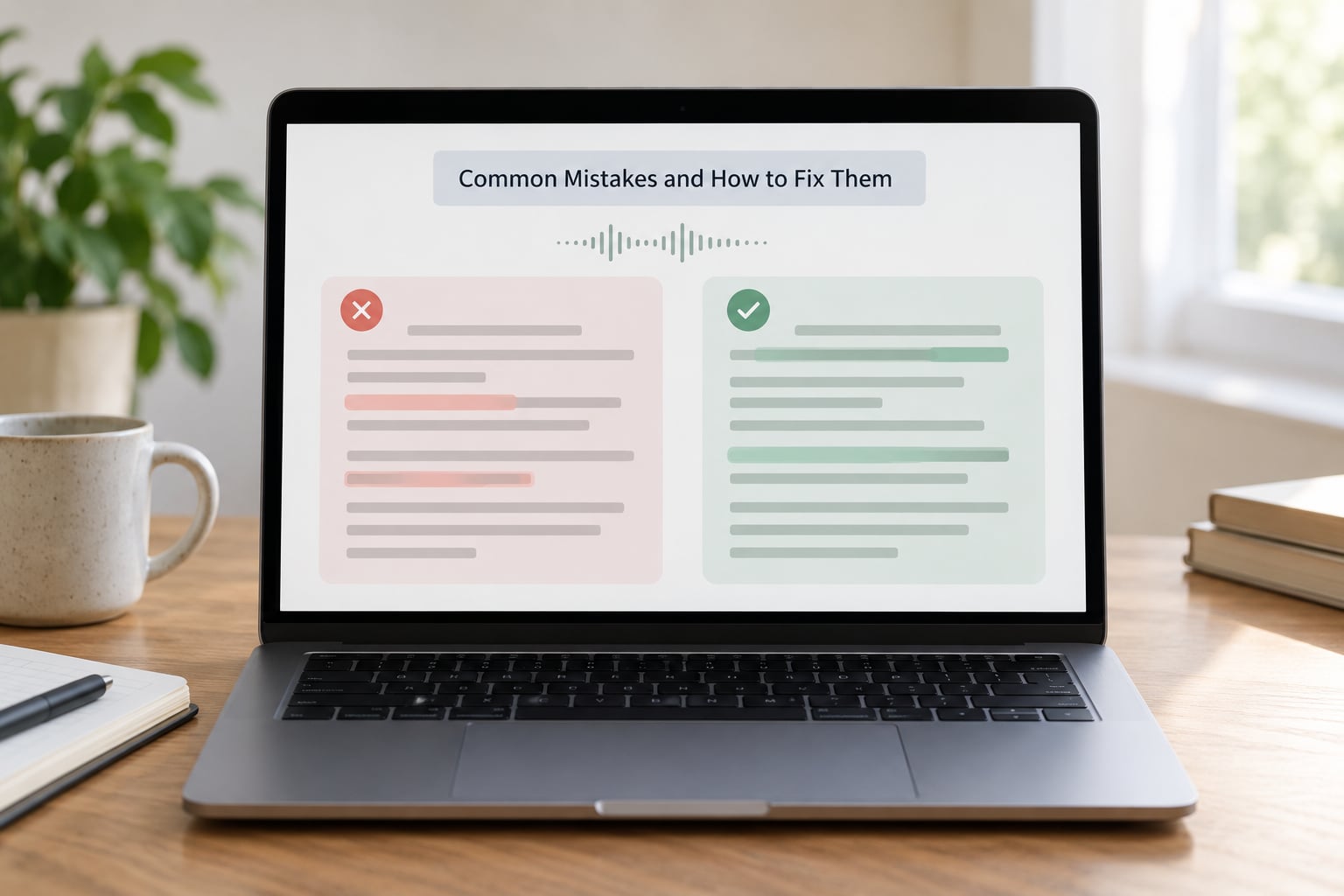
Descriptions built from vague adjectives
Weak: “Epic cinematic track perfect for everything.” Strong: “Sustained string swells over a low piano pulse, building slowly to a percussion-driven peak at 2 minutes.”
The fix is specific instrumentation and a described arc. If you cannot name the instruments, listen again and write down what you hear.
Missing or wrong technical details
Weak: “Studio-quality production, ready to use.” Strong: “124 BPM, F minor, 2:48 duration, 24-bit 48000 Hz WAV and MP3 320 kbps, instrumental, stems included.”
Buyers filter on numbers. Wrong BPM is worse than no BPM, because a DJ who planned around it will not come back.
Inaccurate genre labels
Weak: “Electronic” on a track that sits in an indie synthwave lane. Strong: “Synthwave” as the primary genre, with dream pop and retro wave as subgenres.
One primary genre plus accurate subgenres keeps you findable. A track labeled with six genres matches no search well.
Sales language and filler
Weak: “This track will blow your audience away. Handcrafted with love.” Strong: delete the sentence and add a real detail in its place.
Editors filter out copy that oversells, and readers spot it instantly. Every adjective should survive the question: is this true of this specific track?
Keyword stuffing and generic AI copy
Weak: “uplifting inspiring motivational feel good positive energetic happy.” Strong: “Uplifting acoustic track with a steady pulse, written for opening titles and positive brand work.”
Generic AI-written descriptions are now the default failure mode. They list mood words nobody searches and skip anything specific, so they read as filler to editors and to search. Write the technical list by hand from your session, then check the sound description against the actual audio before publishing.
Copy-paste drift across a catalog
Weak: the same mood paragraph and identical keyword set pasted onto 120 tracks. Strong: a shared skeleton per genre, with the mood, instrumentation, tempo and use case rewritten per track.
Producers on r/composer treat metadata as the organization system for their own catalog, which only works when descriptors are structured rather than duplicated. Once a track ships with the same keywords as everything else in the release, it is effectively invisible.
A description that does not match the preview
Weak: describing instrumental only, when a vocal chop appears at 1:20. Strong: “Instrumental with a short vocal sample at 1:20.”
Mismatches are the fastest way to lose a licensing buyer, and the preview is usually the first thing they check. Skim your own preview before you publish the text.
Frequently Asked Questions
How long should a track description be for an online store?
For a streaming release, two or three sentences is enough, roughly 250 to 400 characters, because the store page shows only the opening lines. For a stock music library or sync library listing, 60 to 120 words works better, since composers there need instrumentation, tempo, energy and use case before they audition. Sample pack listings sit between the two. Whatever the length, put genre, mood and the strongest detail in the first two lines.
Which keywords should I include in a music store listing?
Use the words a buyer would type, not the words you would use to describe the session. Include genre and subgenre, mood, energy level, tempo range, main instruments, vocal type, and the projects the track suits, such as documentary, trailer, podcast or gaming. Cover related terms buyers search instead of synonyms you skip. If the store has a separate keywords or tags field, put the wider set there and keep the description readable.
Should I write a different track description for every store?
Write one accurate master description per track, then adapt it. A streaming release page leans on mood and story, a stock library leans on instrumentation, tempo and energy, and a sample marketplace leans on what is inside the download. The technical block stays identical everywhere so the facts never drift. Adapting means trimming and reordering, not rewriting from scratch or pasting the same paragraph across five platforms.
What technical details should I include for a digital audio product?
For a finished track, list BPM, key, duration, file format, sample rate, bit depth, channel count, whether it is instrumental, and whether stems or MIDI are included. For a sample pack, add the number of loops or one-shots, the key and tempo ranges, and the formats supplied. For presets, name the synthesiser and version, the number of presets, and any required software. Verify each figure from the export settings rather than memory.
How can I describe a track’s sound without using vague words?
Describe what happens, not how it feels, then add one feeling at the end. Say the low end is warm and the pad opens in the second half, the break drops out for four bars, the vocal is a breathy female chop processed through tape delay. Structure carries meaning for readers who lack the vocabulary: melody contour, timbre, harmony, rhythm, dynamics. A specific description lets a buyer picture a scene, which is what the words epic and powerful never manage.
Can I reuse a track description for a single, sample pack, or preset product?
Reuse the structure, not the text. A single, a pack built from that track and a preset bank built from its sound share a genre, a mood and a set of instruments, so the same skeleton works. What changes is the focus: the single describes one track, the pack describes what is inside the download and how many elements buyers get, and the preset product names the synthesiser and version. Duplicate paragraphs across products read as filler to editors and buyers.
Conclusion
Open the session file, confirm the BPM, key, duration and formats, and write one accurate sentence about who the track is for. Build the rest of the description around details you can verify, and reread it against the audio preview before you publish.