If you are wondering should you record at 24 bit or 32 bit float, the short answer is this: 24-bit is the right default for controlled studio tracking, and 32-bit float earns its place when levels are unpredictable or you want insurance against clipping.
Neither format sounds better on a properly recorded source. The difference is what happens when a take goes wrong, not how a good take sounds.
Here is the part most marketing copy skips. 32-bit float does not remove the need for gain staging, and it cannot rescue a signal that saturated in the preamp or the analog-to-digital converter before the file was ever written.
Table of Contents
- Should You Record at 24 Bit or 32 Bit Float? at a Glance
- 24-Bit vs 32-Bit Float: What Are You Actually Comparing?
- Bit Depth and Dynamic Range
- Headroom and Clipping Behavior
- Recording a Hot Signal: 24 Bit or 32 Bit Float?
- File Size, CPU Load, and Storage
- Compatibility With DAWs and Plugins
- How to Choose a Recording Workflow
- Which Should You Choose?
- Frequently Asked Questions
- Should I record every song in 32-bit float?
- Is a 24-bit recording lower quality than 32-bit float?
- Does 32-bit float prevent distortion?
- Can I open a 32-bit float recording in any DAW?
- What is the difference between 32-bit and 24-bit WAV files?
- Should I dither from 32 to 24 bits?
- Bottom Line
Should You Record at 24 Bit or 32 Bit Float? at a Glance
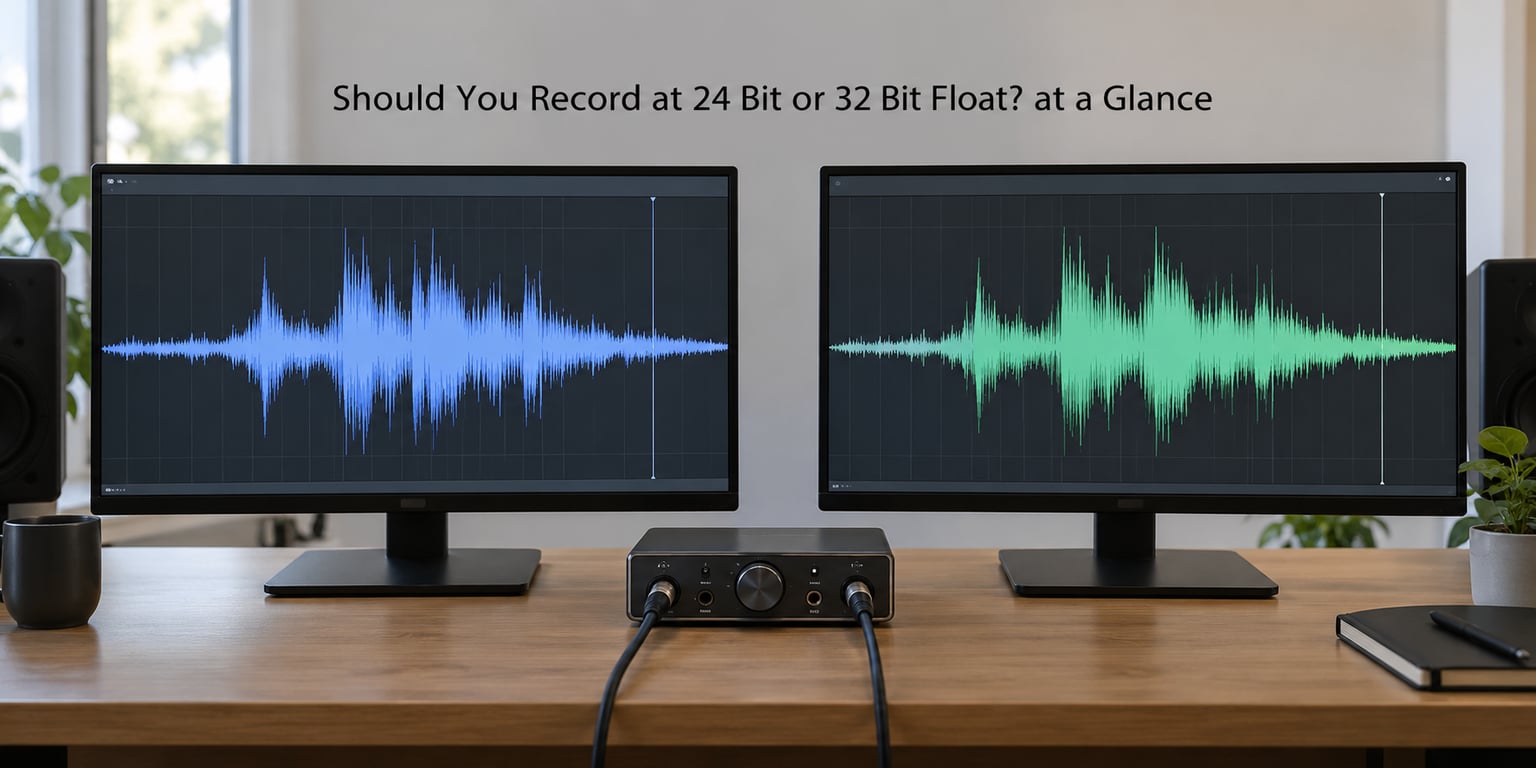
| Criterion | 24-bit fixed point | 32-bit float |
|---|---|---|
| Storage type | Integer, fixed range, 2^24 steps | Floating point, mantissa plus exponent |
| Theoretical dynamic range | About 144.5 dB | About 1528 dB, roughly -758 to +770 dBFS |
| Headroom above 0 dBFS | None, peaks above digital zero clip | Plenty, peaks over 0 dBFS are stored intact |
| Very quiet take, raised later | Quantization noise rises with it | Resolution stays at the word, stays clean |
| Size at 48 kHz | About 141 KB per second, 507 MB per hour | About 188 KB per second, 691 MB per hour |
| Compatibility | Universal, including every NLE and mastering house | Good in modern DAWs, patchy in some editors and utilities |
| Best use case | Studio multitrack, video handoff, mastering delivery | Field and location sound, live takes, unpredictable sources |
Read that last row again if you only remember one thing. The formats are not ranked. They are two different safety nets for two different working conditions.
24-Bit vs 32-Bit Float: What Are You Actually Comparing?
A 24-bit WAV file stores each sample as an integer with a fixed ceiling. 0 dBFS, the loudest representable level, is the top of that range, and anything pushed past it clips flat.
A 32-bit float file stores each sample as a floating-point number, which is scientific notation packed into 32 bits: a mantissa holding the significant digits and an exponent saying where to put the decimal point. That single design change is the whole story.
Because the position of the number is stored separately from the number, the same 32 bits can describe a whisper and a value hundreds of decibels louder than full scale. One useful mental model from an r/audioengineering thread: 32-bit float is still roughly a 24-bit recording, with the extra bits setting the window in which that 24-bit resolution sits.
The misconception worth killing right now is that 32-bit float contains more recorded detail of your performance. It does not. It contains more numeric range around the detail. Your microphone, preamp, and converter decide how much real information exists; the file format decides how much of the range is available to store it.
Bit Depth and Dynamic Range
Dynamic range is the distance between the loudest and quietest signal a format can hold. The textbook figures are 96.3 dB for 16-bit, 144.5 dB for 24-bit, and around 1528 dB for 32-bit float, spanning roughly -758 dBFS to +770 dBFS.
Only the first two numbers tell you anything about real recordings. A 24-bit file covering 144.5 dB sounds absurd next to a song that lives inside maybe 60 dB, but the top 80 dB of that range is never used.
What actually matters is where your quiet material sits relative to the format noise floor. A whisper recorded 40 dB below a peak sits around -40 dBFS, nowhere near the 24-bit floor, so it is captured cleanly. Record the same whisper with the preamp wound down 80 dB instead and it lands around -80 dBFS, close enough to the 24-bit floor that raising it afterwards brings the quantization noise up with it.
Dithering closes that gap. Adding a small controlled amount of noise to a 24-bit signal, most often when reducing 32-bit float to 24-bit for delivery, trades a little of the noise floor for smoother low-level reproduction. It matters much more going to 16-bit than going to 24-bit.
Headroom and Clipping Behavior
Headroom is the space between your peaks and digital zero. In 24-bit, that space has to be given up in advance: turn the input down, keep peaks around -6 dBFS, and hope nothing surprises you.
32-bit float removes the ceiling. Peaks that land above 0 dBFS are written to the file as written, which means you can track hotter and pull the level back later in the DAW. The meters read over, and the waveform looks wrong, but the data is there.
Here is the honest limit of that promise. A peak above 0 dBFS only survives if the analog chain in front of it did not run out of room first. A preamp clipping, a converter hitting its ceiling, or a plugin slamming a ceiling all produce a flat-topped waveform that is already destroyed before the file format is involved.
So think of float as fixing one specific failure, digital clipping in the recorder, and nothing else. It does not fix a bad take, it fixes a take that a badly set input gain would have thrown away.
Recording a Hot Signal: 24 Bit or 32 Bit Float?
Set up the test that trips people up. Track a loud vocal, a saturated synth bus, or a master bus push, and set the input gain so hot that the meters sit well over 0 dBFS.
With 24-bit, those peaks are gone the instant they arrive. With 32-bit float, they are written to disk and come back intact when you reduce the track gain. That is the whole benefit, and it is real in exactly one situation: a source that is loud and unpredictable.
Now the counter-test. Wade Tregaskis ran room tone through a TASCAM Portacapture X8 at 0, 35, and 57 dB of input gain. The noise floor climbed substantially as the gain came down and the boost moved into post, and at 57 dB the converter saturated roughly 3 dB over 0 dBFS and produced unusable distortion anyway. His Auto Gain test showed the same thing: automatic gain control genuinely bakes its decisions into the recorded file, which is why the popular “it is like camera RAW” analogy is wrong.
Audio RAW has no fixed reference level the way camera RAW has a known exposure range. What you gain in the analog domain, you keep baked in.
File Size, CPU Load, and Storage
32-bit float stores four bytes per sample against three for 24-bit, so files are about 33 percent larger. At 48 kHz that is 141 KB per second for 24-bit and 188 KB for 32-bit float, or roughly 507 MB versus 691 MB per hour per mono channel.
Multiply that by a stereo pair and a 24-track session, and you are looking at tens of gigabytes over a few days of work rather than a few. Manageable, but not free.
Pairing float with a high sample rate is where it gets silly. At 192 kHz a single mono 32-bit float channel runs about 2.7 GB per hour, and even a two-second sine file comes to roughly 1.46 MB. The depth choice is independent of the rate choice, and 48 kHz is still the sensible default.
Modern machines handle 32-bit float at 48 kHz without drama. The processor cost is real but small; disk and RAM are where you will actually feel it.
Compatibility With DAWs and Plugins
Every current major DAW handles 32-bit float files, including Ableton Live, FL Studio, Logic Pro, Cubase, Studio One, Bitwig, and Reason. Import one, and it may look hard-clipped because the peaks really are over full scale, so scale the track or clip gain down and it comes back healthy.
The friction is downstream, not in the DAW. Forum reports include Sound Forge Audio Studio refusing 32-bit float input and older utilities that simply will not open the file. Video editors and mastering engineers overwhelmingly expect 24-bit.
The most repeated confusion in producer forums is that the 32-bit float your DAW uses internally is the same thing as the 32-bit float on your recorder. Same words, two different jobs. Almost every DAW processes in 32-bit float already, so the decision in front of you is only about what the capture device writes to disk.
How to Choose a Recording Workflow
1. Set the input gain so peaks sit comfortably below clipping, usually between -12 and -6 dBFS. If you are on 32-bit float you have less pressure to be perfect, but a lower noise floor still starts at the preamp.
2. If the source is unpredictable, push hotter and trust the exponent. Interview, live performance, location ambience, a lav on a moving performer.
3. If a float file arrives reading as clipped in the DAW, reduce the track or clip gain before doing anything else. Nothing is broken.
4. Keep the session at 48 kHz. Sample rate and bit depth are independent choices, and 96 or 192 kHz buys you nothing here.
5. Export at 24-bit for delivery, dithered from 32-bit float. Never send 16-bit to a mastering engineer, and never send 32-bit float files to a video editor without asking first.
Working on 24-bit only? Double-track the risky part, keep a safety track, and ride the input gain carefully instead.
Which Should You Choose?
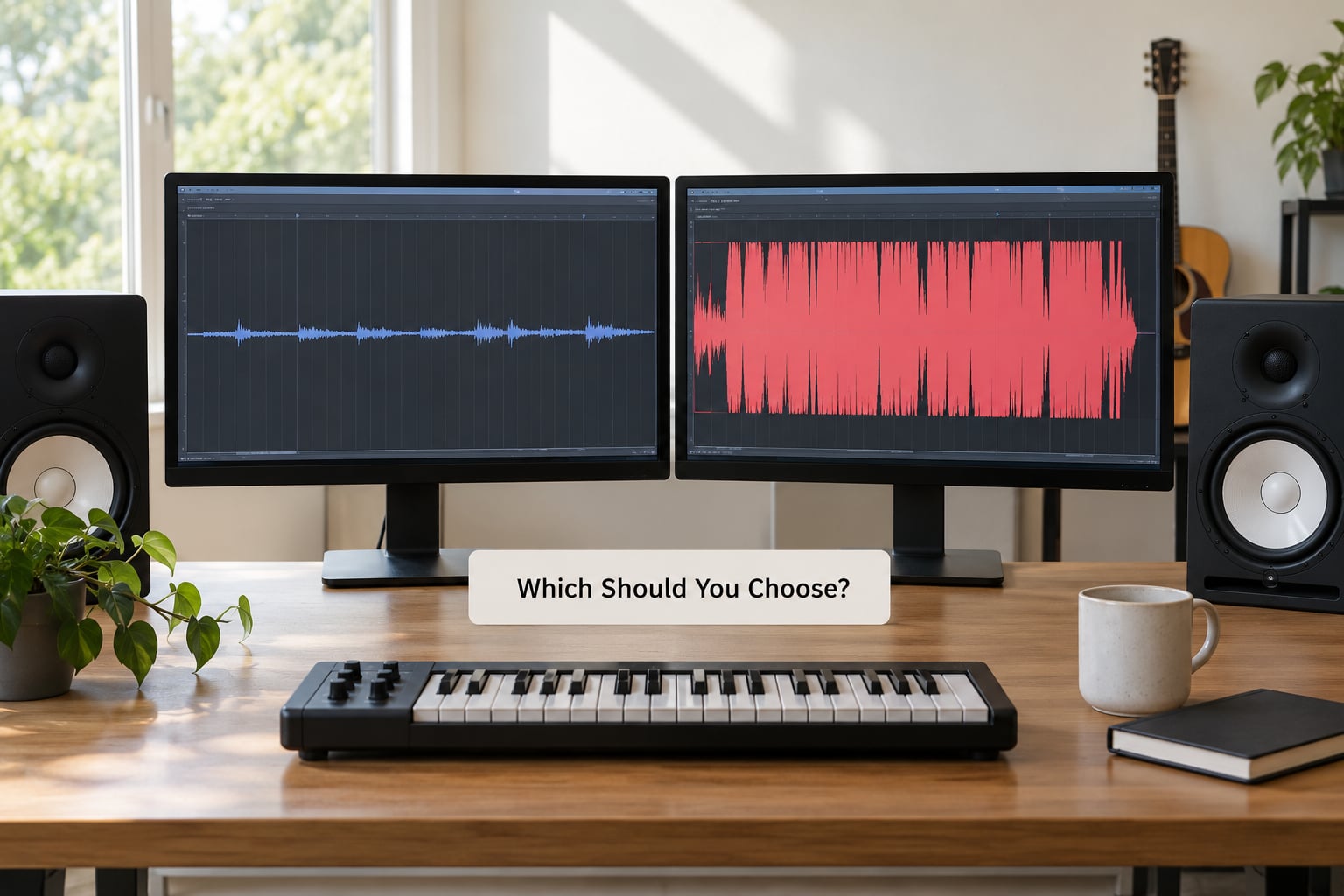
Choose 24-bit when your levels are controlled and predictable: home studio multitrack tracking, work headed to a video editor, and any file going to a mastering engineer. Smaller files, zero compatibility questions, and a dynamic range nobody can hear the lack of.
Choose 32-bit float when the level can jump without warning: field and location recording, documentary interviews, one-take live performance, theatre recording, podcast and lav capture. It changes a ruined take into a recoverable one, which is worth the 33 percent in disk.
And there are cases where it genuinely does not matter. A drummer overdubbing in a treated room, a synth programmer bouncing MIDI, anyone mixing at controlled levels on an already-clean 24-bit take. The old camp on the Avid forums argued that 32-bit float is largely marketing, and for a lot of sessions they are simply right.
Frequently Asked Questions
Should I record every song in 32-bit float?
No. It helps most when capturing hot, unpredictable sources or when you want insurance against clipping, and most producers make excellent 24-bit recordings by keeping peaks below clipping. If your sessions are controlled, 24-bit gives you smaller files and painless delivery.
Is a 24-bit recording lower quality than 32-bit float?
Not automatically. A well-recorded 24-bit file has far more dynamic range than music needs, while 32-bit float mainly adds space above nominal digital zero and precision at extremely low levels. Actual quality is decided by gain staging, the converter, and the room, not by the file format.
Does 32-bit float prevent distortion?
No. It stores numerical peaks beyond 0 dBFS and gives you room to reduce a track later, but it cannot prevent clipping in the preamp, the analog-to-digital converter, or a plugin. Published tests show the converter saturating a few dB over full scale regardless of the format.
Can I open a 32-bit float recording in any DAW?
Most modern DAWs support 32-bit float audio, including Ableton Live, FL Studio, Logic Pro, Cubase, Studio One, Bitwig, and Reason. Files may appear clipped on import because the peaks really are above 0 dBFS, so scale the gain down. Check the documentation for your own operating system first.
What is the difference between 32-bit and 24-bit WAV files?
A 24-bit WAV stores integers inside a fixed range ending at 0 dBFS. A 32-bit float WAV stores floating-point numbers with a mantissa and exponent, so it spans roughly -758 to +770 dBFS and keeps peaks above digital zero intact. It is about 33 percent larger at the same sample rate.
Should I dither from 32 to 24 bits?
Yes, for delivery. Bounce to 24-bit with dithering enabled, which smooths the quantization when the resolution is reduced. Never go down to 16-bit before mastering, and check with your mastering engineer or video editor first, since most downstream workflows assume 24-bit files.
Bottom Line
Control the recording level first. That single habit matters more to the sound of your files than the format you pick, because a saturated preamp is not undoable in any bit depth.
Then pick 32-bit float when the source is unpredictable or you want the safety net, and stay with 24-bit when your sessions are controlled and you would rather not think about disk space or delivery friction. When you release the music, export a conventional 24-bit dithered file.