To make a private SoundCloud link for demos, upload the track, set its visibility to Private, then open the Share control under the waveform and copy the link from the Private share field. That generated link is not the one in your browser’s address bar, and the difference is the reason most private demo links arrive dead.
It takes about five minutes once the file is finished. The hard part isn’t clicking anything, it’s knowing which URL to send and checking it works for a stranger before you send it to a label.
Last updated October 2026. Instructions are written for the SoundCloud web player on desktop. The mobile apps have a different menu layout, so I’ve branched those out separately below.
Table of Contents
- What You Need
- Step-by-Step
- Upload the Demo as a Private Track
- Choose the Correct Privacy Setting
- Create and Copy the Private Link
- How to Make a Private SoundCloud Link on Android and iOS
- Test the Link in a Private Browser
- Send the Link With Clear Instructions
- Revoke or Replace Access When Needed
- Common Mistakes
- Frequently Asked Questions
- What is the difference between a private SoundCloud link and an unlisted track?
- Do I need SoundCloud Go+ to send private demo links?
- Can a recipient download a demo from a private SoundCloud link?
- How do I stop someone from sharing my private SoundCloud demo?
- Will a private SoundCloud link work if the recipient does not have a SoundCloud account?
- Should I send a private SoundCloud link or a watermarked demo?
- Conclusion
What You Need
- A SoundCloud account. Any account works for the core process. Some sharing limits and analytics features depend on your plan.
- A finished demo file. Export a WAV or AIFF master for anyone who might pull the file, and keep a 320kbps MP3 as a fallback preview.
- Cover art at 100 by 100 pixels or larger. The first thing a recipient sees is the artwork, and small or missing art makes the demo look unfinished.
- BPM and key filled in in the track metadata. DJs and label A&R read those before they listen.
- A plan for downloads. If the recipient needs the file rather than a stream, you switch downloads on for that track before sending.
- The recipient’s account status. Private SoundCloud links stream without a login, but you should still know whether the person you are sending to uses SoundCloud or not.
Export one final master before you upload. Sending a rough bounce to a label is normal, but sending a clipped or accidentally normalised bounce is not.
Step-by-Step
Upload the Demo as a Private Track
Open the web uploader from your profile and choose your finished audio file. Give the track a clean title in the format Artist Name – Track Name (Original Mix), fill in genre, BPM and key, and attach the cover art.
Before you save, listen to the exported file in your own player. Look for clipping on the master limiter, and check that the file is not normalised louder than your other releases.
Set the Sharing option in the upload dialog to Private before you publish. Yes, you can upload to SoundCloud privately, and doing it at upload time means the track never appears in a public state, not even for the few seconds it takes to change your mind later.
Choose the Correct Privacy Setting
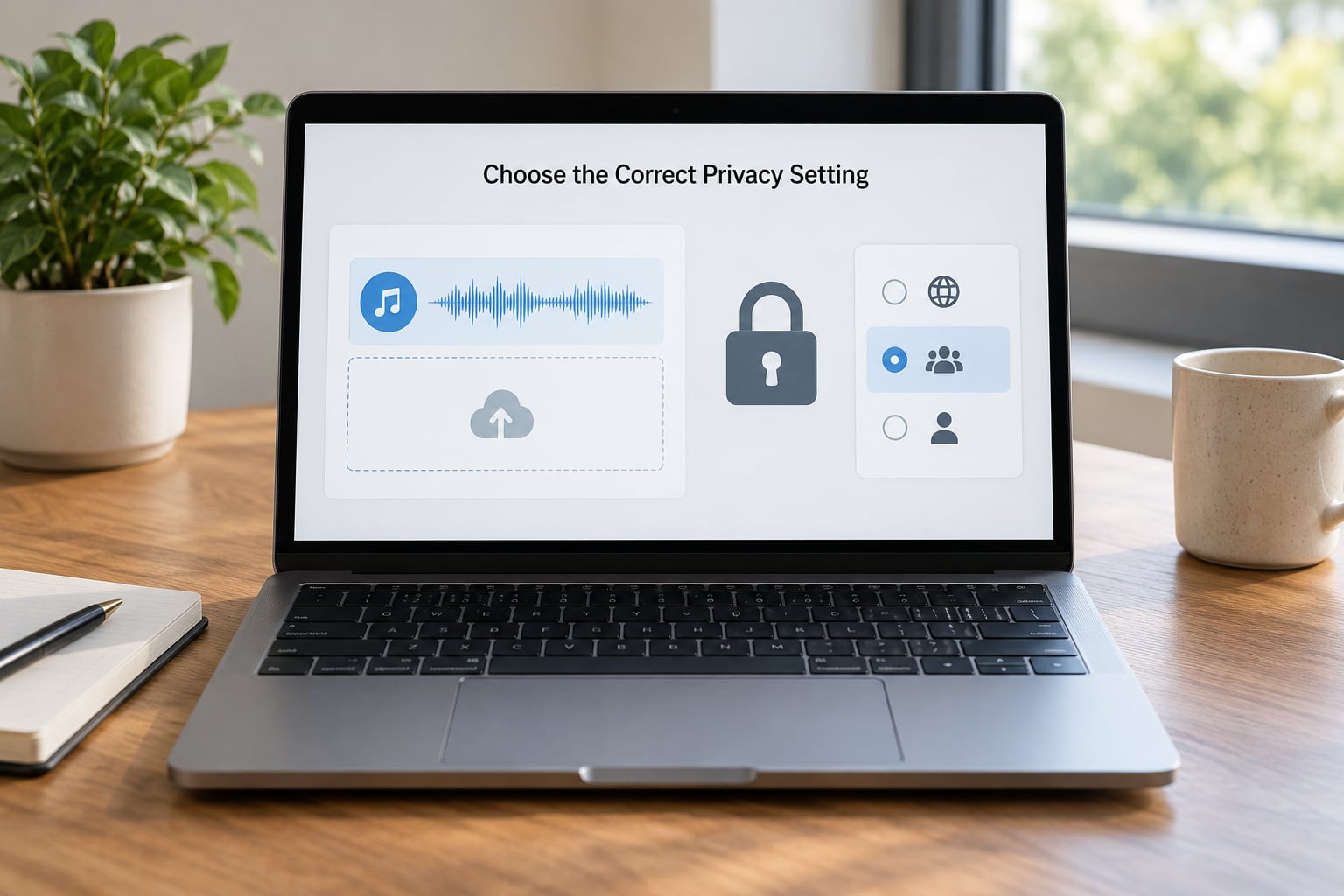
SoundCloud gives you three visibility choices, and they are not the same thing.
- Public shows on your profile, in search, and in the feeds of people who follow you.
- Unlisted stays off your profile and search but plays for anyone holding the URL. It is a very weak form of private, because URLs can be guessed or crawled.
- Private stays off your profile and search, and only plays for people with the secret link you generate.
For unreleased demos, use Private. One honest correction worth internalising: a SoundCloud private track is unlisted, not encrypted. There is no password and no email allowlist, so anyone who ends up with the link can play and download it.
Create and Copy the Private Link
Go to your own track page while signed in and click the Share control under the waveform. The share dialog opens with tabs, and the Private share field holds the link you want. Copy that one.
The URL in your address bar for a private track returns This track was not found. Maybe it has been removed for anyone who is not signed into your account. A poster on the HomeRecording forum described the exact fix: click the share symbol instead of copying the address bar, and tick the shorten option for a compact link that is easier to paste into an email or DM.
Turn on the download option in the same dialog if the recipient needs the file. Producers pitching labels and DJs consistently send these links with downloads enabled, and that is treated as the professional standard.
How to Make a Private SoundCloud Link on Android and iOS
On both apps the path runs through the track’s overflow menu rather than the waveform.
- Android: open your profile, tap Tracks, tap the three dots beside the track, choose Share, then copy the link from the private share field.
- iOS: open your profile, select the track, tap the three dots or the share icon under the waveform, and copy the private share link from the sheet that opens.
The mobile menus get renamed between app releases. If you cannot spot the share option, finish the copy step on desktop, where the dialog labels have been steadier.
Test the Link in a Private Browser
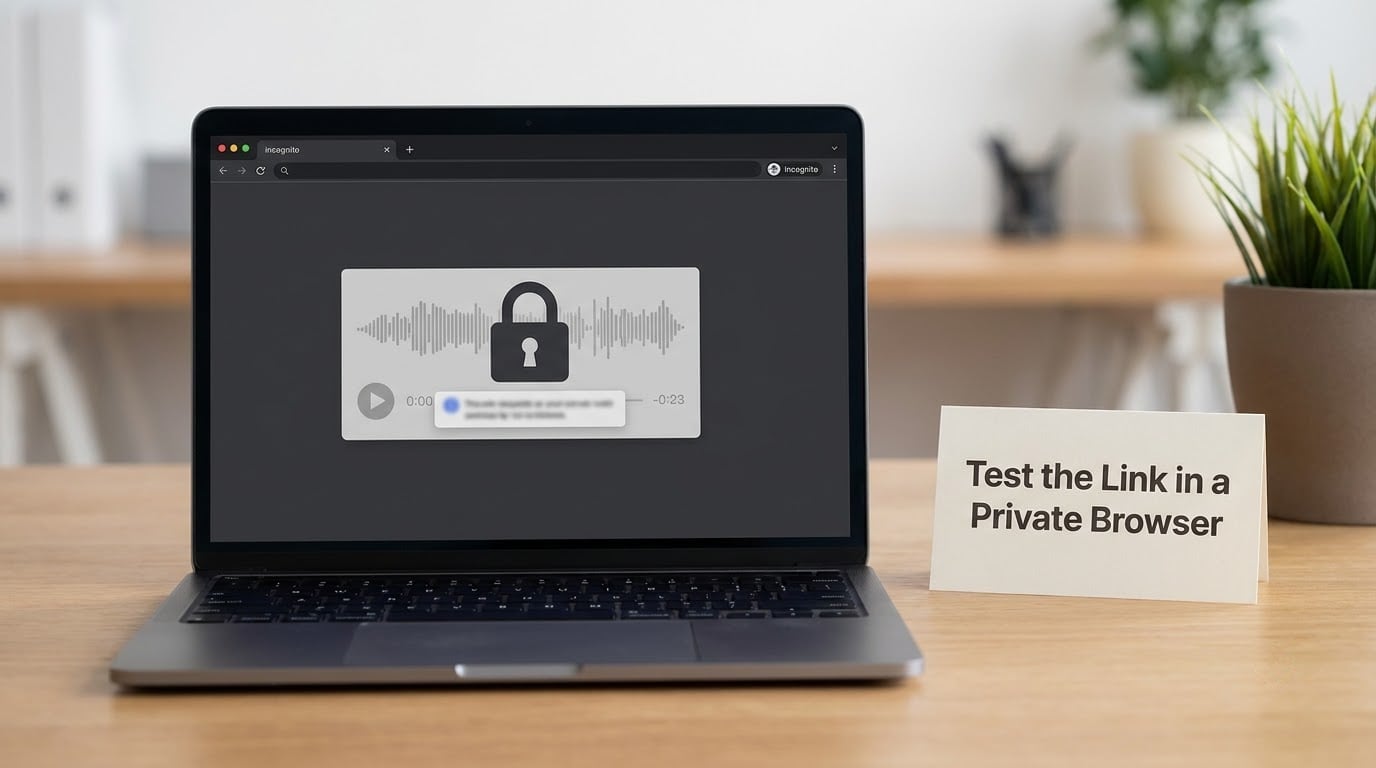
This is the step everyone skips, and it is the step that saves you. Open the copied link in an incognito window or on a phone that is not signed into SoundCloud, then run these checks.
- The track page loads instead of an error message.
- Playback starts and the waveform responds.
- Cover art, title, BPM and key all render correctly.
- The download button works, if you enabled it.
- The page prompts a sign-in rather than silently failing.
Testing while signed in proves nothing, because your account already has access. Do it on the device you expect the recipient to use, because most first listens happen on a phone.
Send the Link With Clear Instructions
The link alone does half the work. A short note does the rest, and the format matters more than you would think.
Something like this works well:
Hi Sam, private link to Nightdrive (Original Mix), 124 BPM, F minor. Streaming only for now, and downloads are on if you need the WAV for a test play. Would love your honest reaction by Friday if you get time, no rush either way. Thanks for listening.
Tell them who may listen, whether you want feedback, and any deadline. Mention the sign-in prompt if the link asks for one, and never send a private link as a blind BCC to forty labels with no note attached.
Send one track, not three. Producers who pitch a single finished track read as focused; producers who attach an EP read as unsure which record is strongest.
Revoke or Replace Access When Needed
Here is the awkward part of SoundCloud’s model: a private link cannot be switched off while the track stays up. If a demo leaks to someone who should not have it, your options are to change the track back to Private, or to reset the secret link so the old URL stops working and send the new one.
Renaming a track or playlist after generating the secret link can change the URL and silently break links you already sent out. If you need to fix a typo, expect to resend.
On release day you can flip the track from Private to Public without re-uploading it, so the play counts and comments you collected during the demo stage stay intact.
Common Mistakes
- Copying the browser address bar URL. This is the number one reason a private demo link says the track was not found. The address bar shows your own logged-in session URL. Fix: always copy from the Share dialog.
- Using unlisted instead of private. An unlisted track plays for anyone with the URL and can surface in unexpected places. Fix: set the track to Private and generate a secret link.
- Uploading the wrong mix. The bounce, the no-vocal, the unmastered version. Fix: listen to the exported file end to end before uploading.
- Testing only while signed in. Everything works for you, so you send it. Fix: open the link in an incognito window before it leaves your hands.
- Forgetting that the mobile interface differs. The three-dot menu on Android and iOS does not match the desktop Share dialog. Fix: check the mobile path separately, or send the desktop-generated link.
- Leaving project or contact metadata visible. Tags and description fields can expose another artist’s name or a client project title. Fix: read the description and tags as if the recipient were the person you least want to see them.
- Sending an outdated URL. You regenerated the link after a rename and the email still has the old one. Fix: always copy the current link directly before sending.
- Assuming private means untouchable. Anyone with the link can play and download. There is no password. Fix: treat every private demo link as unlisted rather than locked.
- Embedding a private track in a PDF or press kit. Private tracks shared with a secret link frequently fail to play in embedded players, so the demo arrives broken inside the document. Fix: send the link itself in the email rather than embedding it.
- The download button not responding. Producers report this on private links inside the current playback interface, and it has broken more than one DJ promo email. Fix: test the download in a private browser, and attach the WAV directly in your email as a backup.
Frequently Asked Questions
What is the difference between a private SoundCloud link and an unlisted track?
A private SoundCloud link is a secret share URL generated from the Share dialog, and the track stays off your profile, search, and follower feeds. An unlisted track also stays off your profile but plays for anyone with its URL. The practical gap is revocability: a private link can be reset, while an unlisted URL can be guessed or passed around with nothing to reset. For demos, private is the right default.
Do I need SoundCloud Go+ to send private demo links?
No. The core process, uploading privately, generating a secret link, and sending it, works on a free account. Paid tiers add extras like deeper listening analytics, higher upload limits, and faster support. Check the limits shown in your own account settings before sending the same link to a long list of recipients, since free accounts can hit sharing caps.
Can a recipient download a demo from a private SoundCloud link?
Only if you switch downloads on for that track in the share dialog. With downloads enabled, the recipient gets the file you uploaded, which is why you should upload a WAV or AIFF master rather than a low bitrate preview. Producers report occasional download button trouble on private links in the current player, so test it in a private browser and keep a direct file attachment in your email as a fallback.
How do I stop someone from sharing my private SoundCloud demo?
You cannot fully prevent it. A private SoundCloud link is unlisted rather than password protected, so anyone who has it can forward it. Your realistic options are to reset the secret link so the old URL stops working, set the track back to Private, or delete it outright. Deleting is the only real kill switch, and it takes the play count data with it, so reset the link first if you can.
Will a private SoundCloud link work if the recipient does not have a SoundCloud account?
Yes, a secret private link streams in any browser without a login, which is exactly why labels like it. Most first listens happen on a phone, so test the link on a device that is not signed into your account before you send it. Note that an unlisted link also plays without an account, so use Private rather than Unlisted if you want the track off your profile.
Should I send a private SoundCloud link or a watermarked demo?
Send the private link. Watermarking a demo hurts the mix you are trying to be judged on, and the annoyance spreads to the recipient rather than protecting you. If the track is commercially sensitive, restrict who you send it to, avoid attaching it in a public forum thread, and remember that private access still means unlisted, not locked. Keep watermarking for material you are actively selling, not for demos.
Conclusion
Upload the final master, set the sharing option to Private before you publish, then open the Share dialog under the waveform and copy the link from the private share field, not the address bar. Open that link in an incognito window, confirm playback, artwork and downloads all work, and only then send it with two sentences saying who may listen and what feedback you want.
Keep the same track page on release day and flip it to Public when the date lands. Your play count and comments from the private phase carry straight over, which is a better story than starting a new upload from scratch.