A gated pad is a sustained synthesizer chord that gets chopped into short, repeating bursts, so the harmony stays continuous while the rhythm moves underneath it. Learning how to program a gated pad rhythm takes about fifteen minutes once you know which three layers to build: the chords, the gate pattern, and the sound shaping. Everything below works in any DAW.
I use this constantly on techno and melodic house tracks, because it adds energy without adding a new instrument or a new melody. A pad that just sits there is dead weight in a mix. The same pad, gated, becomes part of the drum pattern.
Table of Contents
- What You Need
- Step-by-Step: Build the Gated Pad Rhythm
- 1. Choose a Pad That Can Work Rhythmically
- 2. Create a Simple Chord Progression
- 3. Decide the Gating Division
- 4. Automate the Pad with a Rhythmic Envelope
- 5. Add Contrast with Filter Movement and Effects
- 6. Arrange and Test the Result in Context
- Common Mistakes and How to Fix Them
- Frequently Asked Questions
- Do I need a special synth to make a gated pad?
- How do I keep the gated pattern from sounding like a loop?
- Should I gate the MIDI notes or use a gate plugin?
- How long should each gate be?
- Why does my gated pad click at the start of each burst?
- How do I stop a gated pad from muddying my mix?
- Conclusion
What You Need
Four things, and three of them are already in your DAW.
- A sustained pad sound. Any warm, slowly attacking synth pad works. A single oscillator with a low-pass filter and a long release gets you there fastest.
- A chord progression. Two or four chords is plenty for a loop this short.
- A DAW with MIDI editing and automation. Ableton Live, FL Studio, Logic Pro, Cubase, Studio One and Bitwig all cover this, though the menu names differ between them.
- Optional shaping tools. A tremolo, an envelope-controlled filter, or a gate plugin on the audio track if you’d rather not draw note lengths.
Worth saying up front: the exact menu paths below are written in generic terms, because Ableton calls it an Audio Effect Rack and Logic calls it an Environment, and neither name helps you in FL Studio. Find the equivalent in your DAW once and the rest transfers directly.
Step-by-Step: Build the Gated Pad Rhythm
Think of the part in three layers: the musical layer (which chords), the rhythmic layer (when the gate opens and closes), and the sound-design layer (filter and effects). Build them in that order and you can always undo back to a working state.
1. Choose a Pad That Can Work Rhythmically
A good gated pad needs harmonic content in the midrange, enough body to stay audible when you shorten it, and some transient response at the top of each burst. Very soft, very slow pads turn to mush when chopped; thin pads with no low end vanish entirely.
Audition by holding one chord and retriggering it on eighth notes at your project tempo. If you cannot hear the chord change between hits, the sound is too soft. Fixes: raise the filter cutoff slightly, add a second oscillator an octave up, or increase unison and detune for width without adding bass weight.
2. Create a Simple Chord Progression
Enter a short loop and keep the voicing stable across all chords. A minor-key two-chord loop works well: for example, an F minor chord alternating with a D-flat major, two bars each, at 124 BPM.
Mute everything else while you build this. You want to hear whether the pad already sits nicely under a kick, before any gating happens. If the chord is fighting the bass, drop the pad’s lowest note by an octave rather than EQ-ing the whole sound.
3. Decide the Gating Division
This is the decision that defines the feel of the part, so spend a minute on it rather than defaulting to whatever your DAW’s loop length is.
- Eighth-note pulses move with the hats and read clearly at most tempos. The safest choice for melodic house and deep house.
- Sixteenth-note gates feel faster and more mechanical. Techno lives here, especially above 128 BPM.
- Syncopated offbeats put the bursts between kicks rather than on them. This is the one that stops the pad sounding like a hi-hat substitute.
- Slower two-step patterns gate once per bar with a long tail. Less rhythm, more texture, good for ambient techno and breakdowns.
Draw the pattern on the grid and duplicate it. Do not eyeball the timing, and do not rely on live playing, because a gate pattern that drifts a few milliseconds each repetition sounds wrong in a way listeners notice without being able to name.
4. Automate the Pad with a Rhythmic Envelope
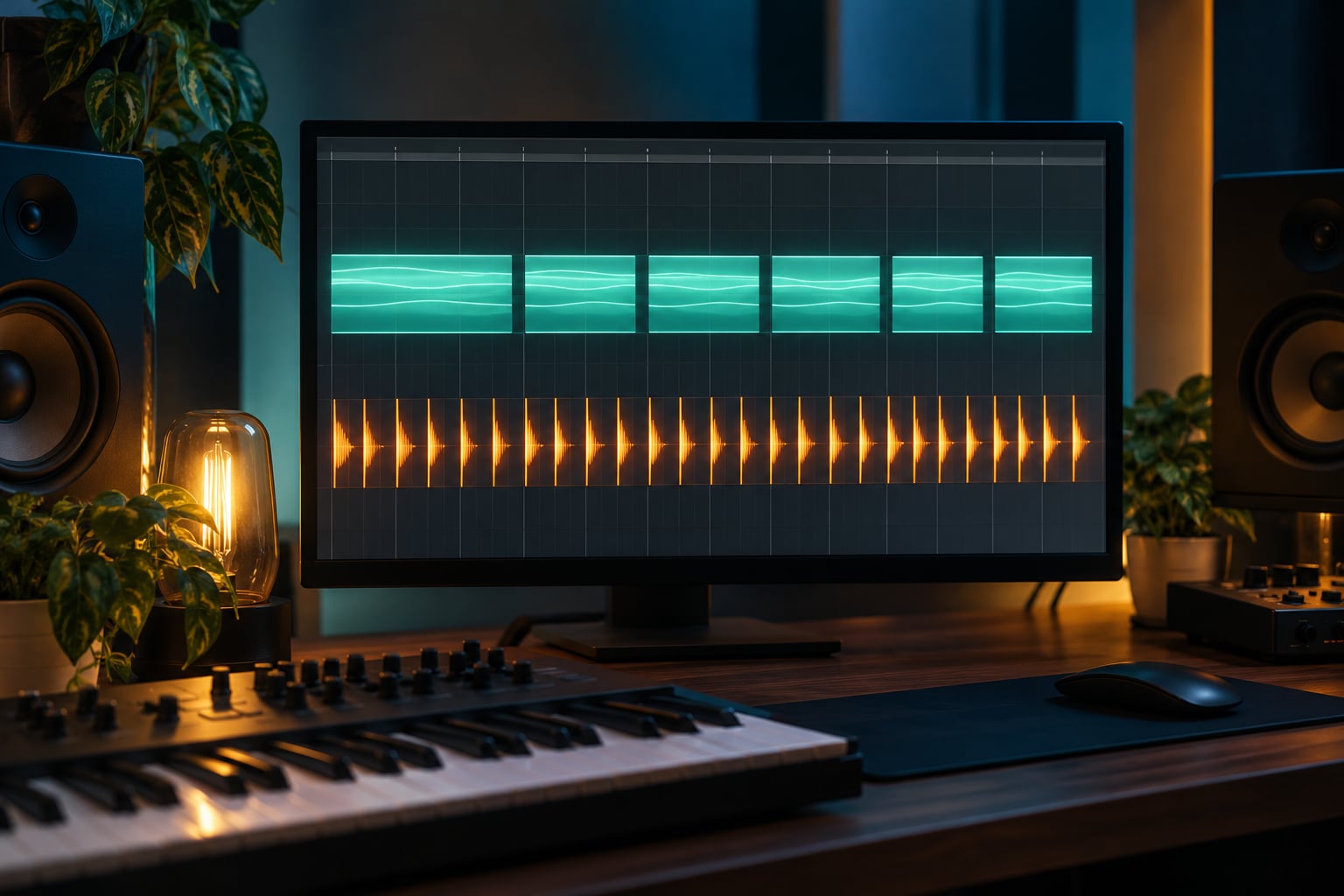
This is the core method. With the pad’s amplitude or volume lane open, draw a shape: a fast rise, a short plateau, a drop back to silence. Copy that shape across the bar at the division you chose, then stretch it to loop.
Short rhythmic gates want an attack of a few milliseconds and a release around 20 to 40 milliseconds. Longer sweeping pulses can run a release of a quarter second or more, which gives you that reversed-cymbal feel. Where you have no dedicated gate control, note length is the shortcut: set the gate division, then shorten every note to match it.
Velocity is the third option. Layer one copy of the pad at full length for body and a second at short lengths, then automate the short layer’s velocity in a repeating curve. You get the gate without touching a single effect.
5. Add Contrast with Filter Movement and Effects
A gated pad sitting still still sounds like a loop. Small amounts of movement go a long way: automate filter cutoff upward on each burst, add a slow LFO on pan or pitch, or throw every fourth repetition into a delay.
Keep reverb and delay restrained. A short gated hit into a plate reverb works well; the same hit into a long hall turns into mush within two bars. As a rough starting point, if you can clearly hear the pad’s reverb tail in the first half of each gate burst, it is too wet.
On resonance, go easy. A little movement on each gate makes the rhythm read better on small speakers, but pushing it turns the bursts into whistles.
6. Arrange and Test the Result in Context
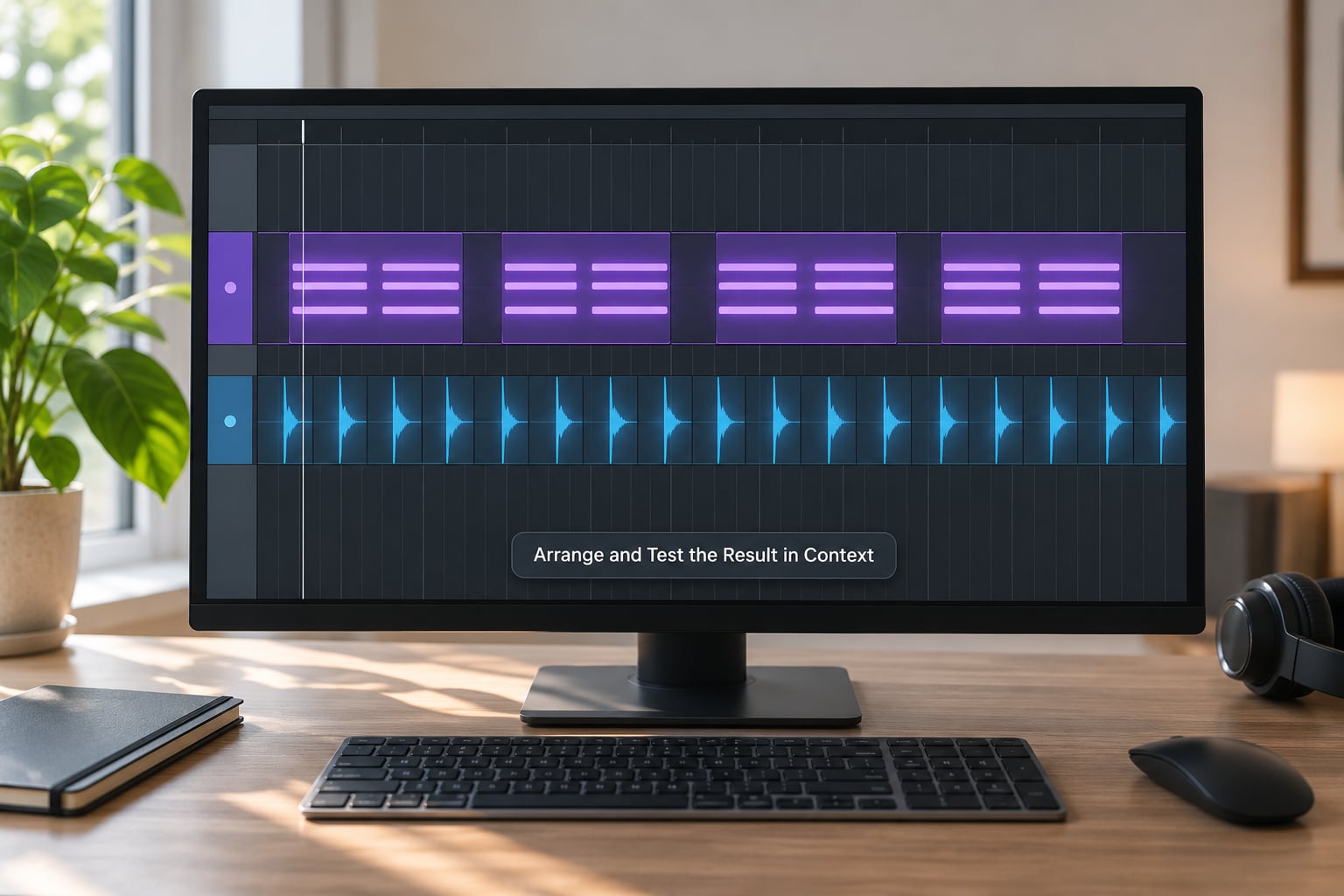
Drop the pad into the arrangement and vary the gate pattern between sections: straight eighths in the intro, sixteenths with more filter movement in the drop, and a wide sparse version in the breakdown. Automate intensity as well as pattern, and let a bar or two of silence through somewhere so the return lands.
Then run three listening checks. Play it on phone speakers or a laptop, where if the rhythm survives it survives everywhere. Mute the drums and confirm the pad still has an obvious pulse of its own. Finally, check the pad does not mask the bass or the lead: if those disappear when the pad comes in, it is too wide or too loud.
Common Mistakes and How to Fix Them
Gates too short. The chord disappears and you hear clicks instead of harmony. Lengthen every note by a sixteenth, or shorten the gate release so the tail stays inside the burst.
Gates too long. The bursts merge back into one sustained pad and the rhythm disappears. Shorten the plateau, not the attack, so each hit still has a defined start.
Muddy chords. Too many overlapping tails filling the low mids. Cut below 200 Hz on the pad or high-pass it, and drop the root an octave if it is doubling the bass.
Timing drifting from the kick. Quantise the MIDI to the grid, or in a plug-in based gate, raise the lookahead so the gate opens slightly before the transient rather than after it.
Excess resonance. Pull it back until the burst is clear but not bright. If you can hear each gate as a separate pitch contour, the filter is closing further than you think.
The pattern feels repetitive. This is normal for two bars and a problem by bar eight. Vary one element only: skip the last sixteenth, add a sync hit, or change the gate division for the second half of every four bars.
The pad masks the rest. Cut the high end above roughly 10 kHz, narrow the stereo image, or duck the pad slightly with a compressor keyed to the lead.
Frequently Asked Questions
Do I need a special synth to make a gated pad?
No. Any sustained pad works, including a single oscillator with a low-pass filter and a long release inside your DAW. What matters is midrange harmonic content and enough presence to survive being chopped. Stock instruments in Ableton Live, FL Studio, Logic Pro, Cubase, Studio One and Bitwig are all capable once the envelope does the work.
How do I keep the gated pattern from sounding like a loop?
Vary one element every four bars rather than everything at once. Try skipping the final sixteenth of each bar, throwing one repetition per bar into a delay, or opening the filter a little wider on the last gate. Small, spaced changes read as movement; constant variation reads as chaos.
Should I gate the MIDI notes or use a gate plugin?
Shortening the MIDI notes gives you sample-accurate timing and full control per repetition, so start there. A gate or tremolo plugin on the audio track is faster for experimentation but is tied to whatever triggers it. Many producers use both: MIDI for the main pattern, automation for movement.
How long should each gate be?
Short rhythmic gates usually need an attack of a few milliseconds and a release of 20 to 40 milliseconds. Long sweeping pulses can run a release of a quarter second or more. Adjust until the chord is still identifiable inside each burst, then shorten by a little rather than a lot.
Why does my gated pad click at the start of each burst?
Clicks come from an instant transition in level. Lengthen the gate attack to a few milliseconds so the pad fades in rather than appearing, and avoid ending a note exactly on a downbeat without any release. Also check for a plugin on the track opening abruptly, since a hard gate threshold can produce the same artefact.
How do I stop a gated pad from muddying my mix?
High-pass it above the bass range, high-shelf down the top end, and narrow the stereo image so it sits behind the lead. Automate the level so the pad is quieter in busy sections. If the chord still fights the bass, remove the pad’s lowest note rather than EQ-ing harder.
Conclusion
Start with the simplest possible version: load a sustained pad, enter a two-chord minor progression, and draw one amplitude envelope shape across a single bar at eighth notes. Copy it, drop the loop under your kick and bass, and listen.
Once the pulse is there and you know how to program a gated pad rhythm that sits well, the rest is refinement: try sixteenths, try offbeats, open the filter on each burst, and change one thing every four bars so the pattern keeps breathing. Most of my gated pad parts came out of exactly that first two-bar experiment.