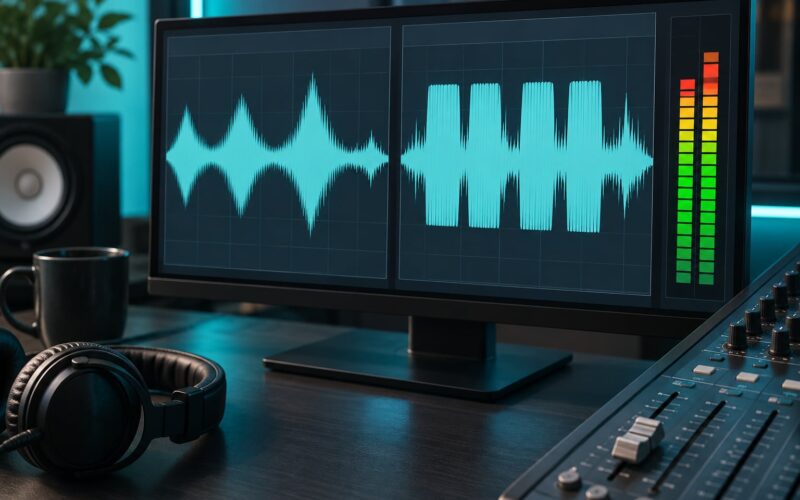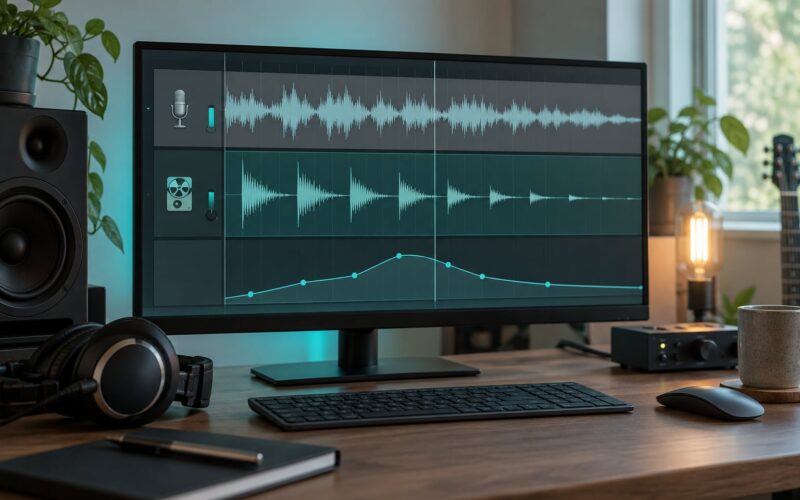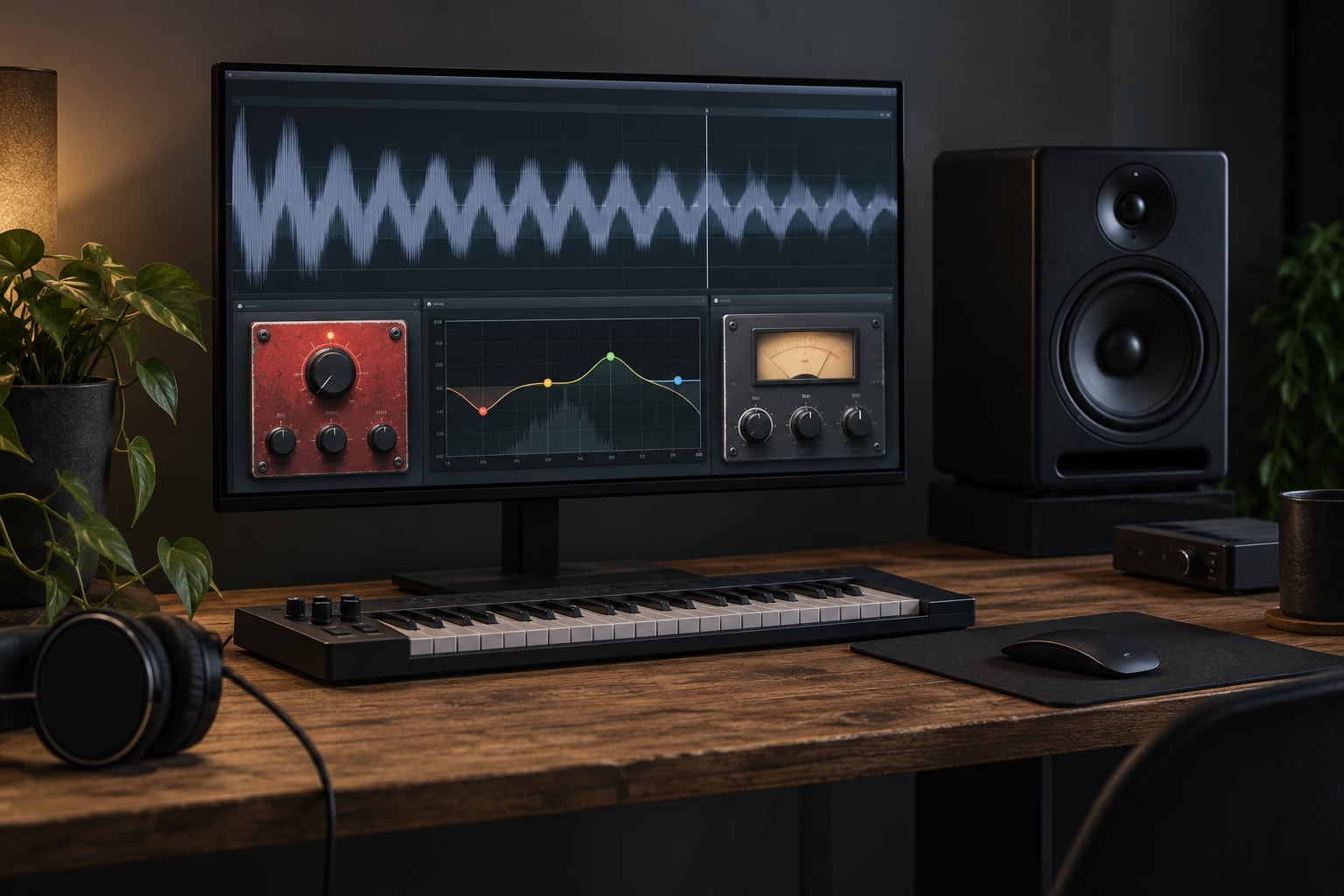
Distortion eats your low end because the biggest part of the waveform is what clips first, so the fundamental frequency gets flattened while new harmonics take over. To use distortion on a bass without losing low end, high-pass the signal before the drive, blend a clean parallel layer back underneath, and cut the mud after the saturation. Do it in that order and the bass gets heavier, not thinner.
It takes about 20 minutes to set up if your session is already open. The hard part is not the plugin, it is resisting the urge to run the drive at full wet.
- High-pass the bass before the drive so the sub does not clip and steal the fundamental.
- Blend a clean copy of the signal back under the distorted path at roughly 20 to 30 percent.
- Cut the mud after the distortion, then put the low-end weight back where it belongs.
That sequence is the answer to the question, and everything below is just how to dial it in. The same chain works on a bass guitar through pedals or inside a DAW, so pick whichever matches your setup.
Table of Contents
- What You Need
- Step-by-Step: How to Use Distortion on a Bass Without Losing Low End
- 1. Set Up a Clean Bass Reference
- 2. Choose the Right Distortion Character
- 3. Blend Distortion at a Controlled Level
- 4. Protect and Shape the Low End
- 5. Control Dynamics and Avoid Bass Cancellation
- 6. Use Parallel Distortion for Aggression Without Losing Low End
- 7. Check the Result in Context
- Starting Values for Distorted Bass
- Saturation, Overdrive, Distortion or Fuzz?
- The Same Chain on a Live Pedalboard
- Common Mistakes
- Frequently Asked Questions
- Does distortion remove the fundamental frequency of a bass note?
- Should I use EQ before or after distortion?
- What should I set my high pass filter to on a distorted bass?
- Should a sub bass layer be distorted?
- How do I keep a distorted bass from sounding muddy?
- Is distortion just gain?
- Conclusion
What You Need
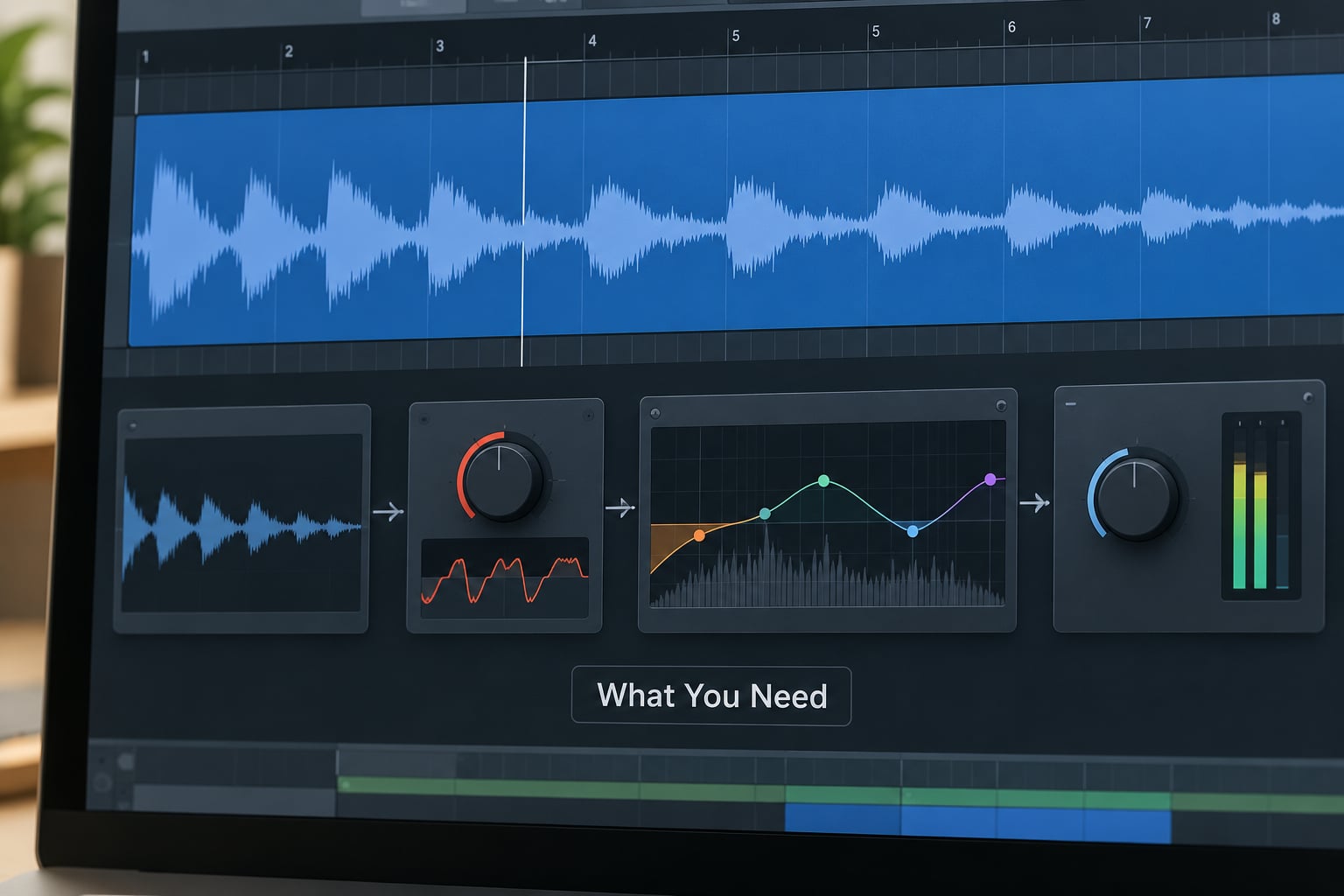
You do not need anything exotic. Every plugin in this guide ships with Ableton Live, Logic Pro, FL Studio, Bitwig or Reaper, and the pedal version needs a drive pedal plus a blender-style pedal.
- A bass sound worth distorting. A synth sub, a sampled 808, or a DI from a bass guitar. If the unprocessed sound already has no note in it, saturation will not invent one.
- A distortion or saturation processor. A multi-band saturator is the easiest option because it lets you treat the low and mid bands separately.
- An equalizer with a high-pass filter. Any parametric EQ will do. You need the HPF for step 4 and a band-pass for the parallel path.
- A compressor. For glue on the low end before the drive, and for control on peaks after it.
- A sidechain or key option so the bass ducks under the kick. Most EQs and compressors have a duck or trigger mode built in.
- A reference track. One you know well, on the same bus, at the same level.
Before anything else, find out where your bass fundamental actually sits. Play a note, solo it, and look at the lowest strong peak in your EQ. Everything below that number is sub energy you want to keep out of the drive circuit, and everything above it is where the harmonics will live.
Step-by-Step: How to Use Distortion on a Bass Without Losing Low End
- Set up a clean bass reference before you touch the drive.
- Pick the distortion character that suits the genre.
- Blend the drive at a controlled level instead of running it fully wet.
- High-pass before the drive, then shape the low-mid range after it.
- Control dynamics with compression and a sidechain to the kick.
- Route a parallel send into the dirt bus for extra aggression.
- Check the result on small speakers, in mono, and in context.
1. Set Up a Clean Bass Reference
Audition the clean bass for a few bars before adding anything. You are listening for three things: does the kick and bass combination feel balanced, is the note weight right, and is the attack defined?
Decide which problem you are actually solving. If the bass needs weight, go to parallel blending. If it needs presence on small speakers, go for harmonic saturation. If it needs bite and edge, add a touch of transient-focused distortion high up in the chain.
Write down your starting level too. You will need it later to level-match the distorted path against the clean one, and an unleveled parallel blend is the most common reason the bass sounds like it vanished.
2. Choose the Right Distortion Character
Different circuits generate different harmonic content, and that changes what the bass sounds like once it is saturated.
Clean saturation adds low-order harmonics with a soft ceiling and keeps the waveform shape close to the original. It thickens without turning brittle. This is the safest starting point for trance, progressive house and anything melodic.
Tape and tube saturation add more even-order harmonics, which tend to sound warm and round. Harmonics that sit an octave and two octaves above the fundamental fill the low-mids nicely without adding harshness on top. Most rock and funk bass tones come from here.
Transistor drive clips harder and generates more odd-order harmonics. Those harmonics are the ones that make a bass cut through a dense mix, and they are also the harshest on speakers. Metal and modern metal bass almost always wants this character.
Digital clipping and fuzz are the most extreme options. Clipping squares off the wave and drives a lot of high-order content, which sounds aggressive and loses definition fast. Fuzz squashes the entire signal hard. Both need a clean blend behind them.
If you want the harmonics and not the headache, use a multi-band saturator and drive only the upper band. That single move is often the whole fix for a bass that turns to sludge when you add dirt.
3. Blend Distortion at a Controlled Level
Start with modest drive. Push it until you hear grit, then back it off about a third. Distortion is not linear, so the difference between 40 percent and 70 percent drive is much bigger than the numbers suggest.
Now use the blend control so the distorted signal sits under the clean one rather than replacing it. Start at 20 to 30 percent for a parallel return, and 50 to 70 percent dry for a pedal-style blend where the clean signal stays in front.
Automate it if the arrangement calls for it. A clean verse with the drive pulled in on the drop is a classic trance and techno move, and it gives you the aggressive texture without asking the low end to hold up on its own for four minutes.
4. Protect and Shape the Low End
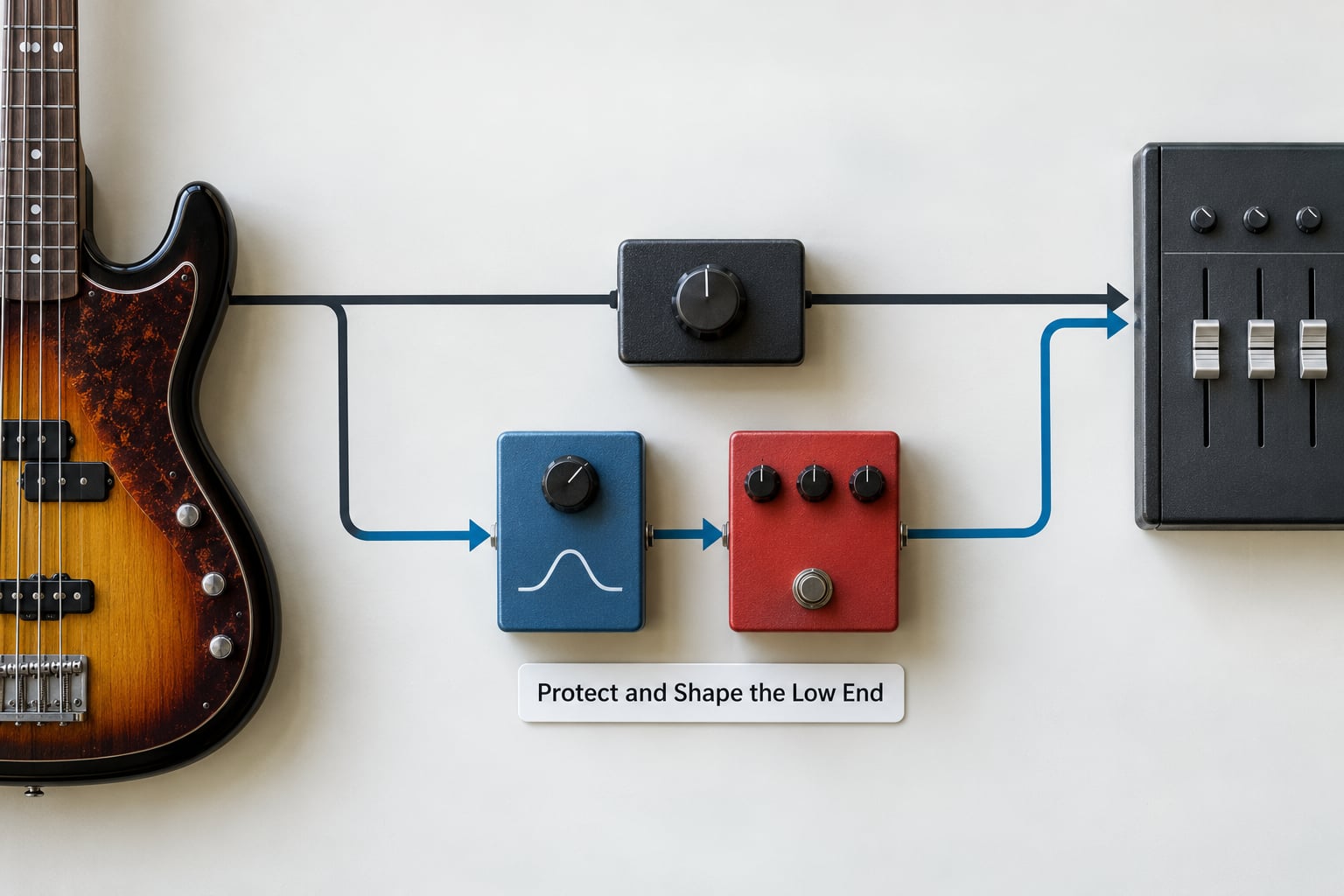
This is where the answer to how to use distortion on a bass without losing low end is really decided.
Put a high-pass filter before the drive. Set it just below your fundamental, roughly 80 to 120 Hz for most bass notes, with a gentle slope. The reason this works is that the low frequencies carry the most energy, so they are the first thing to hit the clipping threshold and get squared off. Filtering them out of the drive circuit means the drive never flattens them, and the fundamental passes through untouched. You are not removing the meat, you are removing the reason the meat was being destroyed.
After the drive, tighten the low-mids. A cut around 150 to 200 Hz with a Q of 2 to 3, somewhere between 3 and 6 dB, removes the mud that saturation piles into the 100 to 300 Hz region.
Then put the weight back. A gentle boost between 100 and 150 Hz of 2 to 4 dB, applied after the distortion, restores low-end depth that the drive flattened. This is the trick guitar players picked up from tube screamer-style circuits, and TalkBass users describe the same cut-before, boost-after logic in their own words. The post-drive boost sits in the gap the distortion left behind, so it does not get clipped again.
Clean up the very bottom too. A high-pass filter around 60 Hz at the end of the chain removes sub buildup that only muddies small speakers, and it is the reason a distorted bass sounds tighter rather than wider.
5. Control Dynamics and Avoid Bass Cancellation
Where you put the compressor depends on what you want it to do.
Before the drive, it evens out the low end so the distorted path receives a more consistent signal. Gentle settings work best: about 2 to 3 dB of gain reduction, a slower attack around 20 to 30 ms so the initial transient passes through and keeps its bite, and a release long enough to avoid pumping. This is the arrangement that shows up again and again in working bass chains.
After the drive, it controls the peaks that saturation creates. Faster attack, a higher ratio, and smaller amounts of gain reduction. If the bass is jumping around the mix after the dirt, this is the fix.
Then handle the kick. Sidechain ducking the bass to the kick prevents the two from fighting, and it is what makes the bass feel connected to the beat instead of sitting on top of it. A few dB of reduction is usually plenty.
Watch for bass cancellation. If the kick and the bass occupy the same frequencies and sit at different phases, they can subtract from each other and the bottom end drops out. Moving the bass fundamental up slightly from the kick note, or carving a small gap in the kick with EQ, fixes it faster than adding more low end to the bass.
6. Use Parallel Distortion for Aggression Without Losing Low End
For a harder sound without touching the fundamental at all, split the signal. Send the bass to an auxiliary return, run that return through a distortion processor with a high-pass filter on it, then bring the return back underneath the clean bass.
The high-pass on the wet path is the part people skip. Around 200 Hz removes the fundamental from the distorted copy so it contributes only harmonics, and the clean bass keeps doing the work below that point. Push the drive harder than you think you need on this path, because you are only taking 20 to 30 percent of it into the mix.
For a darker, focused sound, add a low-pass filter on the wet path around 5 kHz. That turns the return into a band of thick midrange grit rather than a second full bass sound. Band-pass the return between 200 Hz and 2 kHz and it becomes a body layer that adds density without competing with the sub.
If the low end disappears the moment you blend the two paths, it is usually phase or latency, not level. Some hardware emulations add a small delay, which shifts the harmonics against the fundamental and cancels energy on certain notes. Flip the phase on the return, or use a zero-latency option, and check again.
One more option is to split the sound into two layers: keep the sub pure and untouched, and run only the mid-bass through saturation. Producers on r/edmproduction describe exactly this arrangement, and it is the safest route when the kick is heavy.
7. Check the Result in Context
Soloed tests lie. Drop the distortion in and listen to the full arrangement, then run this checklist.
- Mono below 100 Hz. Use a mono check below 100 Hz and make sure the low end survives it.
- Kick relationship. Play the kick alone, then the bass alone, then both. The bass should still be there in the combination.
- Small system playback. Check it on earbuds, a phone speaker and a laptop. If the bass vanishes there, the fundamentals are missing.
- Full frequency range. Play the track from top to bottom, because a boosted low end hides a hole in the low-mids.
- Automation. Confirm the blend and drive moves are where you intended across the whole arrangement.
Compare against your reference at matched level. If the distorted version is quieter overall, the perceived loss of low end is usually just a level problem.
Starting Values for Distorted Bass
Use these numbers as a starting point and adjust by ear. They are written with units so you can dial them straight in.
| Move | Where | Starting value |
|---|---|---|
| High-pass filter | Before the drive | 80 to 120 Hz, gentle slope |
| High-pass filter on wet path | Parallel return | Around 200 Hz |
| Low-pass filter on wet path | Parallel return | Around 5 kHz |
| Mud cut | After the drive | 150 to 200 Hz, Q 2 to 3, 3 to 6 dB down |
| Low-end boost | After the distortion | 100 to 150 Hz, 2 to 4 dB up |
| Final high-pass filter | End of chain | Around 60 Hz |
| Blend level | Return into mix | 20 to 30 percent |
| Compressor before drive | Pre-distortion | 2 to 3 dB reduction, 20 to 30 ms attack |
Saturation, Overdrive, Distortion or Fuzz?
These four words get used interchangeably, and choosing the wrong one is why some bass tones sound worse than others.
| Type | Character | Best for |
|---|---|---|
| Saturation | Soft ceiling, mostly low-order harmonics | Trance, progressive house, melodic bass, adding weight |
| Overdrive | Gentle clipping, keeps dynamics | Rock, funk, clean bluesy bass lines |
| Distortion | Hard clipping, strong odd-order harmonics | Metal, modern metal, aggressive modern bass music |
| Fuzz | Full squash, extreme harmonic content | Experimental bass, noise, creative textures |
The Same Chain on a Live Pedalboard
Everything above translates to three pedals, and it works the same way in a live rig.
- Compressor first. A compressor with a fast enough attack to even out the low end gives the drive a steadier input.
- High-pass before the drive. Put a high-pass filter pedal, or use the high-pass on a band-pass pedal, just ahead of the distortion pedal. Start around 80 Hz.
- Distortion, then EQ. Cut around 200 Hz and boost between 100 and 150 Hz afterwards.
- Blender pedal last. A blender-type pedal gives you the clean blend that keeps the fundamental intact, which is exactly what the parallel return does in the DAW.
On a five-string, low A and low B notes carry more energy and clip earlier. Pulling the high-pass up for those strings or lowering the drive is the usual fix, and extended-range instruments are widely reported to hold a tighter bottom end under distortion for the same reason.
Common Mistakes
Running the distortion fully wet. The clean signal is what carries the fundamental. Keep a blend, and if your processor does not have one, build it with a parallel send.
Skipping the level match. A quieter distorted path sounds like less low end even when it has plenty. Match the wet and dry levels before you judge the tone.
High-passing above the fundamental. If you cut above the note you are removing the note, not the rumble. Find the fundamental first, then set the filter below it.
Boosting the lows hard after the drive. A small boost of 2 to 4 dB fills the gap the distortion left. More than that and you are back to the wobble that made you filter before the drive in the first place.
Over-compressing the sub. Heavy compression on the low end flattens the note and takes the attack with it. Keep the gain reduction small and let the attack pass.
Adding harmonics across the whole spectrum and then EQ-ing them out. Generating content you plan to remove wastes headroom. Band-pass the distortion so it only produces what you want.
Ignoring the kick. A distorted bass that works alone often disappears against the kick. Sidechain it, and check the two together before you call the tone finished.
Stacking many heavy drives. One processor driven hard and blended is easier to control than six light ones stacked. If you want layers, keep each one modest and level-match as you go.
Frequently Asked Questions
Does distortion remove the fundamental frequency of a bass note?
It flattens it. Distortion clips the waveform shape, and the low frequencies carry the most energy, so they hit the clipping threshold first and get squared off. The fundamental is still there but less defined, and the new harmonics above it dominate the perception. Blending a clean signal back underneath, or high-passing before the drive so the fundamental never clips, restores it.
Should I use EQ before or after distortion?
Both, in that order. Cut or high-pass before the drive so the low frequencies never clip and generate unwanted harmonics. After the drive, cut the mud in the 150 to 200 Hz region and boost gently between 100 and 150 Hz to put the weight back. The boost works after the drive because it fills the space the distortion left rather than being clipped again.
What should I set my high pass filter to on a distorted bass?
Just below your fundamental, so around 80 to 120 Hz for most bass notes, with a gentle slope. On a parallel distortion return, go higher, around 200 Hz, so the wet path contributes only harmonics. A second high-pass filter near 60 Hz at the end of the chain removes sub buildup that only muddies small speakers.
Should a sub bass layer be distorted?
Usually not. Keep the sub clean and saturate a separate mid-bass layer above it, which is the arrangement most EDM producers converge on. If you distort a sub layer directly, the low frequencies clip first and the note loses its weight. Splitting the two lets the clean sub hold the fundamental while the distorted layer adds harmonics and attack.
How do I keep a distorted bass from sounding muddy?
Cut between 150 and 200 Hz with a Q of 2 to 3, taking about 3 to 6 dB out. That region collects the densest pile-up once a waveform is clipped. Keep the boost that follows it small, around 2 to 4 dB at 100 to 150 Hz, and check the bass in mono, because mud often disappears when you widen the signal and returns as soon as you collapse it.
Is distortion just gain?
No. Gain alone makes a signal louder, and a perfectly clean amplifier turned up simply clips on peaks without the deliberate shaping a distortion circuit applies. Distortion changes the waveform shape on purpose, which generates harmonics above the original fundamental. Those harmonics are what let a bass be heard on phone speakers and small systems, which is why removing all of them makes the instrument disappear.
Conclusion
Start by protecting what is already there. Find your fundamental, put a high-pass filter just below it ahead of the drive, and send a copy of the signal to a parallel return where the distortion is band-passed around 200 Hz and blended back in at 20 to 30 percent.
Cut the mud around 150 to 200 Hz afterwards, add 2 to 4 dB at 100 to 150 Hz, and finish with a high-pass filter near 60 Hz. Then check it against the kick, in mono, and on a phone speaker. If the bass survives all three, the low end is intact and the distortion is doing what you wanted it to.