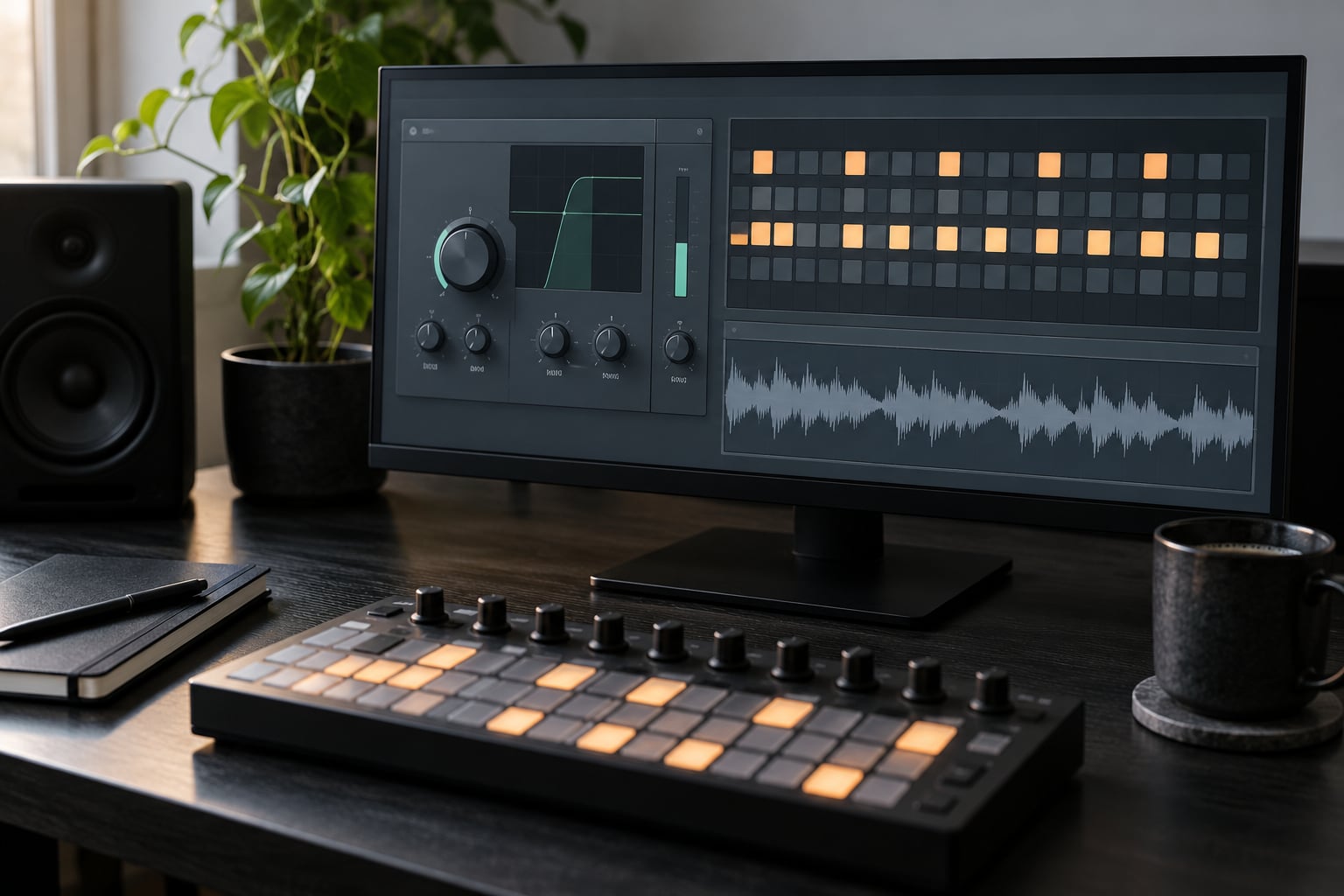
A trance gate chops a sustained sound into a repeating rhythm by switching its volume on and off with a step pattern locked to your project tempo. You can build one with the gate device already in your DAW, a compressor with a sidechain input, or an LFO drawn inside a synth. Here’s how to use gates and trance gates without the clicking, mud and over-gated clutter that usually follows.
If you only have one thing working this week, learn the noise gate first. Then learn to route one sustained pad through a step-driven chop and leave it there until it earns its place in the mix.
Table of Contents
- What You Need for Gates and Trance Gates
- Step-by-Step: How to Use Gates and Trance Gates
- 1. Choose the Sound You Want to Shape
- 2. Set Up a Basic Gate
- 3. Build a Simple Rhythmic Gate Pattern
- 4. Design a Trance Gate Pattern
- 5. Automate the Buildup and Drop
- 6. Check the Result in Context
- Gating Sends, Reverb Returns and the Sidechain Shortcut
- Common Mistakes
- Frequently Asked Questions
- What is the difference between a noise gate and a trance gate?
- Can I use a compressor or gate plugin for trance gating?
- What gate pattern works best for uplifting trance music?
- How do I stop a gate effect from creating clicks?
- Should I gate vocals, synths, or noise effects?
- How can I make a trance gate pattern sound less repetitive?
- Start With One Gated Sound Today
What You Need for Gates and Trance Gates
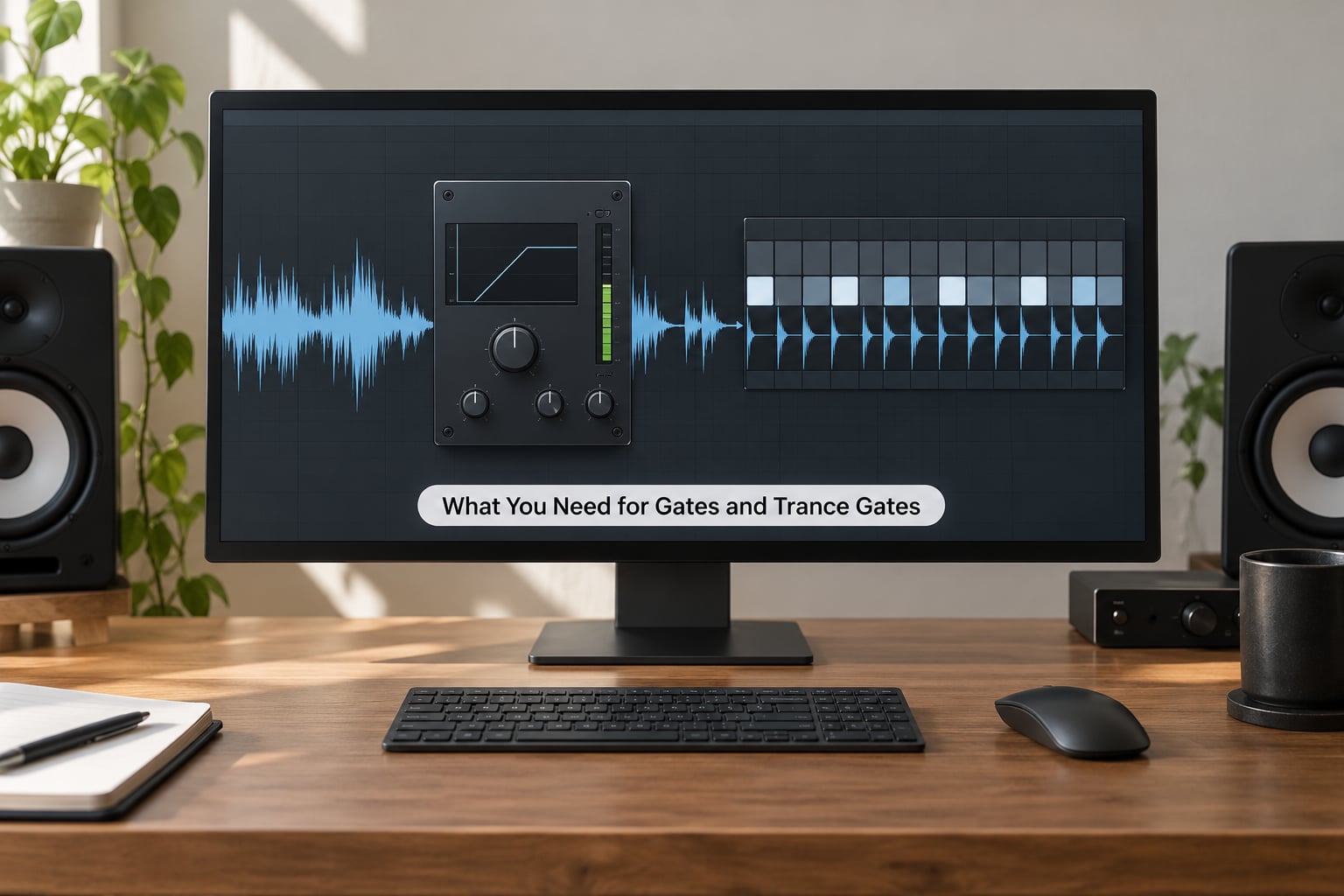
Before anything else, the word “gate” means two different things in audio, and confusing them is the single biggest reason beginners get frustrated.
A noise gate is a threshold device. It listens for signal above a level you set and mutes everything below it, which is how you stop room tone, hiss and bleed from a live mic between phrases. Nothing about it is rhythmic. A rhythmic gate, usually called a trance gate or trigger gate, opens and closes on a pattern synced to tempo. It is a sequencer wearing a volume knob, and it is what gives trance and progressive house their pulsing stabs.
| Effect | What it does | What drives it | What it will not do |
|---|---|---|---|
| Noise gate | Mutes signal below a threshold | Level detection | Create a rhythm |
| Trance gate | Chops volume into a repeating pattern | Step sequencer or LFO | Clean up noise on its own |
| Tremolo | Continuous volume or pitch modulation | Sine or shaped LFO | Snap hard on and off |
| Compressor sidechain | Ducks level when another track plays | A second audio input | Draw a custom pattern |
| Arpeggiator | Turns one chord into sequenced notes | Notes you play | Chop a single sustained sound |
The forum chatter about whether a gate is a tremolo makes sense now. A tremolo is one continuous wobble with no silence between cycles, so it reads as movement rather than as rhythm. Once your rate division drops to 1/8 or 1/16 and you let the signal reach true silence, you have crossed into gating territory.
You also do not need to buy anything. Every major DAW ships with the pieces.
| DAW | Stock route | Where it lives |
|---|---|---|
| Ableton Live | Gate device plus an Audio Effect Rack, or Compressor in sidechain mode | Audio Effects, then Dynamics |
| FL Studio | Fruity Free Filter with a low cutoff, or Fruity Limiter with sidechain, on an insert | Channel rack, Mixer track, right-click to add insert |
| Logic Pro | Gate and Limiter on the Audio FX slot, or Remix FX as a chop tool | Audio FX, New to Track |
| Reaper | JS volume gate with a step LFO, or any stock gate | FX chain on the track |
| Bitwig | Gate processor, or the LFO modulator with a step shape | Add modulator to the track |
When you want a purpose-built step gate instead of a chain of stock devices, options like Kilohearts Trance Gate, A1 Trigger Gate and Xfer LFO Tool cover the same ground with a 16-step sequencer in front of you. Treat them as shortcuts, not requirements. Most of what you hear described as “the trance gate plugin” is a stock gate plus a pattern.
Step-by-Step: How to Use Gates and Trance Gates
1. Choose the Sound You Want to Shape
Gating is not a texture you sprinkle on the whole project. Pick one source at a time and ask whether it currently sits flat.
The best candidates are sounds that sustain for more than a beat and hold the same volume throughout: a wide pad, a plucked arpeggio recording, a clean vocal chop, a reversed crash, a sustained sub, or a textural noise sweep. Those are the sounds a gate changes the most. A single hi-hat hit with no tail will barely change when gated, because there is nothing left to chop.
Hi-hats and shakers still benefit, just for a different reason. Gating a sustained noise layer of hats creates new rhythm that never existed in the recording, which is exactly the trick producers use to add snap to an otherwise plain top end.
Do not start with your lead vocal or your kick. Those transients carry the whole mix, and a gate that cuts into them thins out everything downstream. Kick and bass are better handled with sidechain compression or a gate placed after them, never on them.
2. Set Up a Basic Gate
Insert a gate on the chosen audio track and ignore the presets for now. Six controls do all the work.
Threshold is the level the gate reacts to. For a rhythmic gate you set this where the quiet parts of your source fall, so the gate closes when the sound drops and opens when it swells. Range controls how far it closes. Set it to full attenuation for a true gap, or pull it back to attenuate by 6 or 9 dB for a softer, less obvious chop.
Attack is the fade-in, hold is how long it stays open, and release is the fade-out. Set attack and release to 0 for the hard, brittle trance stabs, then raise release to around 1 to 5 milliseconds to kill clicks. Makeup gain is there because closing a gate drops your perceived level; use it only when the gated track now sits too far back.
Menu paths differ slightly by version, so here is where the device usually sits. In Ableton Live, drag Gate from Audio Effects onto the track. In Logic Pro, open Audio FX and pick Gate, with Limiter next to it. In FL Studio, the free noise gate lives in Fruity Free Filter, and a Fruity Limiter set to sidechain gives you the pattern-following version. In Bitwig, add a Gate processor from the modulators menu.
You can hear it working when the source becomes rhythmically intermittent but still sits at the same average loudness as before. If the track gets quieter the moment you engage the gate, your range or threshold is closing more than it should.
3. Build a Simple Rhythmic Gate Pattern
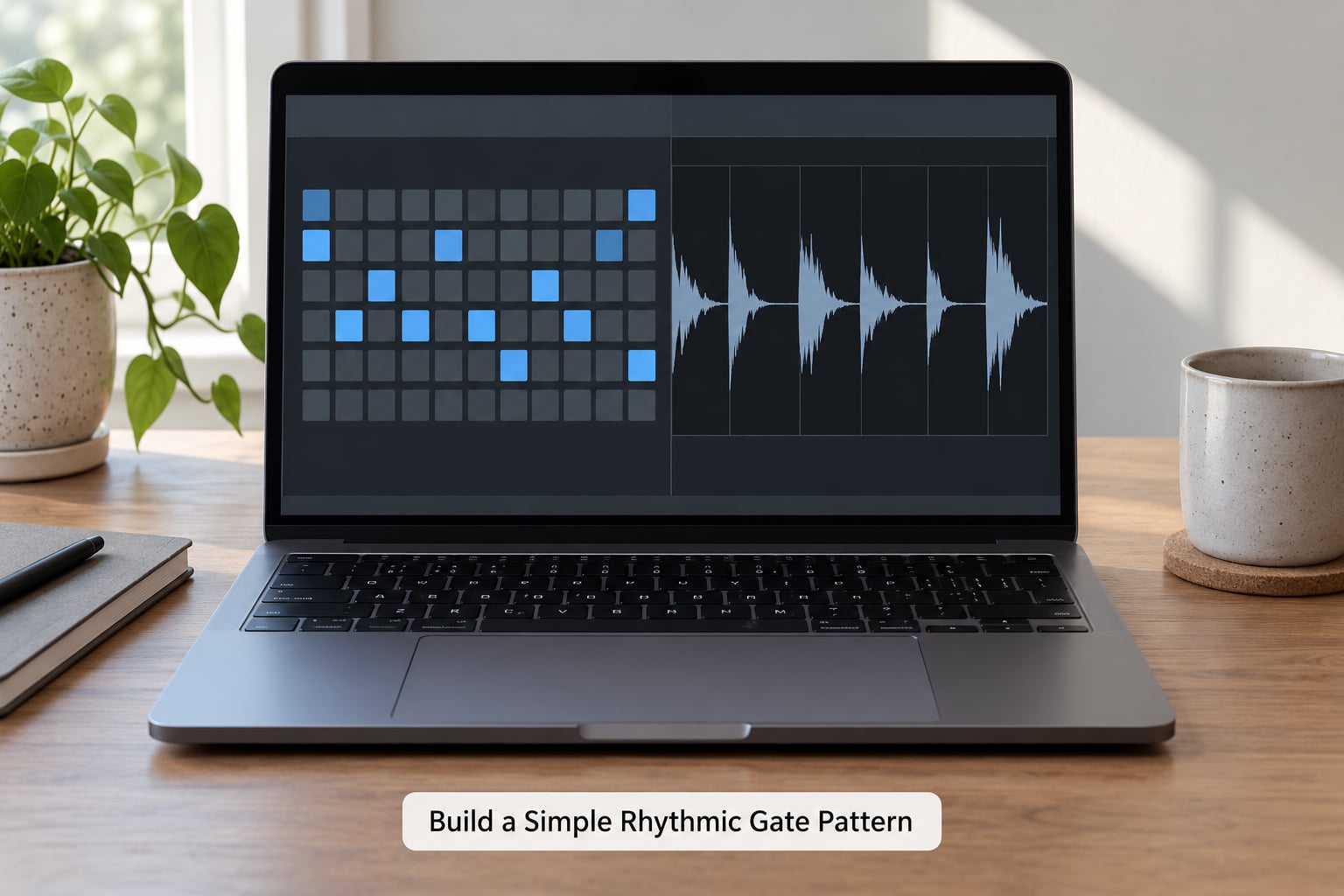
Start with the simplest pattern that reads as rhythm: everything closed except a gap you can feel. Overkill on the first pass is the usual mistake.
Set the gate to run as a repeating pattern at a fixed rate division. A step sequencer grid gives you 16 steps per bar by default, and the rate division decides how much time each step covers.
| Rate | Steps per bar | Feel | Typical use |
|---|---|---|---|
| 1/4 | 4 | Slow and heavy | Downtempo, halftime breaks |
| 1/8 | 8 | Wide and rolling | Classic trance builds, uplifting chords |
| 1/8T | 6 | Laid-back swing | Progressive house, house grooves |
| 1/16 | 16 | Busy and urgent | Uplifting trance stabs, techno |
| 1/16T | 12 | Rolling triplet feel | Psytrance, rolling bass layers |
| 1/32 | 32 | Almost a texture | Risers, noise beds, tension layers |
For the uplifting trance sound, 1/16 is the usual starting point at 138 to 140 BPM, and 1/8 gives the broader, more open chop that works under a vocal. Listen for the kick or snare in your reference track and count where the gate opens relative to those hits.
Draw the pattern by muting steps rather than by opening them. Leave two or three closed steps in a bar so the sound actually stops and the ear registers rhythm. A gate that opens on almost every step just sounds thin and loses the tension that makes the effect work.
4. Design a Trance Gate Pattern
A plain on-off pattern is functional and gets boring within four bars. Five controls turn it into a proper trance gate, and they all matter more than the pattern itself.
Velocity or step depth lets some openings hit harder than others, which creates internal dynamics inside a pattern that is technically static. Swing shifts the off-beat steps later, usually 54 to 58 percent on a 16-step grid, and instantly makes a mechanical pattern groove. Polarity decides whether the pattern opens or closes at each step, so you can invert a pattern entirely without redrawing it.
Panning movement alternates or rotates the openings left and right, which widens the stereo image as the sound switches on. Pattern variation is the one people forget: a 16-step bar played four times before moving to a second bar stops sounding like a machine.
Five patterns you can write straight onto the grid:
- Rolling 16ths — open steps 1, 3, 5, 7, 9, 11, 13, 15. The default uplifting trance chop.
- Syncopated Chop — open steps 2, 4, 7, 10, 12, 14. Offbeat emphasis, sits well over a straight four-on-the-floor.
- Offbeat Skank — open steps 2, 6, 10, 14 only. Half the density of a 16th pattern, leaves room for the kick to breathe.
- Three-against-16 — open steps 1, 6, 11, poly-rhythmic and unfamiliar. Useful in techno and psytrance.
- Whisper Gate — a full 16th pattern with range pulled back to around 6 dB so the source never fully disappears. Adds motion without thinning the mix.
On a hardware groovebox or sequencer the same principle applies. Producers on Elektron and MPC forums use the machine’s own trig or pattern length to drive the chop, so the pattern follows the song rather than fighting it.
5. Automate the Buildup and Drop
A static gate works as a layer. An automated one works as a transition, and that is where the emotion lives.
Map a macro or an automation lane to gate depth, or to range, so you can open and close the chop across a section. Across eight bars, ramp the gate depth from shallow to full so the layer starts as a ghost and becomes the main event by the drop. Tightening the release as you go adds an edge that sounds like the track speeding up without the tempo changing.
Two more moves pay off here. Reversing the pattern in the last bar before the drop, so the rhythm runs backwards into the hit, creates a build without adding a single new sound. And shortening the gate steps from 1/8 to 1/16 while increasing the density gives the sense of acceleration that listeners read as momentum.
Keep the automation drawn with a curve rather than a straight line. A slow fade in over four bars feels calm; a sharp move at bar seven feels like a drop even when nothing else happens.
6. Check the Result in Context
A gate that sounds great in isolation usually disappears in the full mix, so the last check is always done with the drums playing.
Bypass the gate on every other loop to hear what the mix loses. If nothing changes, the gate is doing nothing and the depth can go up. If the whole track collapses, the range is too deep or the pattern is too dense for that section.
Then check the low end. A gated source that carries bass energy loses energy on every closed step, which dulls the bottom of the track and confuses how loud everything else feels. Highpass gated material between 80 and 150 Hz, and let the sub and kick handle the low end independently.
On the stereo side, check that the gate is not fighting your mono low end or collapsing width. Panning the openings alternately usually helps more than it hurts on hats and shakers.
Finally, level match. Gate, bypass, compare at matched loudness for a few loops. A gate that only sounds better because it turned the track up is not doing its job.
Gating Sends, Reverb Returns and the Sidechain Shortcut
Gating the reverb is where the most talked-about trance sounds actually come from, and it is also where people get disappointed.
There are two positions for it. Gate on the send means the reverb still receives full signal but gets muted in bursts, chopping the tail into stabs. Gate on the return means the effect runs normally and you chop its output, which gives a different, slightly more diffuse result. On a send, you change the send level automation or put a gate after the reverb in the effect chain so the tail is cut but the dry signal is untouched.
The common complaint from forums is that gating reverb “stops working” or kills all the space. That happens when range is at full attenuation. Drop it to around 12 to 18 dB and the tail gets bitten without the room disappearing. Long reverb times also need the release lengthened, otherwise the gate closes before the tail has developed.
The sidechain route is the one people recommend most often for a reason. A compressor with a sidechain input will duck its own gain every time the signal on the sidechain input crosses its detector, so you can sidechain the pad to your kick, your snare or a hi-hat pattern and get rhythmic pumping with no step sequencer at all. On GearSpace, users point out that this is all a trance gate fundamentally is: a compressor pushed to extremes. In Ableton Live, load a Compressor, drop the track you want to follow into the sidechain section and use the Audio option rather than the Live option. In Logic Pro, the Compressor has the same routing on the Dynamics section. In FL Studio, Fruity Limiter has a sidechain menu on its routing tab.
One Ableton user described sidechaining a gate to a hi-hat pattern as their most-used technique, which matches what the sidechain method is genuinely good for: patterns you already have in your drum kit, without redrawing them.
The last option needs no plugin at all. Draw a step-shaped LFO in your synth’s modulation matrix and assign it to volume, using a shape that jumps instantly to fully open then curves closed. In Serum, Vital, Pigments or any soft synth with a step or drawn LFO, that single shape is a complete trance gate running inside the instrument.
For context on where the effect came from, the gate is older than the plugin. The E-mu SP-1200 had a gate section in its post-mixer with decay and threshold controls that chopped any channel on a slope, and much of the chopped, filtered character of 90s hip-hop and techno comes from that circuit rather than from software. Roland’s TR-909 did something different with ratcheting, and the Elektron Syntakt’s FX block is the current hardware equivalent that the Elektronauts community uses as its gate engine.
Common Mistakes
Most gate problems are one of five things, and each has a fast fix.
| Symptom | Cause | Fix |
|---|---|---|
| Clicks and pops on every opening | Attack and release set to 0 on a signal with strong transients | Raise release to 1 to 5 ms, then attack to 1 to 3 ms |
| Muddy or lifeless low end after gating | Bass energy is being removed on every closed step | Highpass the gated source between 80 and 150 Hz |
| No rhythm, just a thinner sound | Range is too shallow or almost every step is open | Increase range and close more steps per bar |
| Pattern sounds like a machine | One 16-step bar repeating endlessly | Write a second bar and alternate; add swing |
| Gate disappears in the mix | Depth is too low, or the drums already occupy that rhythm | Map depth to a macro, raise it in quieter sections |
| Everything feels thin and busy | Too many sources gated at once | Gate one layer at a time and leave the rest sustained |
| Kick and bass lose impact | Gate placed before them on a shared bus | Move the gate after the kick and sub, or gate a send only |
| Timing drifts against the drums | Free-running pattern not synced to tempo | Switch the rate to a synced division |
The over-gating one is worth dwelling on. Experienced producers consistently warn that restraint matters more than technique here. Gate one layer, one or two at most. A chopped pad plus chopped hats plus chopped reverb in the same bar will sound like three effects fighting instead of one track with movement.
The other habit that separates a good gate from a lazy one is listening to it in reference tracks and identifying what you actually hear. More often than not, what sounds like a gate is a sidechained pad, and what sounds like a phaser is a tremolo. Knowing which one it is tells you whether to chase the pattern, the LFO shape or the routing.
Frequently Asked Questions
What is the difference between a noise gate and a trance gate?
A noise gate is a threshold device that mutes any signal falling below a level you set, which is how you remove room tone, hiss and bleed between vocal phrases. A trance gate switches a sound on and off in a repeating rhythm synced to tempo. The noise gate reacts to loudness, while the trance gate reacts to the clock, which is why the second one creates music and the first only creates silence.
Can I use a compressor or gate plugin for trance gating?
Yes, and you probably already own everything you need. A compressor with a sidechain input ducks its gain whenever the sidechain source crosses the detector, so pointing it at your kick or hi-hat pattern produces rhythmic chopping with no sequencer. Every DAW ships with this. Dedicated gate plugins simply add a 16-step pattern grid on top of the same idea.
What gate pattern works best for uplifting trance music?
Rolling 16ths with the gate open on alternating steps, at a rate division of 1/16, is the classic uplifting trance chop. At 138 to 140 BPM it lands on the offbeat in a way that reads as momentum. Open steps 1, 3, 5, 7, 9, 11, 13 and 15 on a 16-step grid, leave at least one step fully closed per beat, and add 54 to 58 percent swing for a less mechanical feel.
How do I stop a gate effect from creating clicks?
Clicks come from switching gain instantly while the waveform is somewhere other than zero. Raise the release to between 1 and 5 milliseconds so the gate fades out instead of snapping, and set attack to 1 to 3 milliseconds for the fade in. Clicks are worse in low frequencies than high ones, so highpassing bass-heavy material between 80 and 150 Hz before the gate makes the problem disappear.
Should I gate vocals, synths, or noise effects?
Sustained sources work best, so pads, sustained noise layers and vocal chops respond most strongly. Vocal chops work particularly well because they already have rhythmic shape, so the gate reinforces what is there rather than inventing it. Avoid gating a lead vocal or an entire drum bus, since the transients you cut are the ones the mix depends on.
How can I make a trance gate pattern sound less repetitive?
Write a second 16-step bar and alternate between them instead of looping one. Then use the controls that sit above simple on and off: vary the velocity so some openings hit harder, add 54 to 58 percent swing to delay the offbeat steps, alternate the panning of openings for width, and map gate depth to a macro so the chop breathes across a section. Change one of these every four bars and the pattern stops reading as a loop.
Start With One Gated Sound Today
Take a sustained pad you already have, put a gate on it, set the rate to 1/16, and mute every step except the offbeats. Leave release at 2 milliseconds so nothing clicks. Play four bars, then bypass on the fifth and hear the difference. That is the whole technique, and once it sounds right on one sound you have a pattern library worth writing.