True peak is the highest level of the continuous waveform your audio produces between stored samples during playback, measured in dBTP. A DAW’s normal peak meter only reads the sample values themselves, so a master sitting at 0.0 dBFS can still clip on a phone. Understanding what is true peak, and why does it matter, comes down to a half-decibel you can measure and control before anyone else hears your track.
Most EDM producers meet true peak for the first time when a finished track sounds fine on studio monitors and crackles on someone’s earbuds. That gap is not a mastering failure in the ordinary sense. It is a signal the meters in your session were never showing you.
Table of Contents
- What Is True Peak?
- How Is True Peak Different From Sample Peak?
- Why Does True Peak Matter for EDM Music?
- What is true peak limiting, and is it worth doing?
- What Is a Good True Peak Level?
- How Do You Measure True Peak in a DAW?
- How Do You Prevent True Peak Overs?
- True Peak vs. Loudness: Which Measurement Should You Use?
- Frequently Asked Questions
- Is true peak the same as dBFS?
- Why does a master show peaks above 0 dBFS?
- What true peak level should I use for Spotify, YouTube, and club playback?
- Can a limiter cause true-peak distortion?
- Do I need a true-peak meter if my DAW has a regular peak meter?
- Should I lower the sample peak or the true peak first?
- Conclusion
What Is True Peak?
True peak, written as dBTP, is an estimate of the level your DAC will actually output. A digital file stores snapshots of a waveform, 44,100 or 48,000 times a second. Playback hardware rebuilds the smooth curve passing through those snapshots, and that reconstructed curve can arc above full scale between two samples that both read below it.
Those arcs are called inter-sample peaks, or ISP. A true peak meter finds them by internally oversampling the signal, commonly at 4x, and reporting the highest value it finds in the reconstructed waveform. The method comes from ITU-R BS.1770, the same recommendation that defines loudness measurement, and EBU R128 builds its delivery spec on it.
So the answer in one line: what is true peak? It is the peak of the rebuilt waveform, not the peak of the stored numbers.
How Is True Peak Different From Sample Peak?
Sample peak is what most meters display by default. It reads the discrete values in the file and reports the highest one in dBFS, where 0 dBFS is full scale. True peak looks between those values.
| Measurement | What it reads | Unit | Where it matters |
|---|---|---|---|
| Sample peak | The highest stored sample value | dBFS | Inside your DAW, checking for accidental clipping in the mix |
| True peak | The highest point of the reconstructed waveform between samples | dBTP | At delivery, on lossy transcodes, phones, club systems and broadcast |
| Loudness | Average perceived level over time, weighted to human hearing | LUFS | Streaming normalisation and competitive loudness |
| Headroom | The gap left below the ceiling before you master | dB | Gain staging, so your limiter has something to work with |
The gap between the two peaks is usually small. On dense material with heavy limiting it can reach a decibel or more, which is plenty to break a cheap DAC. On sparse acoustic material you may never see an inter-sample peak at all.
Why Does True Peak Matter for EDM Music?
EDM is close to a worst case for inter-sample peaks. Kick drums, sub drops and supersaw stabs give the limiter spiky transients with almost no duration between them, and those transients are exactly where a reconstructed curve bulges above the sample values.
The trouble is that nothing in the studio tells you. The clipping surfaces downstream, in places your session has no visibility into:
- Lossy transcoding. AAC and Ogg encoders routinely add up to roughly 1 dB of extra peak on top of what you delivered. A master at -0.2 dBTP can arrive at a listener above full scale.
- Cheap DACs. Phone dongles, earbud drivers and laptop outputs have little headroom above full scale and no overshoot margin. Studio monitors rarely reveal the problem.
- Sample-rate conversion and Bluetooth DSP. Moving a 44.1 kHz master to 48 kHz, or pushing it through a wireless codec, adds processing that can push peaks higher still.
- Club and festival systems. Line arrays and sound desks are often run right at the limit to get output, so overs are clipped by the system before the crowd hears anything.
What is true peak limiting, and is it worth doing?
A true peak limiter is a limiter that measures the reconstructed waveform and pulls gain before that waveform would exceed your ceiling. The honest answer on whether it is worth doing is that it depends on the track, and most forum threads argue themselves in circles because nobody states the criteria.
It is worth doing when your master is loud, your material is transient-heavy, or you deliver through lossy encoding. Where engineers on r/audioengineering and r/mixingmastering tend to agree it costs more than it gives: sparse acoustic material, dynamic masters sitting well below the ceiling, and any time the lookahead gain ride flattens a kick you spent hours shaping. Several producers in those threads skip true peak limiting entirely and just pull the master fader down half a decibel or a full decibel instead.
There is a genuine dispute underneath this too. GearSpace discussion tends toward the view that inter-sample peaks in a controlled listening room are close to inaudible, and that the real damage is genuine clipping past full scale rather than a modest overshoot. Both camps have a point, which is why -1 dBTP is a reasonable middle rather than a law.
What Is a Good True Peak Level?
The near-universal answer for music is minus one decibel true peak: deliver at -1 dBTP or below, and you absorb almost any transcode overshoot. Zero dBTP is the true full-scale ceiling, not a target.
| Delivery target | Suggested ceiling | Reasoning |
|---|---|---|
| Streaming (Spotify, Apple Music, Tidal, YouTube) | -1 dBTP | Absorbs AAC overshoot of roughly 1 dB; loud masters get -2 dBTP for safety |
| Apple Digital Masters | -1 dBTP or below | Part of the certified delivery requirements |
| Club and festival playout | -1 to -3 dBTP | System limiters clip hard, and headroom protects the rig |
| Broadcast and podcast | -1 dBTP per EBU R128 | Fixed requirement, not a preference |
| Vinyl or CD prep | -3 dBTP or lower | Extra stages ahead of you will add their own peaks |
Use -2 dBTP when the master is hot and dense. If your loudness is already aggressive and your limiter is working hard, the extra decibel of margin costs nothing and removes the guesswork.
How Do You Measure True Peak in a DAW?
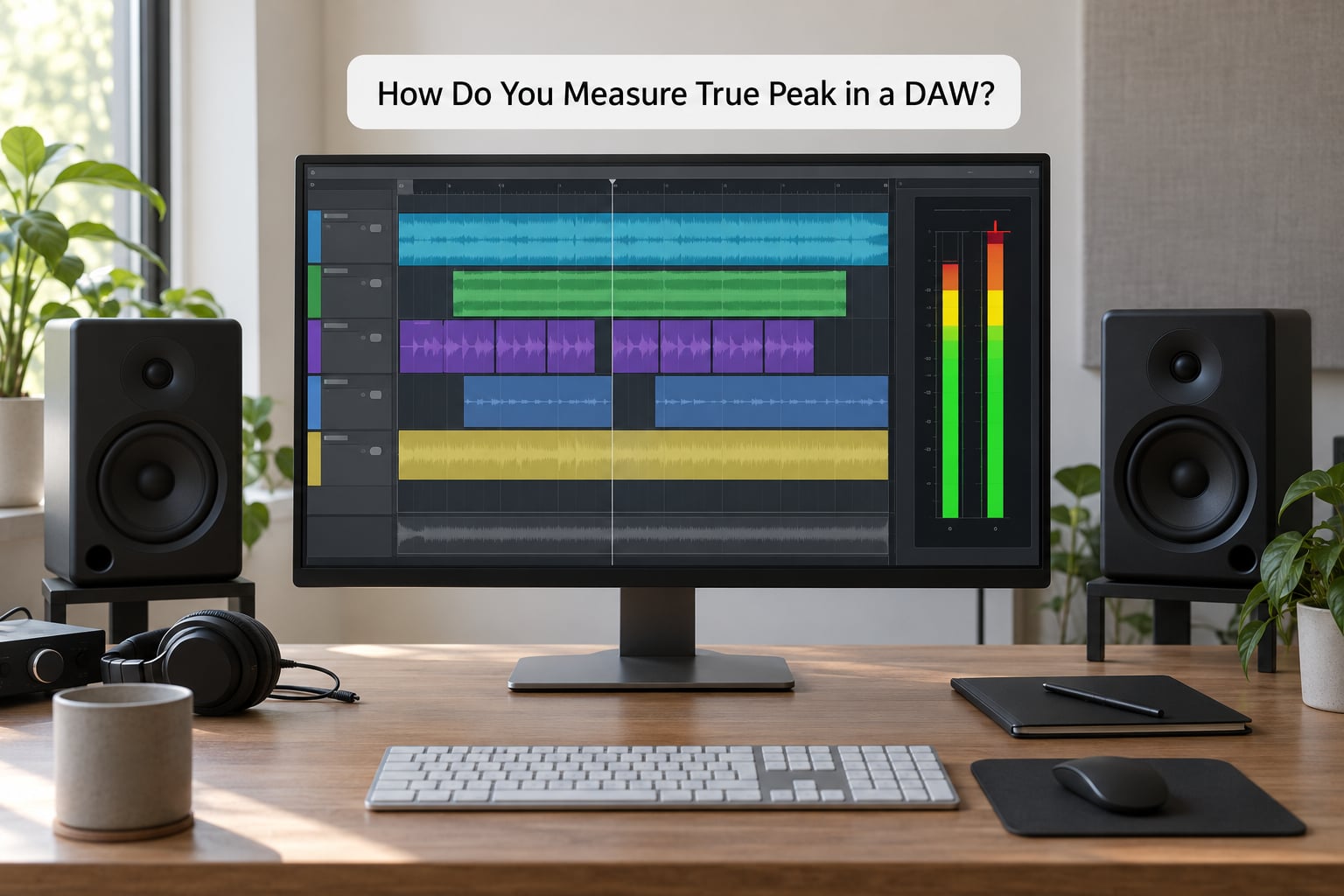
Measurement is straightforward once you know which meter is showing what. In Ableton Live, add a loudness or true peak meter to the Master track and read the dBTP readout rather than the peak line. Logic Pro X puts the same reading in the Master output slot’s metering section, and FL Studio and Reaper both expose it on the Master track meter when you set the peak mode to true peak.
Menu names and meter positions move between versions, so look for a mode toggle labelled true peak, ISP or 4x oversampled on whatever meter you already own. FabFilter Pro-L 2, iZotope Ozone and Youlean Loudness Meter 2 all report true peak and are common in bedroom setups.
Then do the step most people skip: close the meter after exporting and measure the rendered WAV. A plugin on the master bus reads what goes into it, not what your file contains after the DAW writes it.
How Do You Prevent True Peak Overs?
A short workflow catches nearly every problem before delivery.
- Leave headroom in the mix. Peak somewhere below the ceiling, usually around -6 dBFS on the busiest transient, so the limiter has range to work with.
- Set the limiter ceiling to -1 dBTP, not 0. Many limiters offer a true peak mode; turn it on. Oversample setting of 4x is the usual minimum.
- Keep the true peak limiter last. Any plugin after it, including dither, meters or a soft clipper, can push peaks back up. Trim before the limiter, never after.
- Watch the gain reduction, not just the ceiling. Heavy limiting means loudness is costing you transient shape. Two or three dB of gain reduction is normal; ten means something upstream is too hot.
- Export and re-measure the file. Open the bounce in a meter and confirm it reads at or below your target.
- Audition on a phone and cheap earbuds. This is the only honest check of what a listener hears, and it takes a minute.
If a finished master is already over the ceiling, lowering the fader does not remove anything. Turning the track down just moves the overs down with it, and it is still an overs. The fix is real limiting on the master bus or in a separate pass, accepting that the peaks get pulled rather than removed.
True Peak vs. Loudness: Which Measurement Should You Use?
Use both, because they answer different questions. LUFS describes how loud a track feels over time, and it is what streaming normalisation acts on. dBTP describes the single highest instant in the file, and it is what decides whether the playback chain distorts.
A track can be quiet and clip. It can also be extremely loud and clean. That is why a loudness target of around -14 LUFS for streaming says nothing useful about your peaks, and a -1 dBTP ceiling says nothing about whether your track competes with anything.
If a platform gives you both a loudness and a peak specification, treat them as two separate dials and set them independently.
Frequently Asked Questions
Is true peak the same as dBFS?
No. Sample peak in dBFS reads the stored sample values, while true peak in dBTP estimates the reconstructed waveform between them. On most EDM masters dBFS reads a decibel or so lower than dBTP. A file can show 0.0 dBFS on your DAW meter and still exceed full scale after reconstruction.
Why does a master show peaks above 0 dBFS?
Because 0 dBFS is the ceiling of stored sample values, not of the rebuilt analog waveform. The curve your DAC produces between samples can arc above full scale, and lossy encoders such as AAC add roughly another decibel of peak on top. A true peak reading above 0 dBTP tells you the reconstruction will clip somewhere in the chain.
What true peak level should I use for Spotify, YouTube, and club playback?
Use -1 dBTP as the default for streaming, since it absorbs the extra peak most lossy transcodes add. Go to -2 dBTP for hot, heavily limited masters. For club and festival systems, stay between -1 and -3 dBTP because the rig is likely running its own limiters near the top of the range.
Can a limiter cause true-peak distortion?
Yes, in the sense that a badly configured one can dull the attack it was meant to protect. Lookahead gain rides flatten sharp transients, and bass-heavy material suffers first. If you are pulling more than a few dB of gain reduction, the master is too hot going in. Turning the limiter off and lowering the master by a decibel is a valid alternative.
Do I need a true-peak meter if my DAW has a regular peak meter?
Only if that meter can be switched to true peak mode, which many DAWs now allow. A sample-peak-only meter gives false confidence, since no red light simply means no sample exceeded full scale. Whatever the meter says, still measure the exported WAV rather than trusting the session view.
Should I lower the sample peak or the true peak first?
Work on true peak, because that is the number that decides whether playback distorts. Bring true peak to -1 dBTP with a true peak limiter or by trimming before it, and the sample peak will follow underneath. Lowering only the sample peak leaves the inter-sample overshoot untouched.
Conclusion
Start by measuring the exported master with a true peak meter, not the session. If it reads above -1 dBTP, pull it back with a limiter set to true peak mode or trim the master down before it, then check the bounce again and listen on a phone. That half-decibel is the whole difference between a track that survives every playback chain and one that crackles on the first phone speaker that touches it.