A reference mix for collaboration is a deliberately rough, loudness-matched version of your track that you send to a collaborator so they hear roughly what you mean before detailed mixing begins. You build it in your DAW, keep it intentionally unbalanced, export it to match comparable commercial references, and ship it with a short written brief and a few timestamped cue points.
That last part is what separates a reference mix from a rough bounce. A rough bounce is just a file. A reference mix is a file plus a shared target, and that difference is where most collaboration friction actually lives.
I’ve been on both sides of this exchange, and the pattern repeats: projects stall not because anyone’s ears are bad, but because one person is hearing “the vocal should sit further forward” while the other is picturing a completely different record. Building a reference mix turns that argument into something you can both A/B.
The workflow below runs in Ableton Live, FL Studio, Logic Pro, Cubase, Studio One, Bitwig and Reason. The menu names shift, the ideas do not.
Updated for 2026
Table of Contents
- What You Need
- Step-by-Step: Building a Collaboration-Ready Reference Mix
- 1. Preserve the Original Session and Create a Copy
- 2. Set Up Levels and Monitoring for Fair Comparison
- 3. Organize the Mix into Useful Reference Stems
- 4. Check Balance, Dynamics, and Tonal References
- 5. Export a Listening Version and Shareable Files
- 6. Add Feedback Prompts and Version Notes
- Turning Returned Feedback Into Mix Notes
- Common Mistakes
- Frequently Asked Questions
- What is a reference mix and how is it different from a demo mix?
- Should my reference mix be loudness matched?
- What should I include when sending a mix for feedback?
- How do you mix with reference tracks without copying them?
- How should I name mix revision files across two or more people?
- Is a reference mix the same as a master?
- Conclusion
What You Need
Four things, and only one of them is software. Everything else you either already own or can do without.
- The session file. Your working project, with the arrangement locked enough that exporting a stereo mix makes sense.
- Two or three reference tracks. Commercial songs in the same genre and era, already mastered, that sit near the balance and energy you are aiming for.
- A monitoring level you can repeat. The same speaker volume every time, written down, ideally close to the level where your references were mastered.
- A loudness metering option. Every current DAW has one built in, usually in the master or output section, showing integrated LUFS.
A spectrum analyzer and a phase correlation meter are worth having but not required. If your DAW lacks them, most DAWs can load them as a plug-in on the master bus for the length of one session.
Before you build anything, be clear on which of three similar things you are making. Mixing these up is the source of a lot of wasted revision rounds.
| Type | Who makes it | How rough is it | What it is for |
|---|---|---|---|
| Commercial reference track | Someone else, already released | Finished and mastered | Hearing what good sounds like in this genre |
| Demo mix | The artist, alone, on a rough arrangement | Very rough, often lo-fi | Giving a producer or engineer something to react to |
| Reference mix | You, deliberately, with intent attached | Rough on purpose but deliberate | Getting specific, actionable feedback against a shared target |
A reference mix is not a demo and it is not a mastered version. The word “rough” in this context means the mix decisions are provisional, not that the file is careless.
Step-by-Step: Building a Collaboration-Ready Reference Mix
1. Preserve the Original Session and Create a Copy
Duplicate the session before you touch anything. Name the copy with a clear collaboration prefix and the date, then work only in that copy from here on.
Every DAW handles this slightly differently: Save As in Logic Pro and Cubase, Save a Copy in Ableton Live and Bitwig, File then Save As in FL Studio, Save a Copy As in Studio One. The point is the same, a second file that is clearly not the working session.
Inside the copy, clean up track names and colors so a collaborator opening the session sees the same map you see. Group tracks into folders for drums, bass, music, vocals and effects or sends.
How to tell it worked: open the original and confirm it is untouched, then send the copy filename to your collaborator before any audio so both of you are referring to the same document.
2. Set Up Levels and Monitoring for Fair Comparison
This is the step that most people skip, and skipping it produces feedback based on volume rather than shape. A quieter mix always sounds better than it should, which is why “turn up the low end” shows up so often in reply to mixes that had none of that problem.
Pick a monitoring level and write it on a piece of paper next to your screen. If your references were mastered at a streaming target around -14 LUFS integrated, playing your mix until its integrated loudness meter reads roughly the same number gives you an honest starting point. Set your output volume once and leave it there for the whole session.
Route everything through a single master bus so you are not comparing against a different output path. In Ableton that is a Mixer track, in Cubase a Studio or Control Room, in Logic and Studio One the Main or Master output, in FL Studio the Master channel.
Check the rough balance on headphones and on speakers if you have them. Mixing that only makes sense on one system is a habit that will surface later, usually when your collaborator is listening in a car.
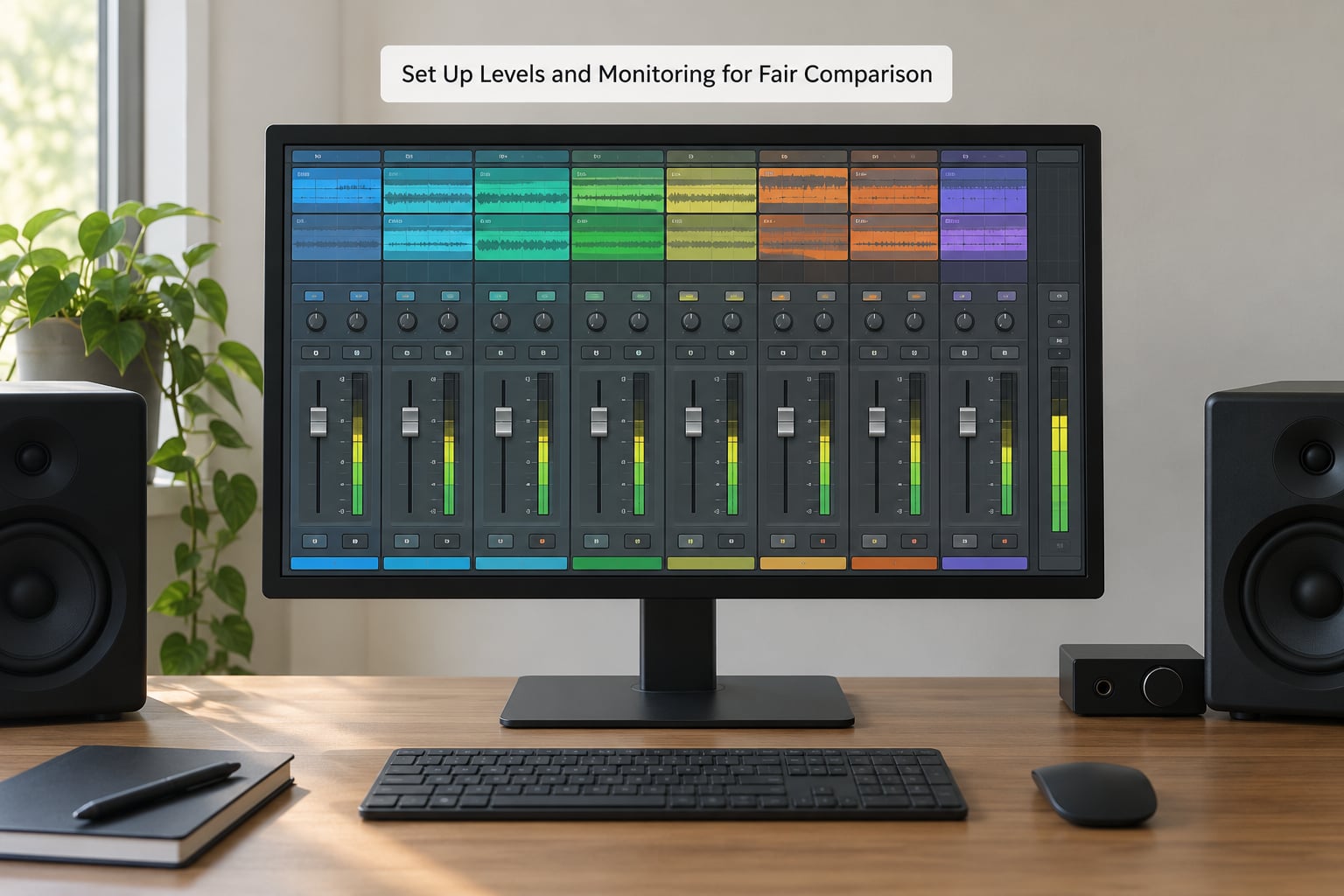
How to tell it worked: A/B your mix against a reference without touching the volume knob. If you cannot hear the difference in loudness but you still hear a difference in character, the level is matched and you can trust your tonal comparison.
3. Organize the Mix into Useful Reference Stems
Most collaborators cannot hear a fader move in a session they have never opened. They can hear stems. So give them a small set that describes the arrangement without asking them to download the whole project.
Five groups cover nearly everything: drums, bass, music or melodic elements, vocals or lead, and effects or ambient layers. Some producers add a sixth stem for anything printed through a separate bus.
Use a naming convention that sorts correctly in a file browser, something like 01_Kick_KH.wav, 02_Drums_Top.wav, 03_Bass.wav, 04_Music.wav, 05_FX.wav, 06_Vocal.wav. Two digit prefixes, underscores, no spaces and no punctuation that changes between operating systems.
Export stems at headroom, not at mix level. If your mix peaks near -6 dBFS, pull the stems down a few dB so a collaborator loading them into their own session does not immediately clip.
How to tell it worked: Import all stems into a fresh empty project on a different day. If you can rebuild a recognisable version of the balance in under five minutes, the stem set does its job.
4. Check Balance, Dynamics, and Tonal References
Now compare against your references, level matched. Look at four things in order.
- Vocal presence. Is the lead clear at a normal listening level without being louder than everything around it?
- Bass weight. Do the low frequencies carry the groove on small speakers, not just on headphones with a full bass response?
- Stereo width. Does the mix open up in places, or is everything narrowly centred? Check mono compatibility while you are there.
- Frequency conflicts. With a spectrum analyzer on, look for stacked energy where two elements compete, usually 200 to 400 Hz or around 2 to 4 kHz.
Dynamics matter here too. A reference that breathes and your mix that does not will always read as heavier and duller, no matter what the meters say. Compare crest factor rather than loudness.
The mistake worth naming: trying to match your mix’s final loudness to the reference. A mastered track has a limiter on it that you are not going to replicate. Match balance and density, leave the final level for mastering.
Check translation too. Play the mix on your phone, in a car if you have access, and on a cheap Bluetooth speaker. If the low end disappears entirely, your collaborator will hear that same collapse on whatever they own.
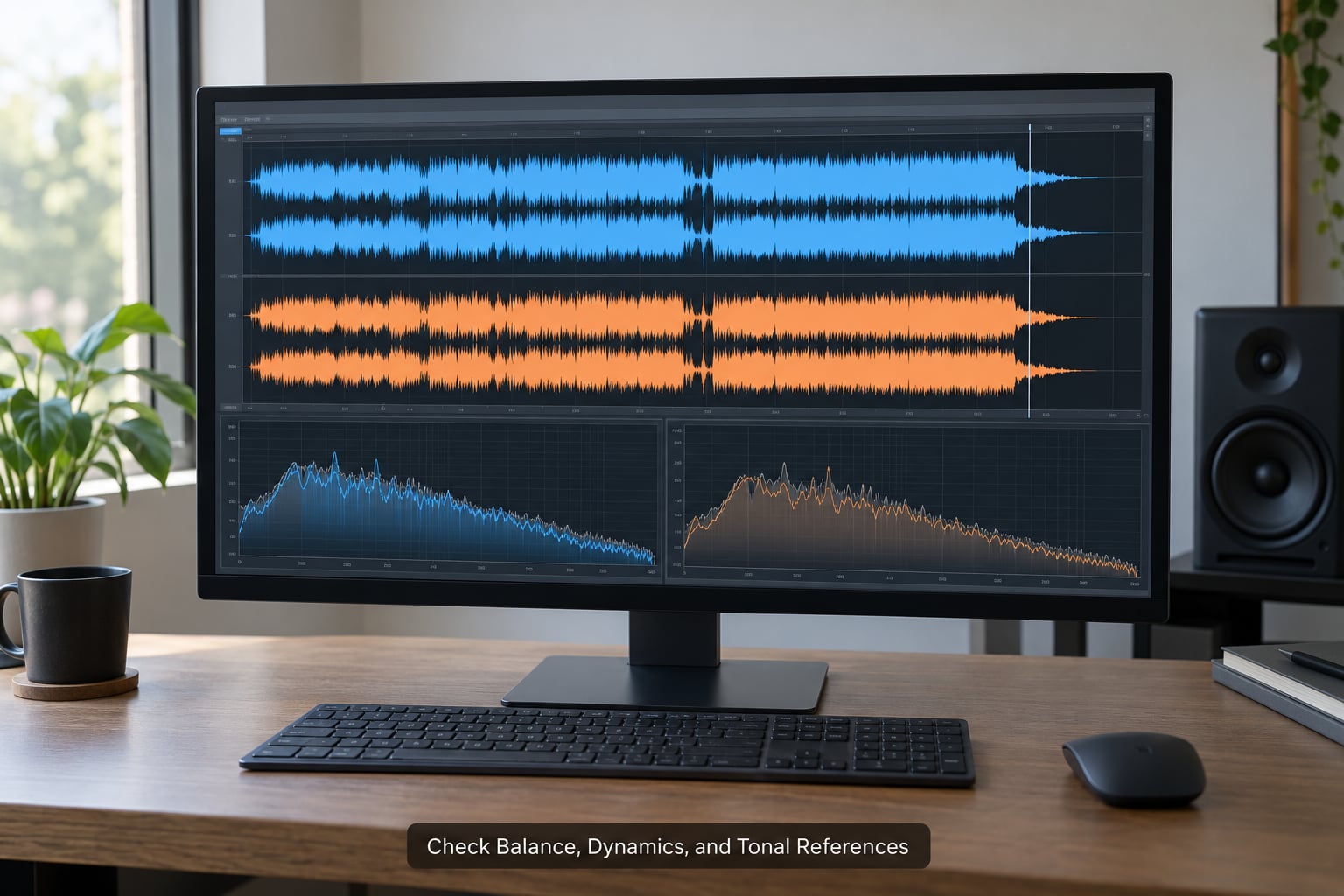
How to tell it worked: You can describe, in one sentence, what your mix does differently from the reference and why you kept it that way. That sentence is what goes in the brief.
5. Export a Listening Version and Shareable Files
Export a stereo reference mix as 24-bit WAV at your session’s native sample rate. Do not upsample, do not convert to MP3, and do not dither to 16-bit unless you have a specific reason.
Do not put a limiter on it. The export should represent your current balance, warts included, because a collaborator who hears a polished file will treat your mix notes as suggestions rather than instructions.
Alongside it, include the stems from step 3 if the collaborator works in a DAW, an instrumental version if there are backing vocals in the track, and your session file if they are technical enough to open it.
Name files so a stranger could guess the current version. A workable pattern is Artist_Track_RefMix_v1_YYYY-MM-DD.wav, then _v2 for each revision. Avoid the v1-final-REALLY-final trap that producers on r/audioengineering and r/mixingmastering describe constantly, because nobody including you can tell which file is current.
How to tell it worked: You can open the exported file in a player you do not usually use and hear the same balance you heard in the session.
6. Add Feedback Prompts and Version Notes
The audio alone generates adjectives. The written note generates decisions. Engineers report that timestamped notes beat vague ones every time, and the same applies to the reference mix you send.
Keep it under half a page and fill in five things:
- Intent. One or two sentences on the genre, the mood and where the track should sit.
- References. Track names and artists, with what you took from each one.
- Priorities. What matters most in this mix right now, usually vocal presence, low-end weight and energy.
- Cue points. Three to five timestamps with a specific question attached, for example 0:47 does the drop feel big enough.
- Known limitations. The things you already know are wrong and are not asking for yet.
A copy-paste brief looks like this:
Track: [name], rough reference mix v1, not mastered. Genre target: melodic trance, roughly 2020-era loudness and balance. References: [Track A] for the low-end feel, [Track B] for vocal space.
What I want to know: 0:47 does the kick carry on small speakers? 1:22 is the vocal too far back? 2:40 too much reverb? Priority this round is vocal presence. Please keep feedback as timecodes rather than adjectives.
Asking for timecodes rather than adjectives is a small sentence with a large effect. It gives the other person a low-effort way to reply that you can act on.
Turning Returned Feedback Into Mix Notes
When the annotated file or the reply comes back, do not just apply it. Convert it first.
- Split every comment into timecode, requested change and reason, if a reason was given.
- Translate adjectives into settings: brighter means raise the high shelf or open the top end of the vocal EQ, not turn up the treble.
- Sort into two lists, changes for this revision round and changes deferred to later rounds.
- Reply with what you changed and what you deliberately did not, with the reason.
Step four is the one most people skip. Telling someone you tried their note and heard why they asked for it is what keeps a collaboration running past round two.
Common Mistakes
Sending the mix too quietly or too loudly. Fix: loudness match before you judge. Read integrated LUFS on your export, match it against the references, and leave it there.
Sending an unlabeled rough bounce. Fix: artist, track, version and date in the filename, plus a text file or message saying which file is current.
Comparing on different monitoring chains. Fix: agree on one monitoring level in writing, and treat uncalibrated phone and laptop listening as translation checks rather than mix decisions.
Over-compressing before feedback. Fix: export the honest version first. If the mix needs to sound loud to be enjoyable, that is a mixing conversation, not something to bake in before a collaborator has heard it.
Matching final loudness instead of balance. Fix: compare integrated loudness only long enough to neutralise volume bias, then stop looking at meters and listen to shape, density and space.
Referencing one genre that does not match. Fix: pick references in the genre you are making. Engineers talk about hardest-genre arguments constantly, and the resolution is usually that a trance mix judged against a boom-bap master will never satisfy either side.
Asking for unlimited revisions with no priorities. Fix: state the number of rounds and what each round is for. Two rounds, first round on balance, second round on detail, is a reasonable default.
Sending the reference mix with no context at all. Fix: the brief from step 6, every time, even when the collaboration feels easy. Forum threads on mix collaborations are full of near-misses that came down to someone guessing.
One practical tip before you hit send: open the exported file yourself, on a device you do not normally use, one full day later. Sleep does this to mixes and it will do it to your collaborator too. Anything that suddenly sounds wrong is a note worth including now rather than after they point it out.
Frequently Asked Questions
What is a reference mix and how is it different from a demo mix?
A reference mix is a deliberately rough export you send to a collaborator so they hear the direction you intend, usually loudness-matched and sent with a written brief. A demo mix is the artist showing an early version of their own song, often made alone and quite lo-fi. The demo asks what they like; the reference mix states what you did and asks what to change.
Should my reference mix be loudness matched?
Match its integrated loudness to your references for as long as you are comparing balance, then stop watching meters. If your mix is quieter, it will sound better and flatter than it really is and you will over-apply low end. Do not try to match final loudness with a limiter, though. A mastered reference has processing you are not reproducing, so match density and shape and leave the level for mastering.
What should I include when sending a mix for feedback?
The stereo reference mix as a 24-bit WAV, the stems grouped into drums, bass, music, vocals and effects, an instrumental if there are backing vocals, and a short written note covering intent, references, priorities and three to five timestamped questions. Put the current version number in the filename and say which file is current, so nobody revises the wrong bounce.
How do you mix with reference tracks without copying them?
Steal the balance, not the sound. Match low-end weight, vocal position, drum punch and stereo width to a reference while keeping your own arrangement and textures. A/B constantly, level matched, and write down what you took from each track so you can tell whether a choice was deliberate. If two references disagree, decide which one governs and note it in your brief.
How should I name mix revision files across two or more people?
Use a pattern both sides can read at a glance: Artist, Track, RefMix, version, date. Keep numbers sequential and never edit an old file in place, so v2 always means something different from v1. Avoid words like final and really-final, which producers on forums describe as the fastest way to lose track of a project. Post the current filename in the thread whenever you send a new one.
Is a reference mix the same as a master?
No. A master is a finished, limited, release-ready file, usually delivered in whatever format the distributor requires. A reference mix is provisional, unmastered and exists to start a conversation. Sending a mastered file instead usually stops the conversation, because collaborators treat a polished bounce as an opinion rather than a question. Export early, unmastered, and let mastering happen after the notes are resolved.
Conclusion
Start with the smallest version of this: duplicate your session, set a monitoring level and write it down, group your stems, export a 24-bit WAV, and attach a five-line note with three timestamped questions. That is enough to get useful feedback back the first time.
Then build the habit around it, because the point of learning how to make a reference mix for collaboration is not the file. It is that a reference mix is a communication tool. It says here is the direction, here is what I already know is wrong, tell me what to change and where. Once you are sending that instead of a bounce, revision rounds get shorter and arguments stop being about volume.