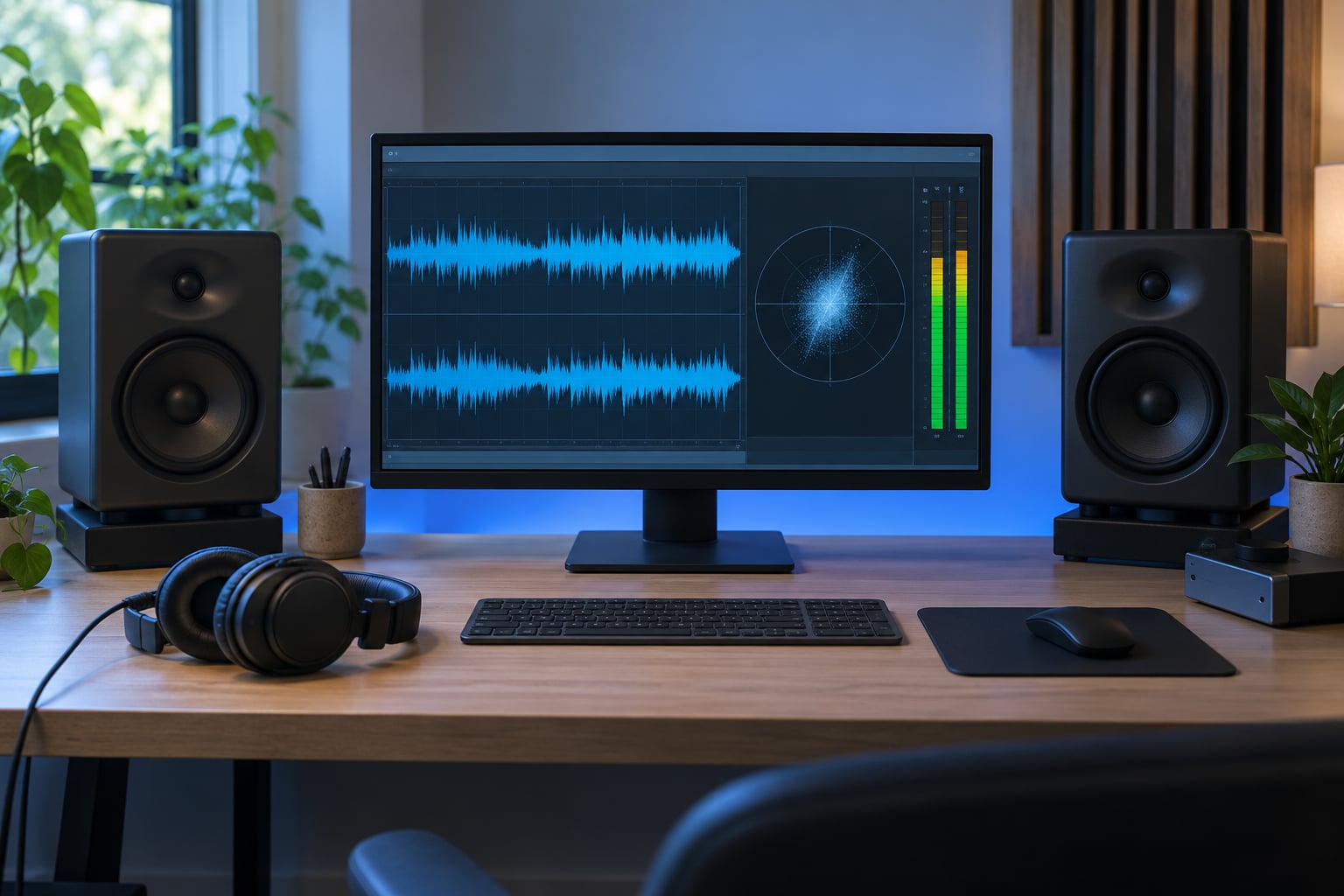
A correlation meter shows how closely the two channels of your stereo mix resemble each other, on a scale from +1 to -1. At +1 the channels are nearly identical, at 0 they are wide and independent, and below 0 they partly cancel when summed to mono. It tells you whether your track will hold together on a club PA, a phone speaker or a Bluetooth speaker.
This is audio phase correlation, not the statistical correlation coefficient you see on radar charts and in research papers. If you searched for how to read a correlation test or a correlation coefficient on radar, that question is about statistics, and the answer runs in the opposite direction: this meter is about waveforms.
The meter is a warning light, not a score. It tells you where to go listen; it does not tell you what a good mix is. Everything below is built around that idea, and it takes about ten minutes per track once the meter is wired in.
Table of Contents
- What You Need
- Step-by-Step: How to Read a Correlation Meter
- Step 1: Set the Meter to the Correct Signal Path
- Step 2: Understand the Correlation Meter Scale
- Step 3: How to Read a Correlation Meter Over Time
- Step 4: Identify the Section Causing the Reading
- Step 5: Correct the Mix by Ear and by Meter
- Common Mistakes
- How to Choose a Healthy Target Reading
- Frequently Asked Questions
- What does +1 mean on a correlation meter?
- What does 0 mean on a correlation meter?
- Is negative correlation always bad in a mix?
- What correlation number should I aim for when mixing?
- How do I read a correlation coefficient on radar?
- Does a correlation meter measure loudness?
- Conclusion
What You Need
Four things, and only one of them is a piece of software.
- A stereo mix bus or master output — the meter needs two channels to compare, so a mono group or a single channel strip tells you nothing useful.
- A correlation meter — most DAWs ship with one. Logic Pro has it on output channel strips, Ableton Live has it in the Utility device and on the master track, Pro Tools has it as a selectable meter type, FL Studio and Cubase both include it, Reaper has it on the master track and on any channel.
- A reference track you trust — for balance and width, not for copying. Pull it up at matched loudness so the meter has something honest to compare against.
- Monitoring beyond headphones — nearfield monitors, a decent speaker pair, or a phone and a Bluetooth speaker for translation checks. Headphones hide the exact problems correlation exposes.
Measure the finished stereo mix or the mix bus you are actually judging. A pre-fader tap on one instrument tells you about that instrument, not your mix.
Step-by-Step: How to Read a Correlation Meter
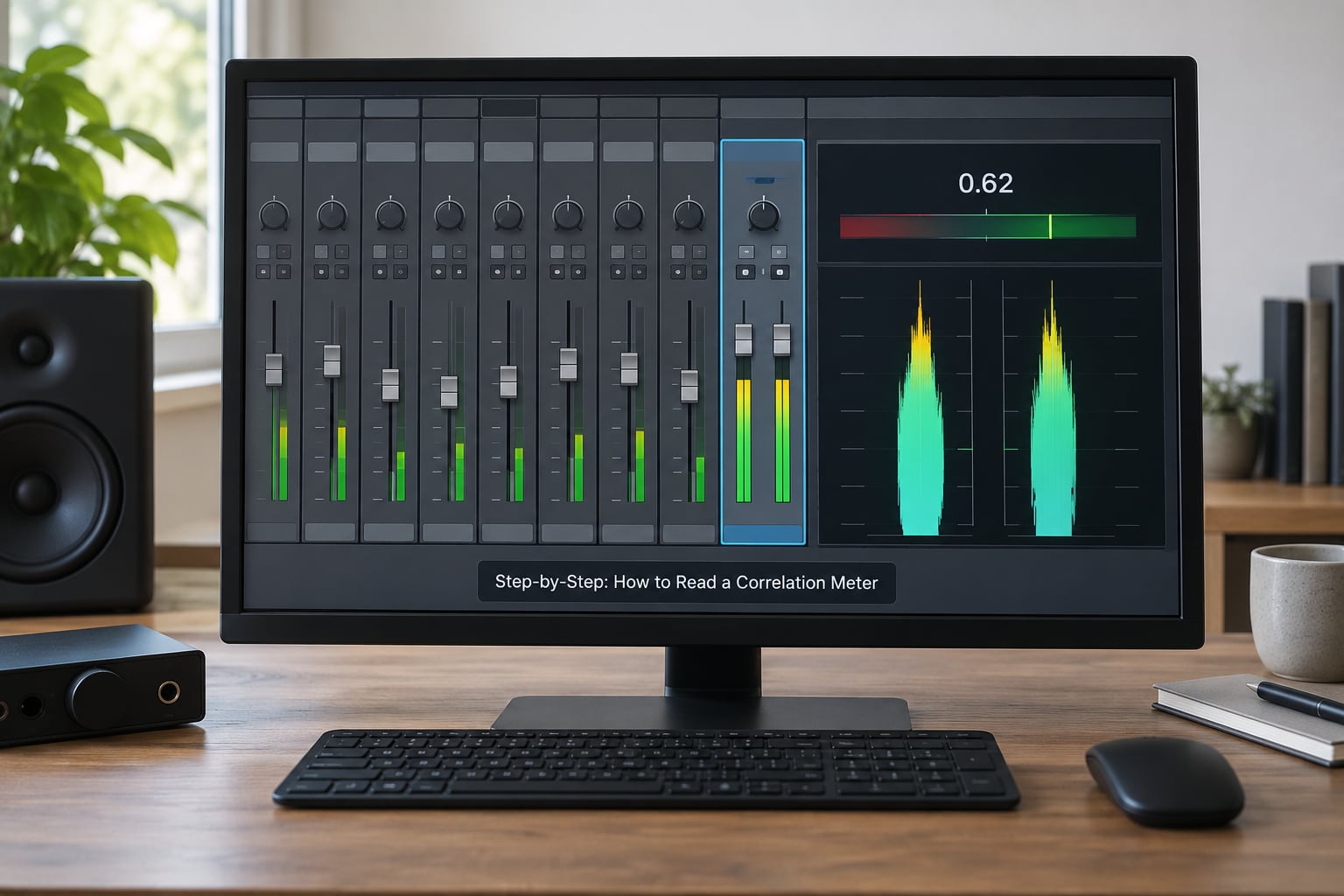
Step 1: Set the Meter to the Correct Signal Path
Put the meter on the stereo master bus, the main output or the last bus before your interface. In Live that means the Utility device on the master track or a channel that sums to it; in Logic it is an output or the master strip; in Cubase and FL Studio it is the master channel; in Reaper it is the master track or any routed output.
The mistakes here are small and common. Someone patches a single mono instrument bus into the meter and wonders why the number never moves. Someone measures the drum bus and draws conclusions about the whole track. Someone measures before a gain stage and gets a reading that changes completely once the fader comes up.
Quick check before you trust anything: pan the master hard to one side, hit play, and confirm the meter still responds. If it freezes, you are measuring a single channel and the signal path needs fixing first.
Step 2: Understand the Correlation Meter Scale
The meter multiplies the two channel waveforms together instant by instant and averages the result over a short window. When both channels rise and fall together, that product stays high and the needle sits near +1. When one rises while the other falls, it drops toward -1.
| Reading | What it means | What to do about it |
|---|---|---|
| +1.00 | Channels are identical. Effectively mono. | Nothing, unless you wanted width. Bass and kick normally live here. |
| +0.70 | Tight but genuinely stereo. Solid full-mix range. | Leave it alone in most genres. |
| +0.30 | Noticeably wide. Common in house and trance breakdowns. | Check the low end separately and check mono playback. |
| 0.00 | Channels are unrelated. Very wide or heavily processed. | Fine above about 2 kHz. Suspicious below 200 Hz. |
| -0.30 | Partial cancellation on mono sum. Hole in the low end likely. | Find the offending source and fix or narrow it. |
| -1.00 | Channels fully inverted. Near-silence when summed. | Stop. Look for inverted polarity or undecoded M/S. |
Two distinctions carry most of the confusion. Mono compatibility is not the same as stereo width: you can have a very wide mix that still sums cleanly, and a narrow one that does not. And correlation is not loudness — it says nothing about volume, dynamics or tonal balance, only about channel similarity.
Step 3: How to Read a Correlation Meter Over Time
Most meters show more than one number and mixing them up is the biggest beginner mistake.
The instantaneous value is the live needle or bar. It jumps around and it flickers into negative territory for a fraction of a second during a fill or a riser. That is normal and it is not a defect.
The average value smooths over one to ten seconds. This is the number worth judging your mix by.
The minimum hold catches the worst dip over the last several seconds or for the whole playback. It is the single most useful figure for debugging, because it tells you a bad moment happened even if you missed it.
Play the whole arrangement and note the average and the minimum for the intro, the breakdown, the drop and the outro. What matters is sustained behaviour. A drop that holds +0.5 average and never dips below -0.1 is healthy. A breakdown that averages 0 but spends its last two bars at -0.4 is not.
Watch what happens when sections change. If the meter drops the moment a riser and a vocal double enter together, you already know where to look.
Step 4: Identify the Section Causing the Reading
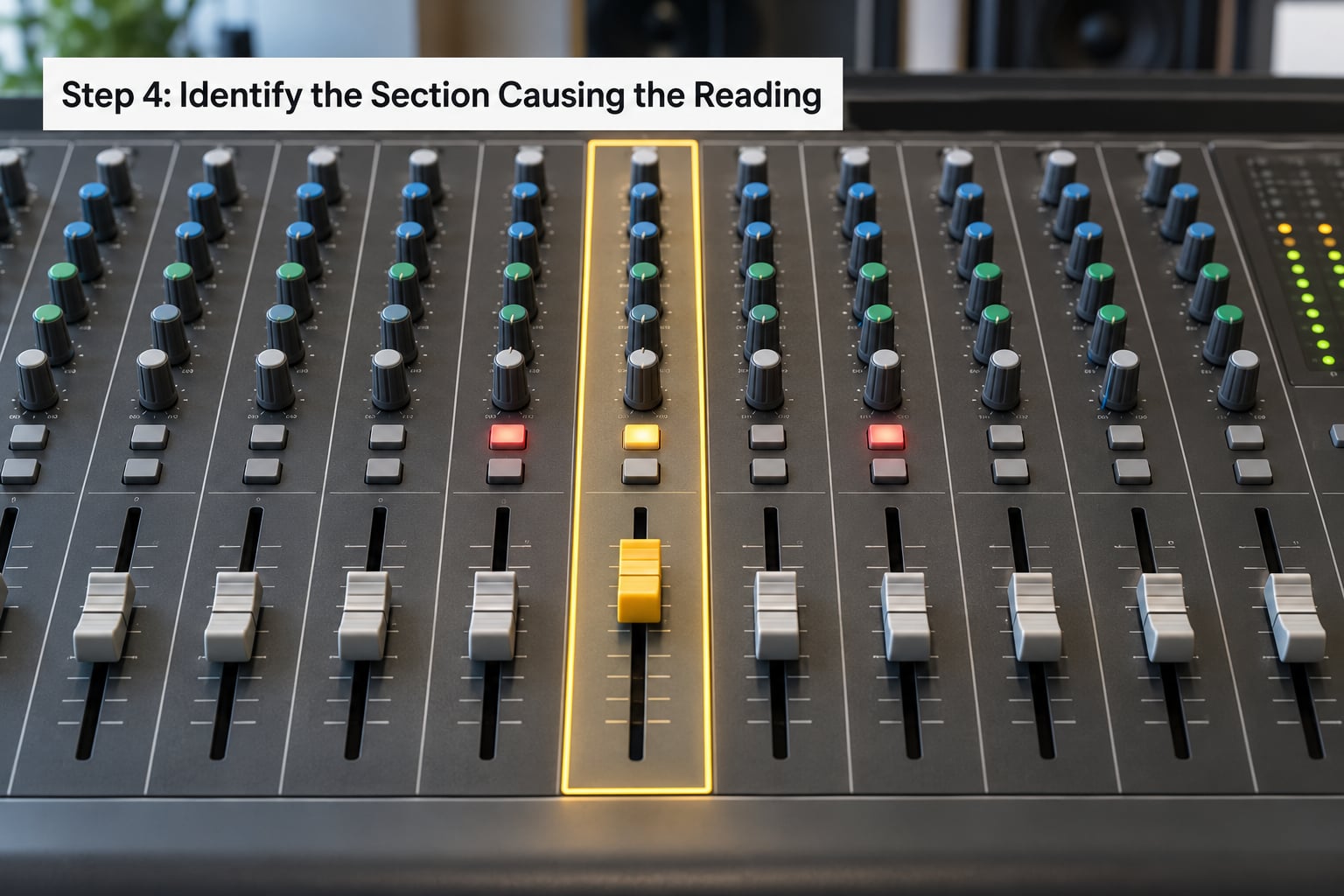
This is the step that forum threads keep asking about and almost no guide explains properly. You attribute the dip by elimination, not by guessing.
- Note the moment of the worst dip, or the section that averages badly.
- Solo the group bus that feeds that moment. Drums, bass, leads, FX returns — one at a time.
- Watch the meter while you solo. A bus that drags the number down on its own is your suspect.
- Bypass inside the bus to narrow it further, down to the individual channel or plugin.
- Confirm by un-soloing everything else. If the reading returns to normal when the one channel comes back in, you found it.
Common culprits in electronic music. A widener plugin on a pad bus can push the meter toward 0 without doing anything useful. Haas-style doubling — the same vocal or lead panned wide, offset by a few milliseconds — always costs correlation, because the timing difference is phase information. Reverb and delay returns carry decorrelated stereo that pulls the full-mix number down harmlessly at the top but can hollow out a dense breakdown. Tuned toms panned wide and hard-tuned can go negative; GearSpace threads on this usually end with someone detuning one tom and watching the meter recover, which is the fastest confirmation available.
The pattern tells you the cause. A reading that sits consistently negative on an otherwise normal source is usually polarity inversion or a mid/side signal that never got decoded back to stereo. A reading that swings around zero during specific sections is usually a stereo effect or a doubled layer. A reading that is fine except on one element is usually one channel.
Step 5: Correct the Mix by Ear and by Meter
Make one small change, then listen. The meter tells you the direction; your ears decide whether the change was worth making.
Too low (wide). Reduce width on the offending layer, or high-pass the side channel so the low end stays mono. Meloraw’s stereo widening guide suggests a high-pass on the side at 120-150 Hz and gentle shelving above about 7 kHz, which is a reasonable starting point rather than a rule.
Too high (narrow). This is usually not a problem in electronic music and forcing it is how you end up with a lifeless mix. If the number pins above +0.9 for a whole track and the image feels flat, widen one layer at a time rather than reaching for a global widener.
Negative. Work in this order: check polarity buttons and phase controls on the suspect channel, flip them if one is engaged, and listen. If that does not fix it, try a sample-accurate nudge of a fraction of a millisecond on the one channel to bring it into time with the other. If it is a time offset, that will fix it. If the channel is a doubled part, you may be better off tightening the pan spread on that layer than chasing phase forever.
For consistent low-end energy without losing punch, mono the low end rather than the whole mix. On the mix master, a multiband or M/S processor lets you keep everything below roughly 150 Hz centred while leaving the top wide, which is what club systems and most phone speakers want.
Then play it in mono. Hit your DAW’s mono button, the fold-down switch on your interface, or whatever your setup offers, and listen for anything that vanishes or thins. A lead vocal losing more than about 3 dB in mono is a problem worth fixing; losing more than 4 dB of total level on the mono sum is a strong hint that correlation has gone negative somewhere.
Common Mistakes
Treating correlation as a quality score. This is the big one. A higher number does not mean a better mix — it means less stereo difference. If you optimise for +1 you will flatten everything and wonder why the track sounds lifeless. The meter flags risks; it never grades the mix.
Chasing one permanent exact number. Sources disagree about targets for a reason. You will see +0.25, +0.5, +0.8 and +0.9 quoted as the right answer, and each one is describing a different genre and a different section. Pick the range that fits the music and use the meter to stay inside it, not to hit a number on a specific bar.
Measuring the wrong signal. A correlation meter on a mono instrument bus, on a pre-fader tap, or on one channel of a stereo pair produces a number that means nothing about your mix. Confirm the signal path before you draw any conclusion from the value.
Confusing phase cancellation with level reduction. A dip in correlation means the channels disagree, not that the track is quiet. If you are turning the master fader down to fix a negative reading, you are solving a different problem. Check the vectorscope at the same time — a goniometer that squashes into a horizontal line means polarity inversion, a trace that spins or crosses itself means phase rotation.
Monitoring on headphones only. Headphones carry almost no interaural cross-talk, so they will not reveal a mono fold-down problem at all. Do the correlation checks on speakers, and use the phone as a final translation test.
Panicking over short dips. Short-term negative excursions during a riser or a crash are normal. Producers on r/psytranceproduction describe the useful rule as staying above 0 where it matters, since below 0 weakens the sound even in stereo, not only in mono — but a momentary dip inside a two-second fill is not that. Judge sustained readings.
How to Choose a Healthy Target Reading
There is no single correct number, and anyone who gives you one without asking about genre is guessing. The number is a summary of how similar your channels are, and how similar they should be depends entirely on what the music is doing.
| Style or context | Typical full-mix average | Notes |
|---|---|---|
| Melodic trance, uplifting house | +0.2 to +0.6 | Wide breakdowns are normal. Keep the sub-bass band above +0.8. |
| Progressive house, melodic techno | +0.4 to +0.8 | Textured pads push the average down during the build. |
| Hard techno, hardstyle | +0.6 to +0.9 | Club systems are mono-ish, so wider mixes lose impact. |
| Drum and bass, dubstep | +0.5 to +0.9 | Sub weight matters more than width at the bottom end. |
| Ambient, cinematic, downtempo | 0.0 to +0.5 | Width is the point. Watch only for sustained negative excursions. |
| Pre-master QC | +0.3 or better | A widely used floor for mono-safe delivery. |
Two numbers matter more than the full-mix average. Below about 150 Hz, correlation should sit very close to +1 in anything club-facing, because that is the band that loses weight on a mono system. Above about 8 kHz, wide and even decorrelated content costs nothing perceptually and adds air. The middle is where judgement matters.
This is why a per-band view beats a single number. Voxengo Correlometer is free and shows correlation across frequency bands, which is the standard fix recommended on r/mixingmastering when something is dragging the full-mix reading: find the offending band and mono only that band. Ozone’s Imager and similar tools do the same job if you already own them.
Use the meter beside other checks, never instead of them. Frequency balance, dynamics, a reference track at matched loudness, and a playback on a genuinely different system will tell you things the number cannot. If a mix reads +0.4 average and sounds great, it is a good mix. If it reads +0.8 and sounds like mud, the meter was never going to help.
Frequently Asked Questions
What does +1 mean on a correlation meter?
+1 means the two channels are effectively identical, so summing them to mono changes nothing. That is normal and correct for bass, kick and any centred element. A full-mix average pinned near +1 means an almost entirely mono mix with very little stereo information, which is fine for some styles and lifeless for others.
What does 0 mean on a correlation meter?
0 means the two channels share no common signal at that moment, so a mono sum produces almost nothing useful from that band. In practice it is common in wide pads, reverb returns and air above about 5 kHz, where it costs you nothing. The same reading below 200 Hz is a real problem, because that is where the low-end weight lives.
Is negative correlation always bad in a mix?
No. Short dips below zero during a riser, a crash or a stereo fill are normal and inaudible. The problem is a sustained or frequent negative reading, especially in the low end, because those elements lose level and weight when the mix is summed to mono. Judge the average and the minimum hold over each section, not single flickers.
What correlation number should I aim for when mixing?
For most full-mix electronic material, somewhere between +0.2 and +0.8 depending on genre, with trance and ambient sitting lower and techno and club-leaning styles sitting higher. Below 150 Hz aim much closer to +1. Treat these as ranges you stay inside rather than a number to hit, and let the reference track and your ears have the final say.
How do I read a correlation coefficient on radar?
That is a different measurement entirely. A correlation coefficient on a radar chart, or Pearson’s r, is a statistic describing how two sets of data vary together, ranging from -1 to +1 for the same reason of convenience. The audio correlation meter also runs -1 to +1, but it compares two audio waveforms in real time. Same numbers, entirely different meaning.
Does a correlation meter measure loudness?
No. It compares the shape of the two channels and ignores level almost completely, since a correlation value does not change if you turn both channels down. Loudness is measured by a loudness meter reporting LUFS and true peak, usually on the master output. Use the two meters together: one for level, one for stereo relationship.
Conclusion
Start with the smallest possible job: insert the meter on your master bus, play the drop, and watch the minimum hold. If it never goes negative and the average sits in the range your genre calls for, you are done. If it does, solo the bus that feeds that moment until you find the one channel causing it, then fix that channel instead of the whole mix.